Automation
Build workflows, drip campaigns, and broadcasts that run from your CRM. Every lead gets the right message at the right time without your team touching a button.

4.7 on G2

4.6 ease of use on Capterra
Trusted by
3,500+
businesses


Workflows
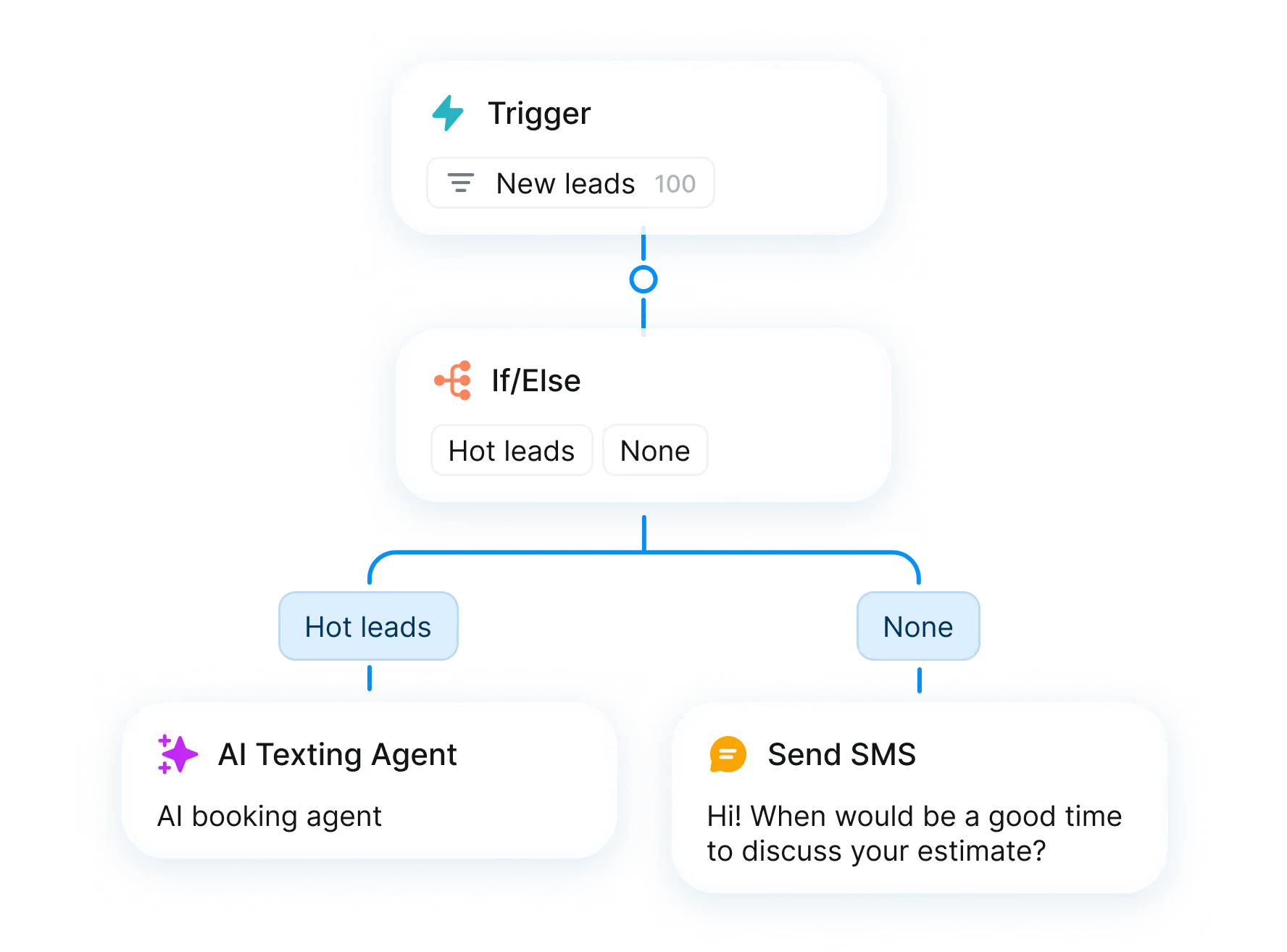
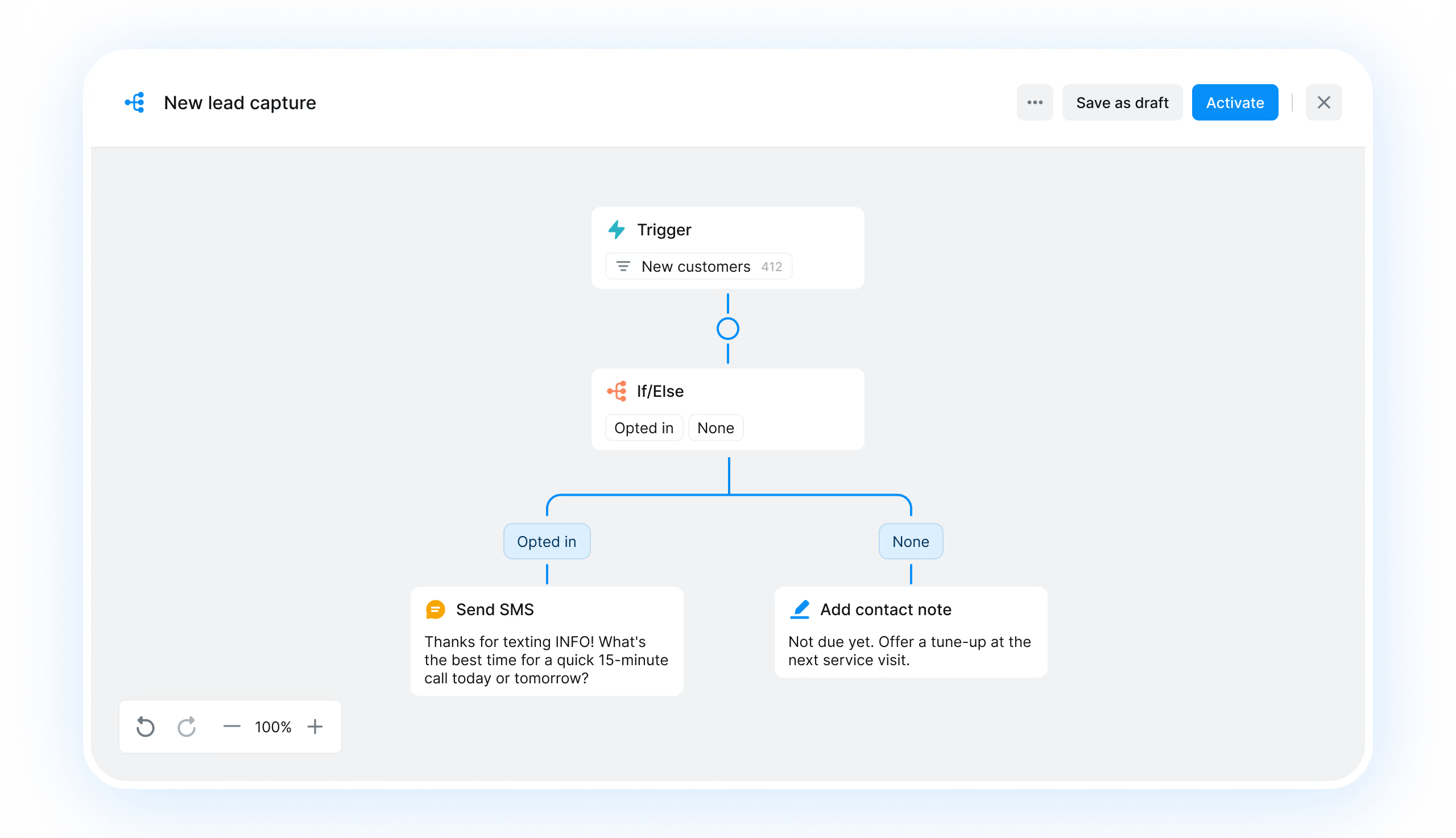
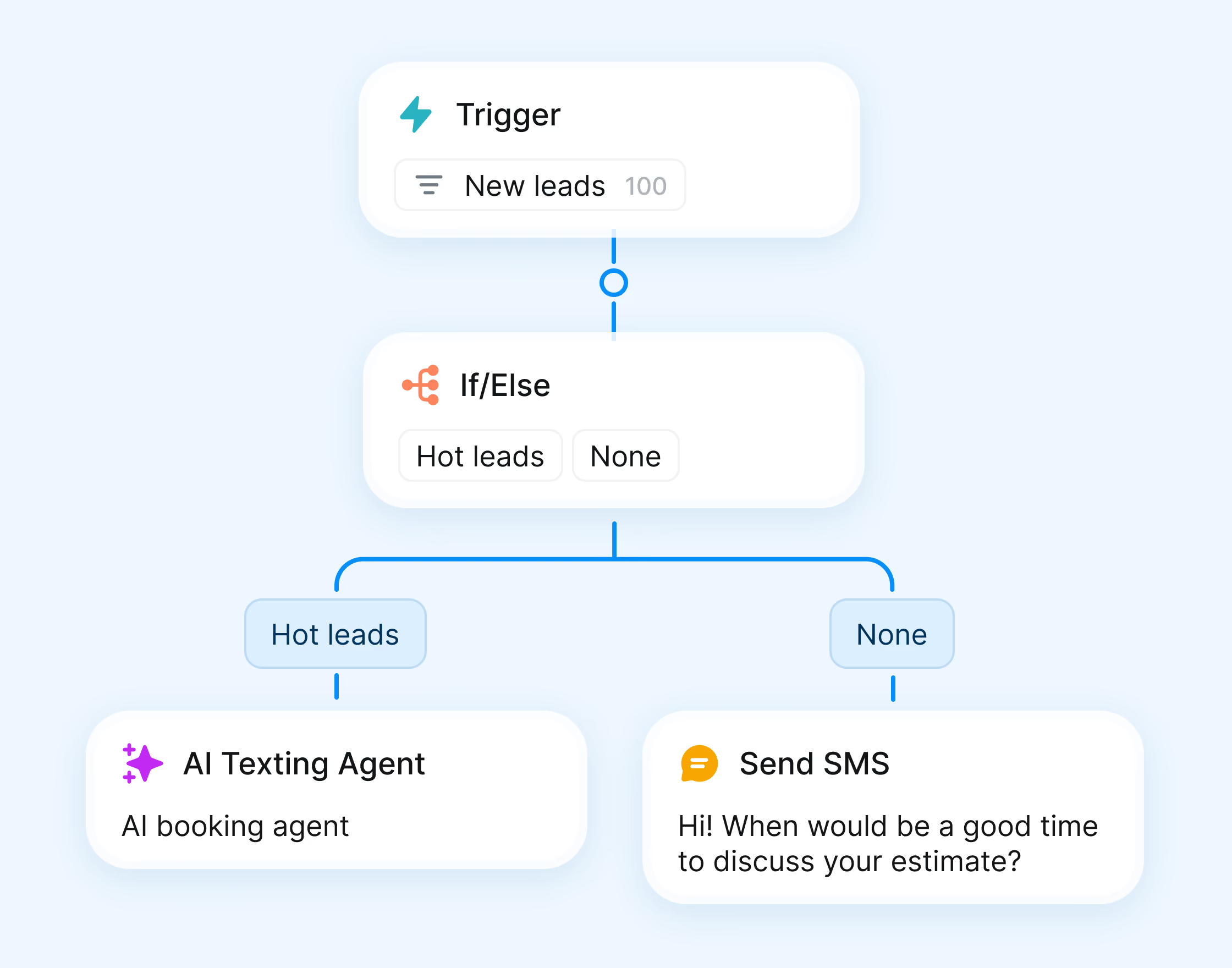
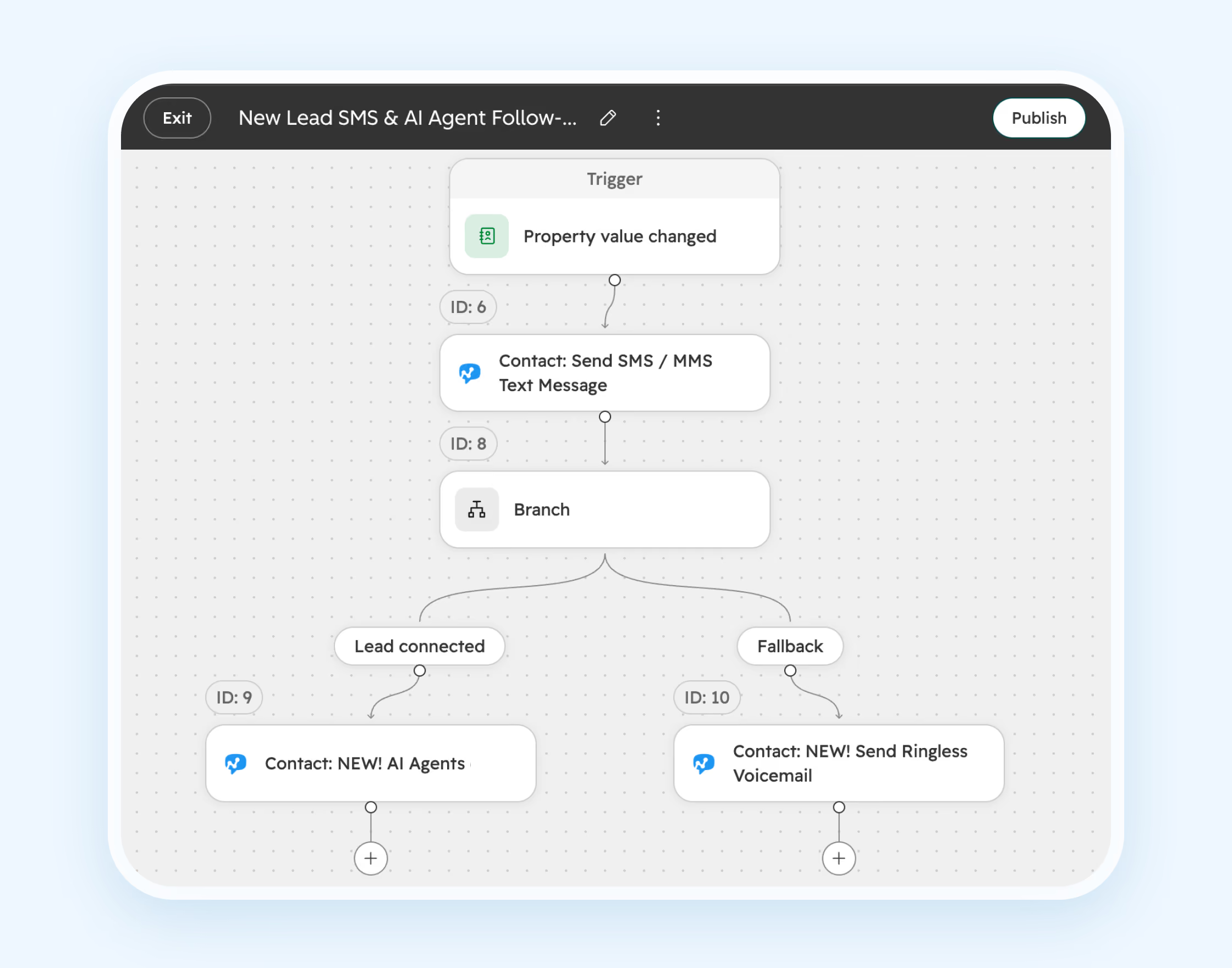
Manual follow-up breaks when your team grows. Workflows 2.0 lets you build trigger-based SMS automation with branching logic, so the right message goes out without anyone pressing send.

Set triggers for new contacts, replies, tags, or webhook events

Add If/Else conditions with AND/OR logic for smart branching

Send SMS, RVM, RCS, or hand off to an AI agent mid-flow
Campaigns
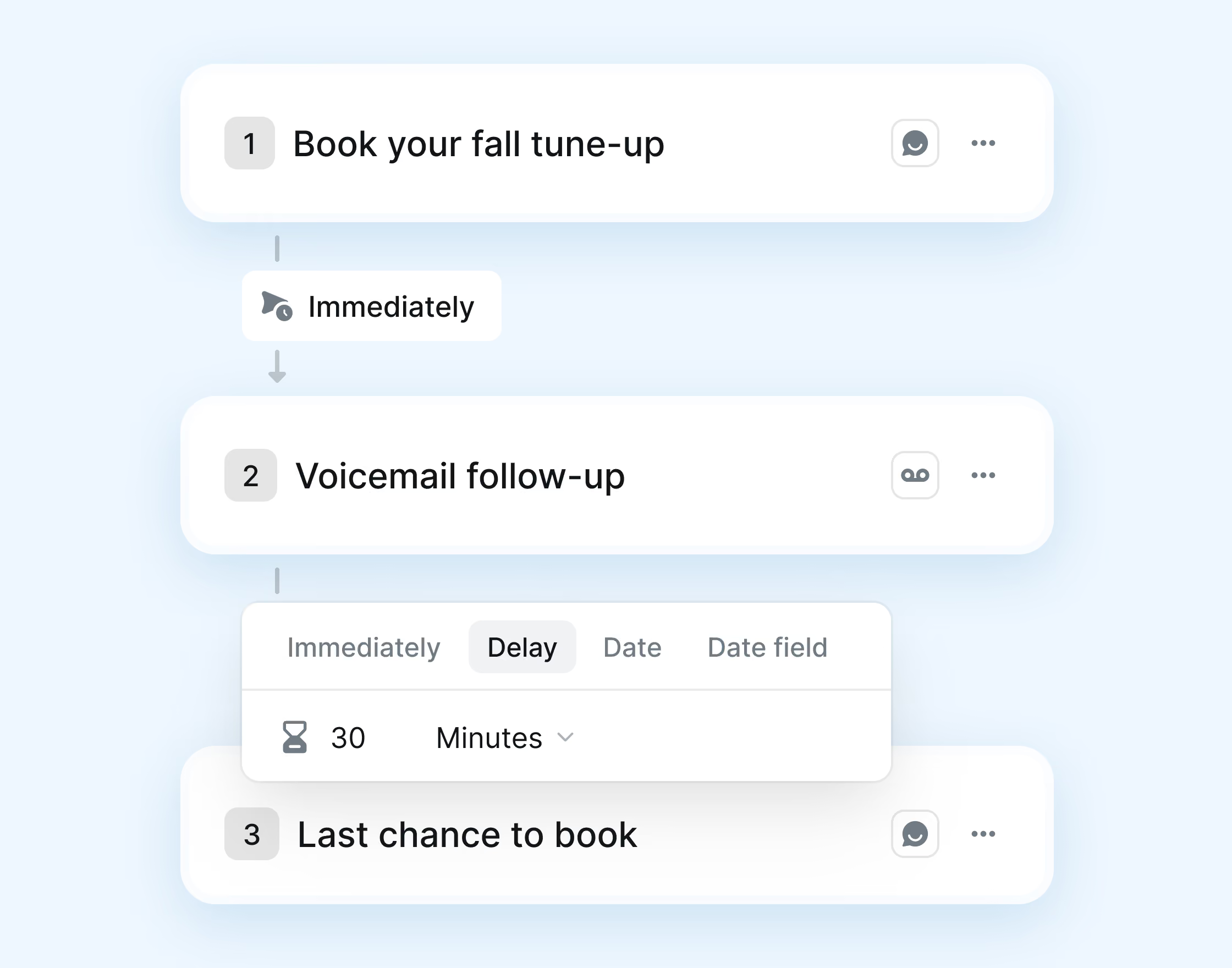
A single text gets ignored. Multi-step campaigns combine SMS, ringless voicemail, and RCS into sequences that keep the conversation going until the lead responds.

Build up to 10 steps per campaign with SMS, RVM, and RCS

Schedule by fixed delay, fixed date, or dynamic date fields

Stop on reply or unsubscribe so you never over-message
Broadcasts
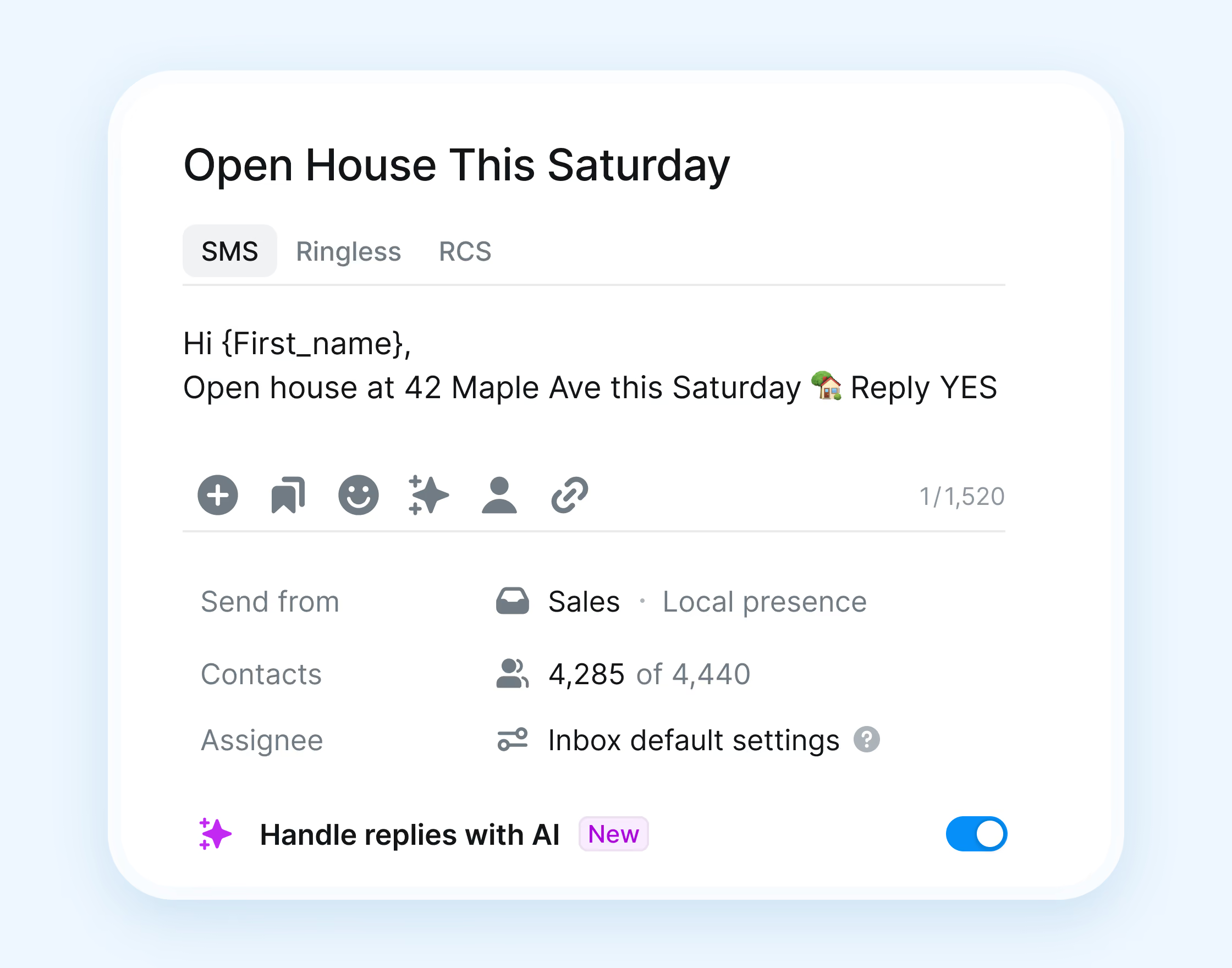
Sending messages one at a time does not scale. Broadcasts push promotions, updates, or reminders to thousands of contacts at once with delivery tracking and conversion analytics.

Send to your full list or filter by segment, tag, or custom field

Schedule one-time or recurring broadcasts for repeat campaigns

Let an AI agent handle replies so your team stays focused
Keywords and auto-replies
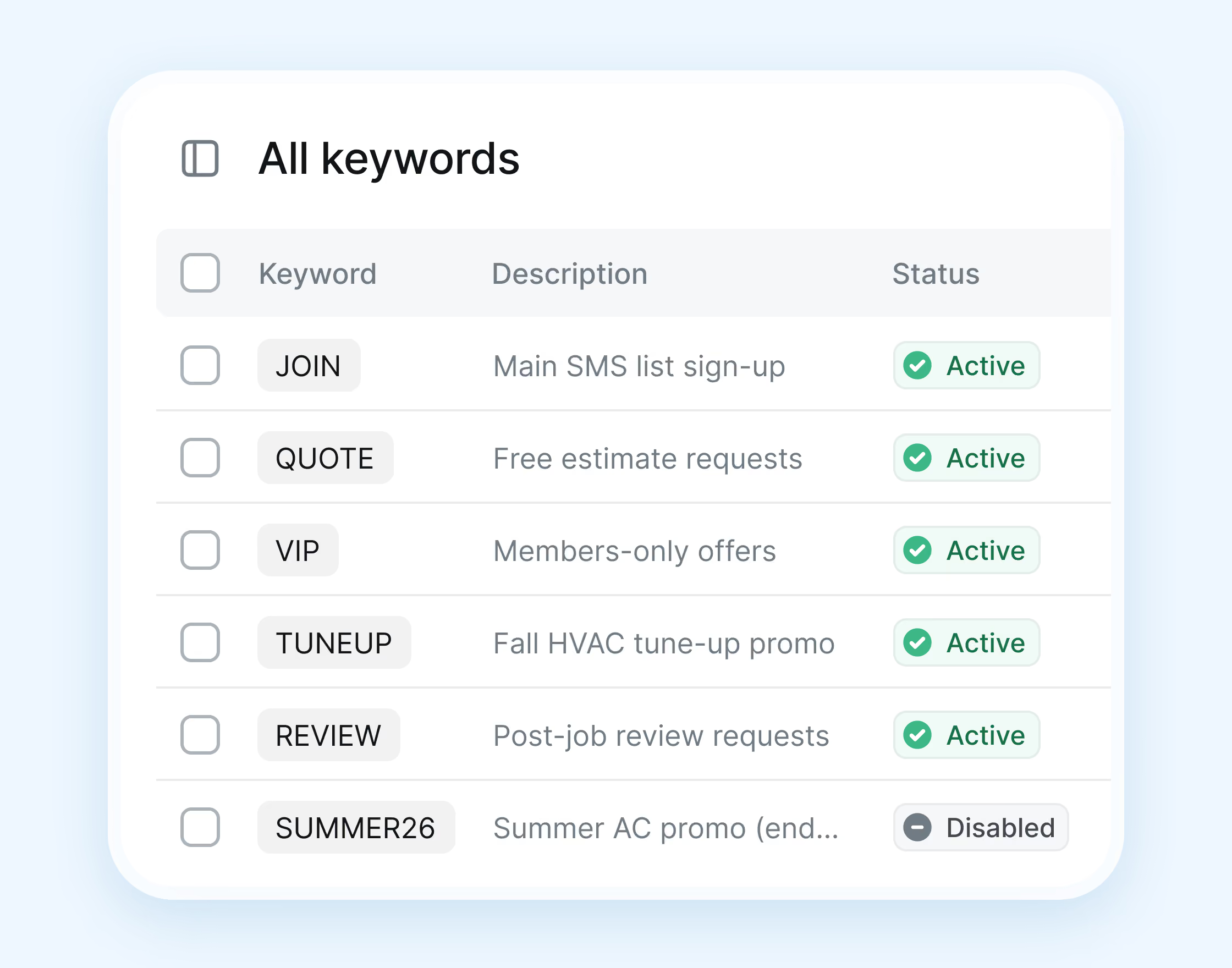
Waiting for your team to respond costs you leads. Keywords and auto-replies trigger instant SMS responses the moment a contact texts in, 24/7.

Create text-to-join keywords for events, ads, or signage

Auto-reply instantly with a canned response or AI agent

Track keyword performance with built-in analytics
CRM-triggered automation
Rebuilding automation in a separate tool wastes time. Salesmsg plugs directly into your CRM so texts fire from the workflows your team already has.

Trigger SMS from HubSpot workflows, lists, and sequences

Fire texts from Salesforce Flows, Process Builder, and campaigns

Add SMS actions to ActiveCampaign automations and deal stages
Webhooks and API
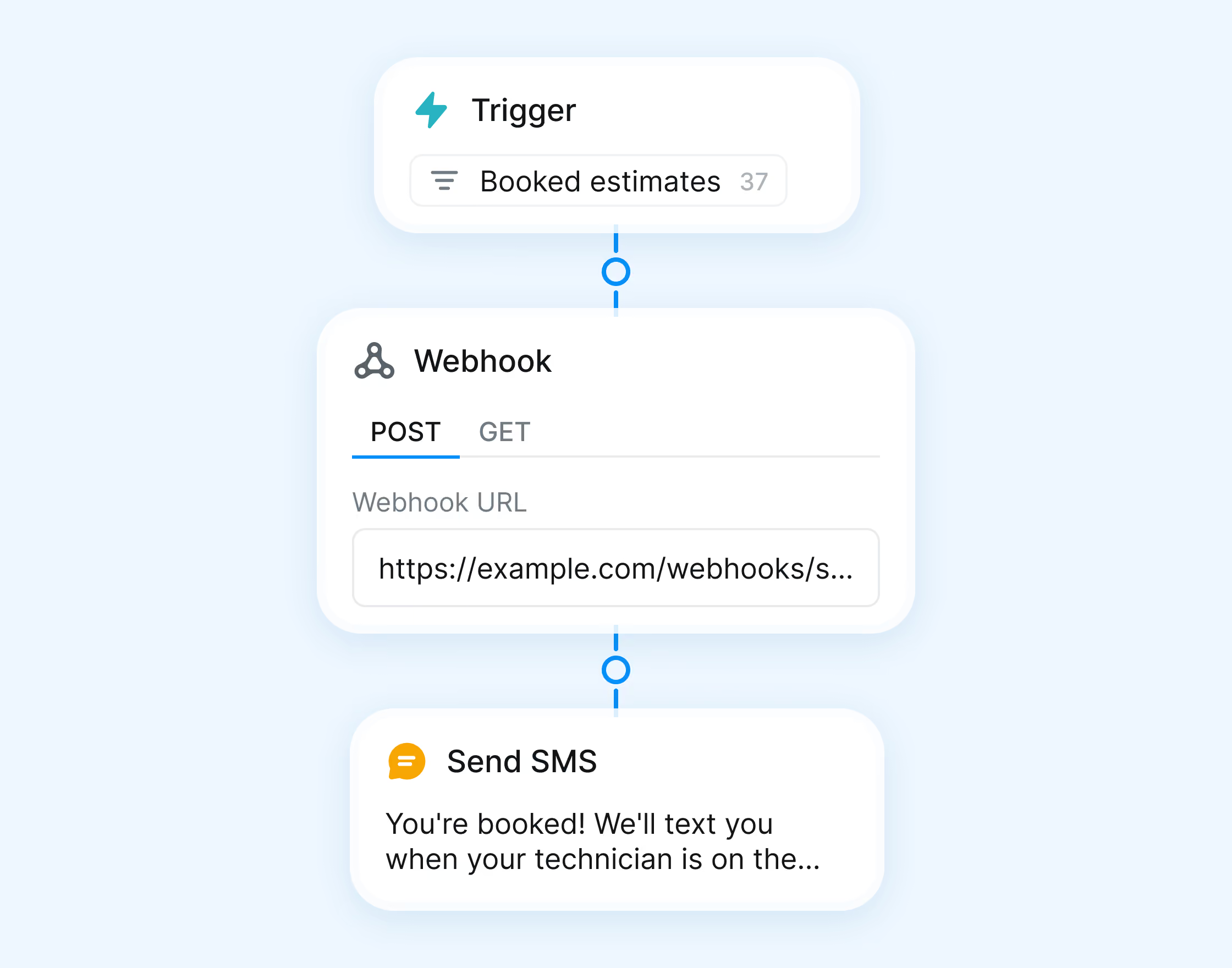
Not every tool has a native integration. Webhooks and the public API let you trigger texts from any platform, push data out of Salesmsg, and keep your stack in sync.

Enroll contacts into workflows via inbound webhooks

Send HTTP requests from workflows to external systems

Build custom integrations with the Salesmsg REST API
Every automation capability, in one platform.
Workflows 2.0
Visual builder with triggers, conditions, and branching logic.
Multi-message campaigns
Drip sequences with SMS, RVM, and RCS in one flow.

AI Agents
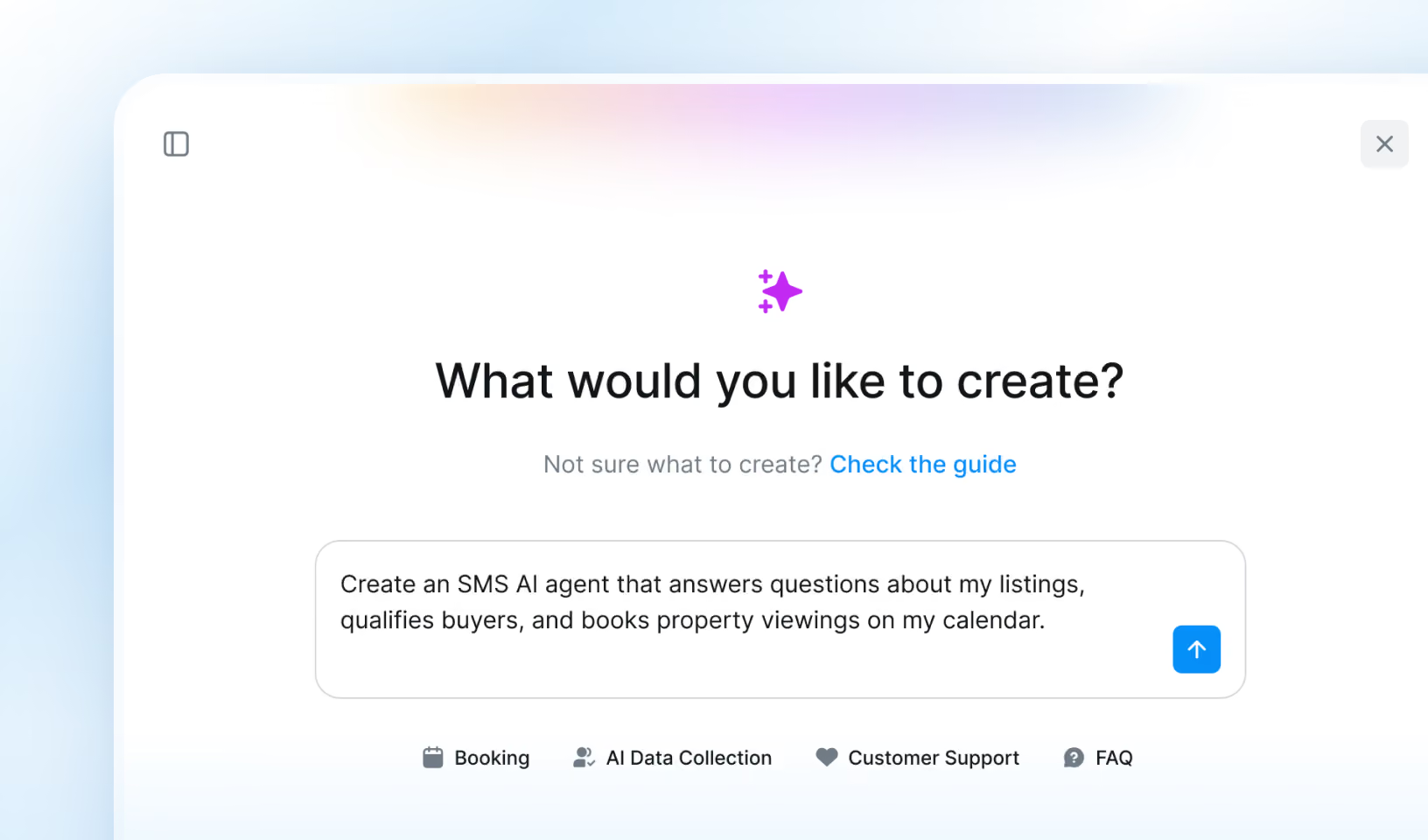
Your AI agent handles texts and calls, qualifies leads, and books showings 24/7.
Keywords and auto-reply
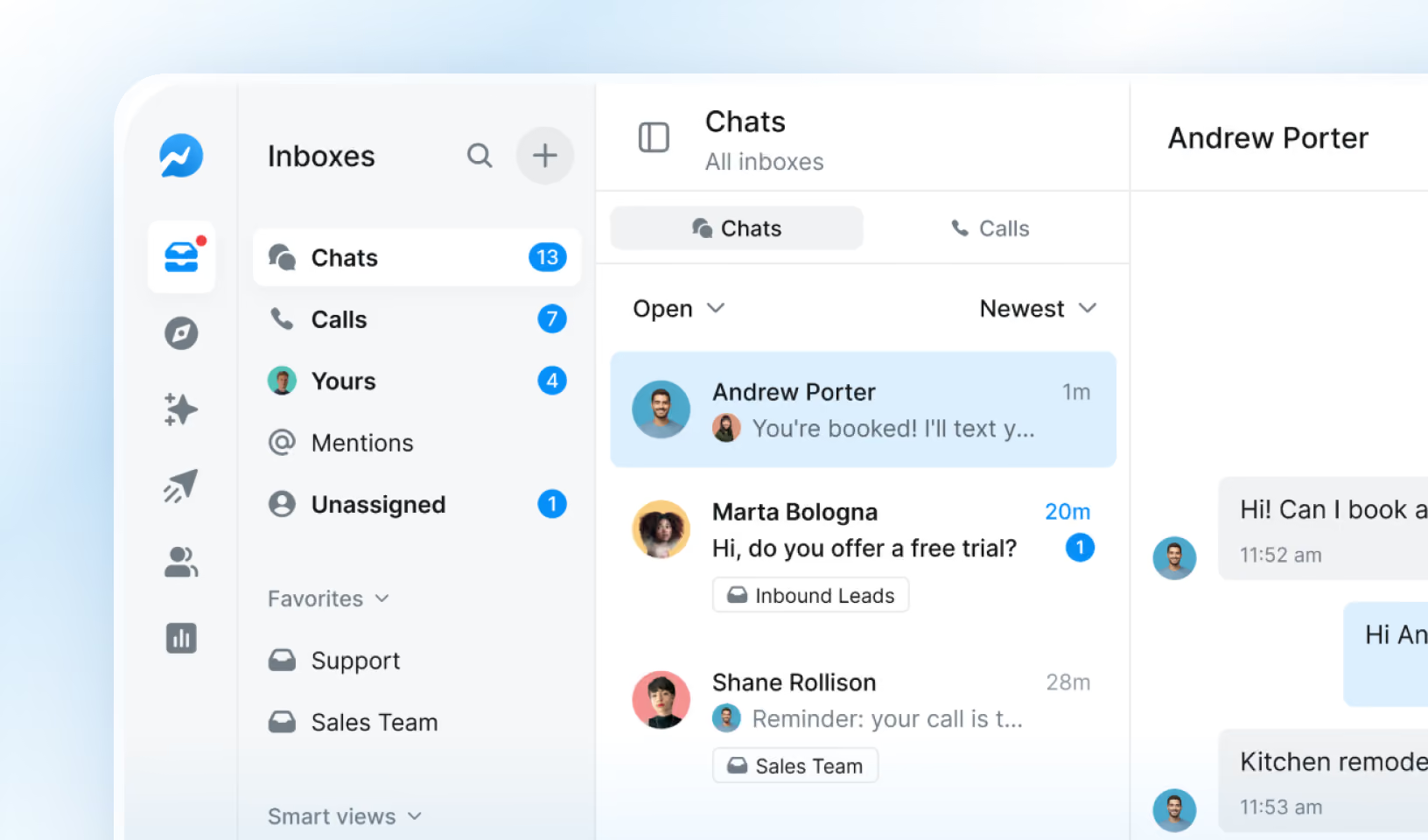
Every text and call visible to the whole team. No conversations lost on personal phones.
Redesigned triggers
Webhook, keyword, and CRM triggers on one page.
Dynamic dates
Schedule campaign steps based on contact date fields.
HubSpot SMS workflows
Trigger texts from HubSpot workflows and sequences.
Salesforce SMS automation
Fire SMS from Salesforce Flows and Process Builder.

Workflow automation actions
HTTP requests, contact notes, and custom field updates.
AI agent in workflows
Hand off to an AI agent mid-workflow for qualification.

Recurring surveys
NPS and review collection on a recurring schedule.
End-to-end lifecycle
Capture, connect, convert, and care in one platform.
Start your 14-day free trial
SMS automation sends text messages based on triggers, schedules, or contact actions instead of manual effort. It includes workflows, drip campaigns, broadcasts, and auto-replies that run from your CRM so your team can focus on conversations that need a human.
Integrations
Workflows start in your CRM and run through Salesmsg. HubSpot, Salesforce, ActiveCampaign, Zapier, and 1,000+ integrations supported.


Explore all integrations
Four steps from setup to your first automated text.
01
Choose what starts the automation: a new contact, a CRM event, a keyword text-in, a webhook, or a schedule.
02
Use the visual workflow builder to add messages, delays, conditions, and branching. Combine SMS, RVM, and RCS in one flow.
03
Add contacts manually, in bulk, or let the trigger enroll them automatically. Re-enroll contacts who complete the flow and need another touch.
04
Monitor delivery, replies, opt-outs, and conversions. Edit live workflows without pausing them, and adjust based on what the data tells you.
Health
Wellness
Financial services
Real estate
Home services
Franchises
Education
Automotive
Staffing
Law firms
Insurance

$20K
added revenue from two texts
Read case study

Read case study


4X
increase in daily response rates
Read case study
Read case study
"I send a text that says, 'I'm not a bot. I'm not AI. I'm a real human.' Same area code, real person, and they actually pick up their phone. Instead of calling first and following up, we start with the text. We start with Salesmsg."

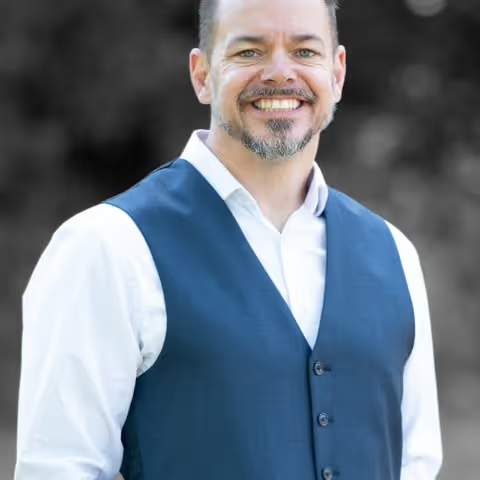

Read case study
The tools and safeguards that protect you, your customers, and your business.
Enterprise-grade security backed by a completed SOC 2 Type II certification. Your data is protected by independently audited controls, tested annually.
Secure messaging that supports HIPAA compliance for teams communicating with patients and protected health information. Sign a BAA with Salesmsg and start automating.
Every automated message includes opt-out handling. Contacts who reply STOP are removed from all active workflows, campaigns, and broadcasts immediately. Full audit trail included.

Try for 14 days at no cost. Build your first workflow in under 5 minutes and see SMS automation in action.
Start your 14-day free trial

Get a personalized walkthrough with a product expert. See how Salesmsg automation fits your workflow and your team's use case.
Book a demo

Simple plans that scale with your team. No hidden fees, no long-term contracts.
View pricing
What is SMS automation?


SMS automation sends text messages based on triggers, schedules, or contact actions instead of manual effort. It covers workflows triggered by CRM events, multi-step drip campaigns, one-to-many broadcasts, and keyword auto-replies. Salesmsg handles all four in one platform with a visual builder, so your team can set up automation without writing code.
How much does SMS automation cost with Salesmsg?
Automated messages cost 1 credit per SMS segment, same as manual texts. Credits start at 4 cents on the base plan, with volume discounts on higher tiers. MMS costs 3 credits per message. There is no extra charge for using workflows, campaigns, or broadcasts. The automation tools are included in every plan.
Can I trigger texts from HubSpot workflows?
Yes. Salesmsg is a native HubSpot integration. You can add SMS, MMS, and ringless voicemail actions directly inside HubSpot workflows. Texts fire based on any HubSpot trigger: form submissions, deal stage changes, list membership, lifecycle stage updates, or custom properties. All messages log back to the contact timeline automatically.
Can I trigger texts from Salesforce?
Yes. Salesmsg connects to Salesforce Flows, Process Builder, and campaigns. You can send SMS, ringless voicemail, and Power Dialer sessions from Salesforce Flows. It works across Leads, Contacts, Opportunities, Accounts, Cases, Campaigns, Person Accounts, and Custom Objects.
What is the difference between workflows, campaigns, and broadcasts?
Workflows are trigger-based automations with branching logic, conditions, and multiple action types (SMS, RVM, RCS, AI agent handoff, webhooks). Campaigns are multi-step drip sequences that send a series of messages on a schedule. Broadcasts are one-to-many messages sent to your full list or a segment at once. Each tool handles a different job, and they work together inside Salesmsg.
How do SMS drip campaigns work in Salesmsg?
Campaigns let you build up to 10 steps per sequence. Each step can be an SMS, ringless voicemail, or RCS message. You set delays between steps using fixed intervals, fixed dates, or dynamic date fields from your CRM. Contacts enroll manually, in bulk, or through triggers and filters. Campaigns stop automatically when a contact replies or unsubscribes.
Can I send broadcasts to my entire contact list?
Yes. Broadcasts send to your full list or a filtered segment based on tags, custom fields, or other criteria. You can schedule one-time sends or set up recurring broadcasts on a weekly or monthly cadence. Broadcasts also support AI agent reply handling, so inbound responses get qualified automatically instead of piling up in your inbox.
How do keywords and auto-replies work?
Keywords let contacts opt in by texting a word to your number (text JOIN to 55555). When someone texts your keyword, Salesmsg sends an instant auto-reply and adds them to your contact list. You can set up multiple keywords per inbox, track opt-in volume, and route keyword responses to specific workflows or AI agents.
Does Salesmsg support webhook triggers?
Yes. Workflows, campaigns, and AI agents can all be triggered via inbound webhooks. Copy the webhook URL from the automation's activation step and POST a contact's phone number to enroll them. This lets you trigger SMS automation from any external system, even if there is no native integration.
Can I edit a workflow while it's running?
Yes. Workflows 2.0 supports live editing. You can change messages, add or remove steps, update conditions, and adjust timing while the workflow is active. Contacts already in the flow continue on their current path. New enrollments pick up the updated version.
What actions can I add to a workflow?
Salesmsg workflows support: Send SMS, Send MMS, Send RVM (ringless voicemail), Send RCS, Engage AI Agent, Add/Remove Tag, Update Custom Field, Add Contact Note, Send HTTP Request (webhook), Wait/Delay, and If/Else conditions with AND/OR logic. You can also enroll contacts into other workflows or campaigns from within a workflow.
How does Salesmsg compare to SMS automation in HubSpot?
HubSpot does not include native SMS actions in workflows. You need a third-party integration like Salesmsg. With Salesmsg, you get two-way texting, ringless voicemail, AI agents, and full conversation history inside HubSpot. All automated messages log to the contact timeline. Salesmsg also adds workflows, campaigns, and broadcasts inside its own platform for teams that want automation beyond what HubSpot workflows support.
Can I automate ringless voicemail?
Yes. Ringless voicemail is available as a step in workflows, campaigns, and broadcasts. You can record your own message or use smart text-to-speech to generate one from text. Voicemails deliver directly to the contact's inbox without ringing their phone.

Build SMS workflows that trigger from your CRM
Run drip campaigns with SMS, RVM, and RCS
Track delivery, replies, and conversions in one dashboard