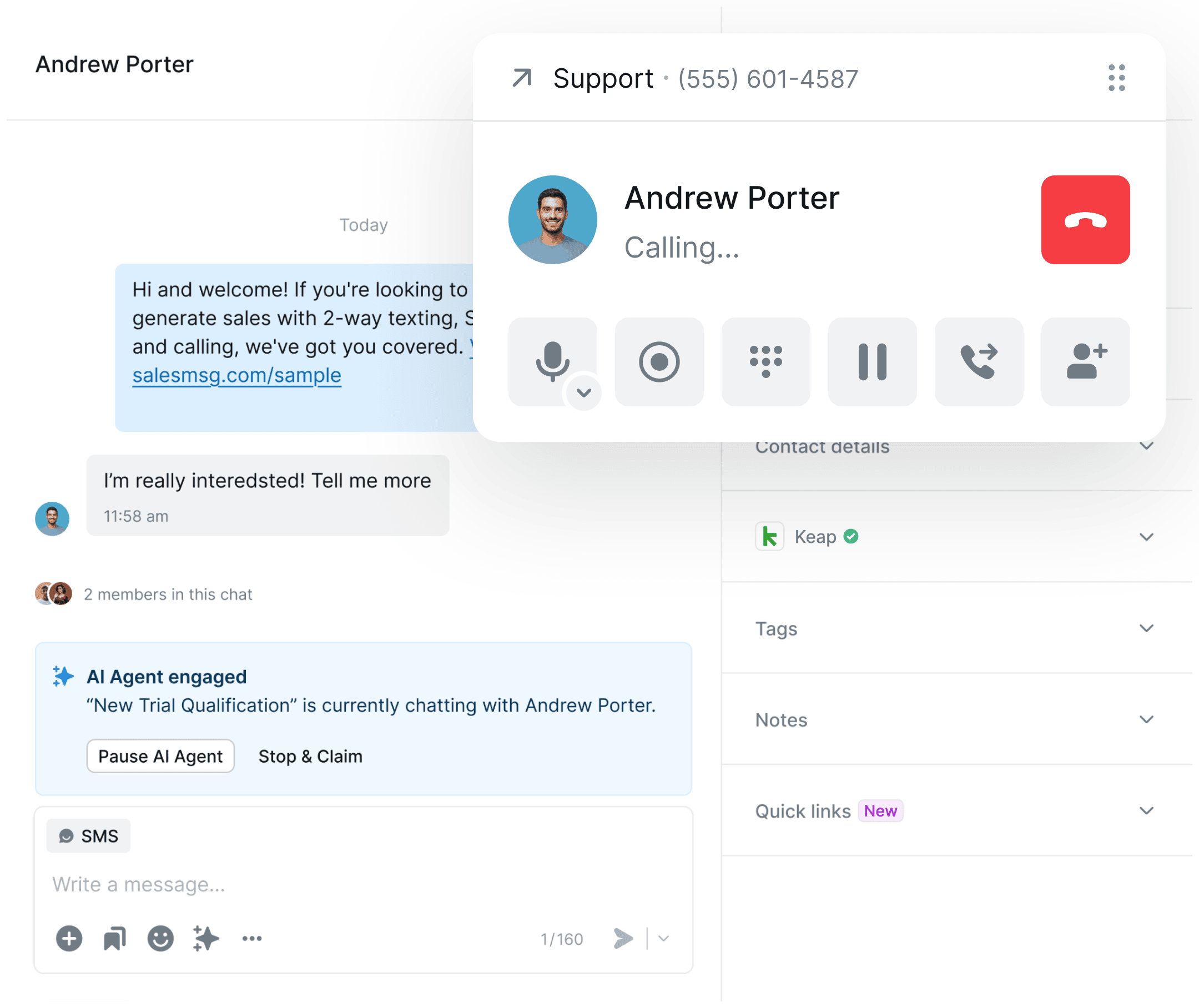
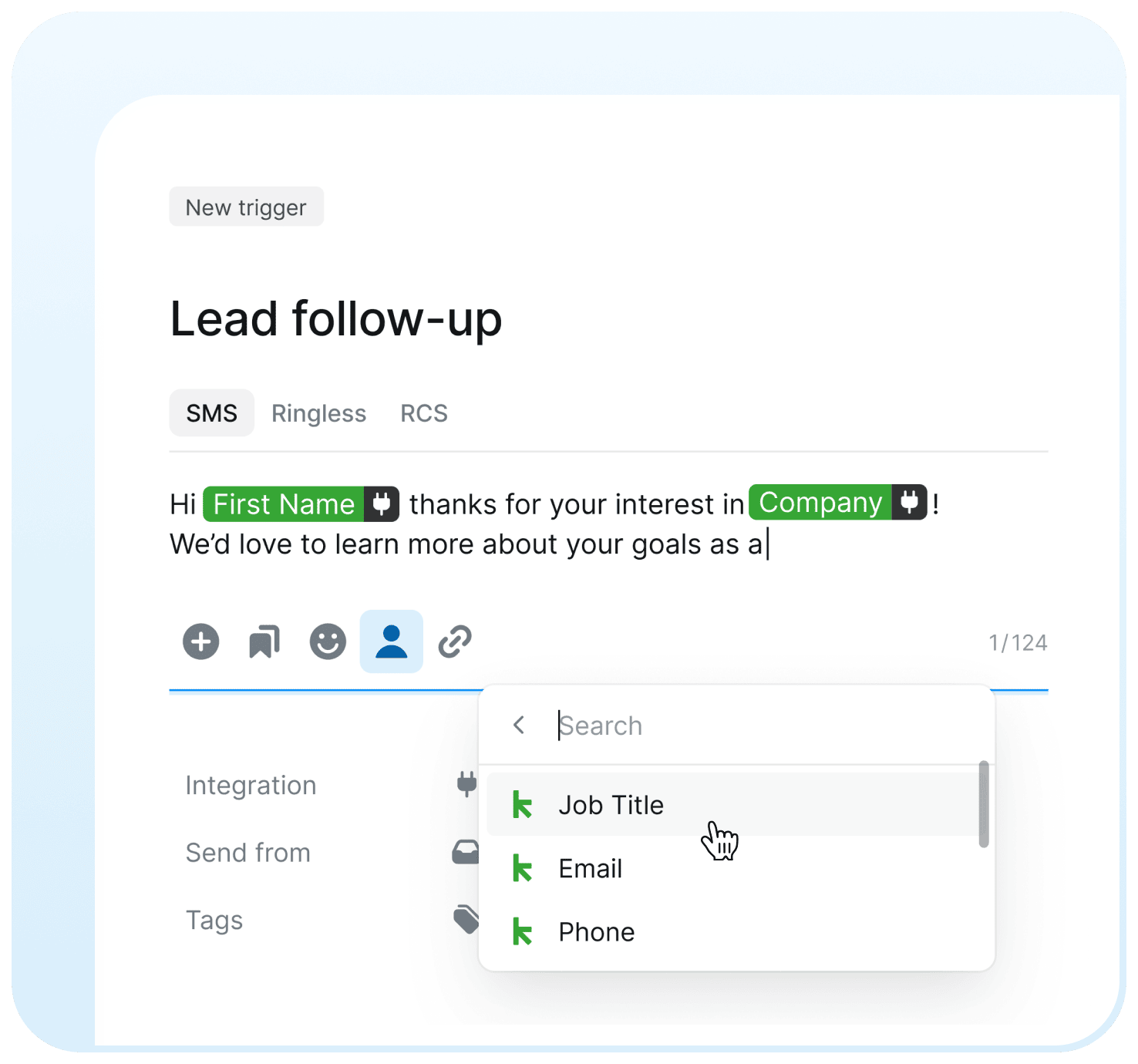
Seamlessly integrate Keap with Salesmsg to send SMS, make calls, automate messaging with Campaign Builder, and give your team a native texting & calling experience — all synced to your Keap contact records in real time.

Send and receive SMS, MMS, and calls without switching tools. Every interaction syncs instantly to the Keap contact record — 100% automated.

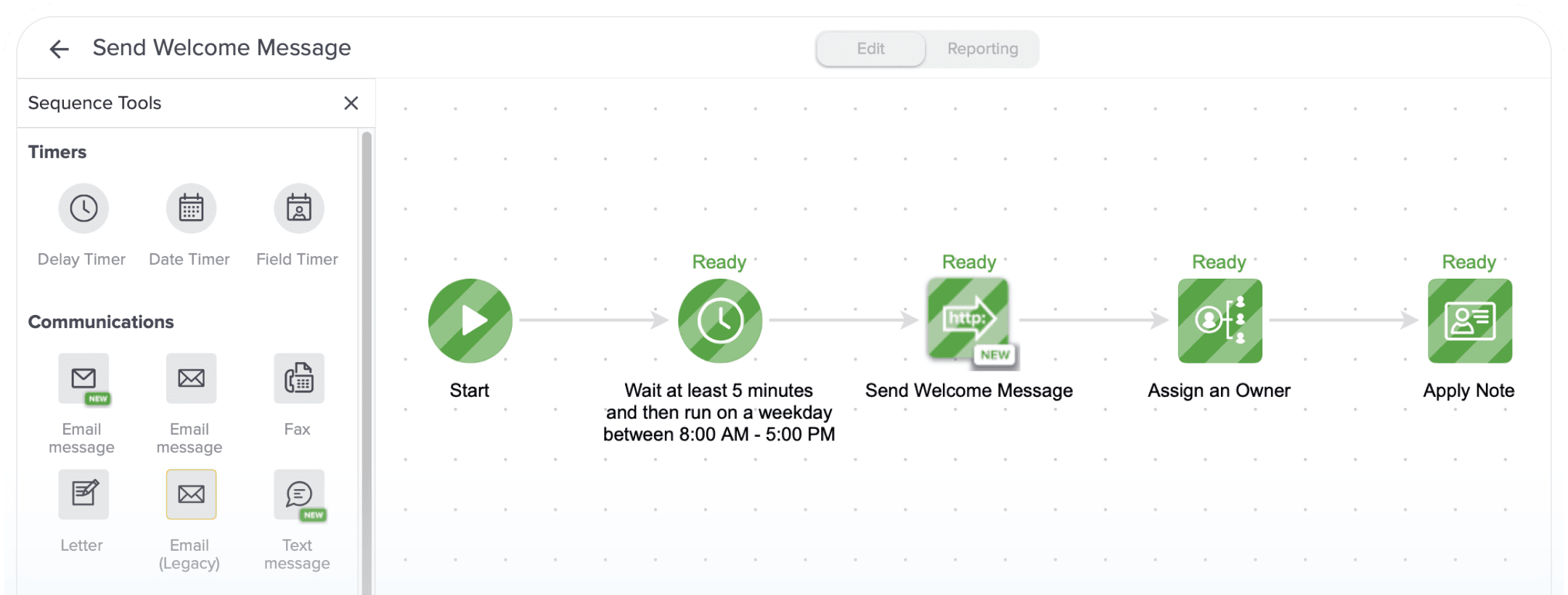
Trigger personalized SMS messages directly from Keap Campaign Builder using HTTP Post webhooks. Set up once and let your outreach run automatically.

Put your contact engagement on autopilot with AI Agents. Automatically respond, qualify leads, and move contacts through your pipeline — all synced back to Keap.

Effortlessly create, send, receive, automate, and manage text and phone conversations all in one place.



.svg)
.svg)


Trusted by some of the best companies in the world...






CEO, CO-FOUNDER
For my mother-in-laws dance studio, we tried everything: local ads, Instagram, Facebook ads, Yelp, even the Yellow Pages, but it wasn't until we started texting with Salesmsg that everything changed. We TRIPLED the business in less than 60 days!








.svg)

Looking for more information about the Salesmsg and Keap integration? We've shared some answers below to get you on your way efficiently and effectively! Got More Questions? Text “ASK” to (888) 409-2298
Log in to your Salesmsg account, go to the App Marketplace, and select Keap. Click Connect, log in to your Keap account, and grant access. You'll be up and running in under 15 seconds.
No. Once the Organization Owner connects the Keap integration, all team members are linked automatically through the shared account.
Yes — you can apply and manage Keap tags directly from Salesmsg when a trigger fires, as long as the contact is a linked Keap-Salesmsg contact.
If an error occurs on Keap/Infusionsoft or Salesmsg that disconnects your integration, the next time you log in to Salesmsg you'll see a large status bar at the top of your Salesmsg conversation page indicating your integration has disconnected.
Yes. You'll need to create a Salesmsg trigger and use the Keap Campaign action HTTP Post to fire it from your campaign sequence.
If you encounter any issues while trying to send texts from your Keap campaign using our integration, check the following: Ensure your Salesmsg and Keap accounts are correctly integrated. Verify that your API key is valid and properly configured in both platforms. Check for any errors or warnings in your Keap campaign logs.