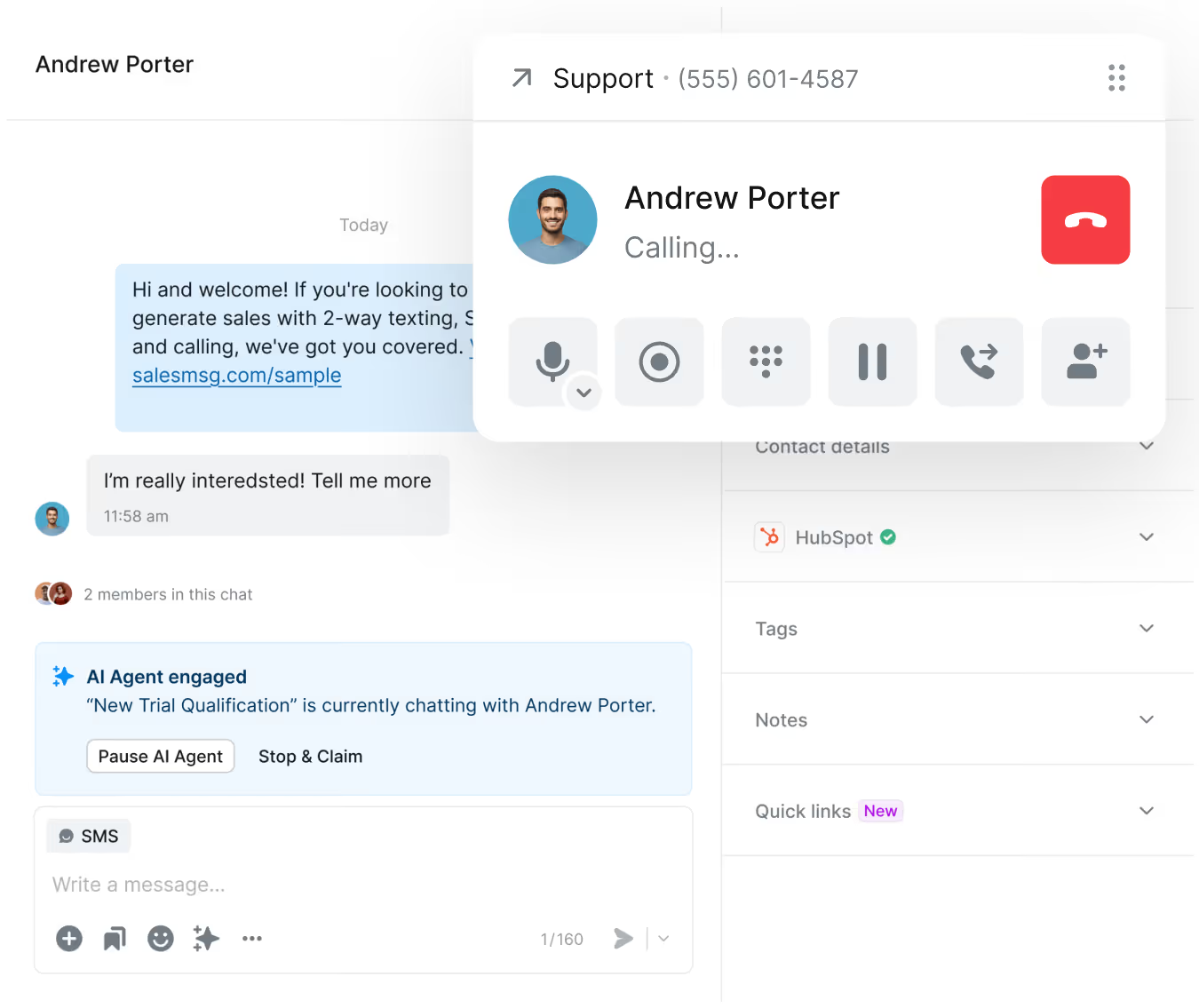
Seamlessly integrate HubSpot with Salesmsg to unlock powerful 2-way texting, automate workflows, sync contacts in real-time, and manage all your SMS and calling activity without ever leaving HubSpot.


Powerful texting and calling capabilities built directly into your HubSpot workspace with seamless data flow.

Automatically sync contacts, conversations, and activities between Salesmsg and HubSpot in real-time.

Trigger automated SMS campaigns and sequences directly from HubSpot workflows for personalized outreach at scale.

Transform your HubSpot experience with powerful SMS and calling capabilities that drive engagement, automate outreach, and keep all conversations in one place.


.avif)


Trusted by some of the best companies in the world...






CEO, CO-FOUNDER
For my mother-in-laws dance studio, we tried everything: local ads, Instagram, Facebook ads, Yelp, even the Yellow Pages, but it wasn't until we started texting with Salesmsg that everything changed. We TRIPLED the business in less than 60 days!








.svg)


Looking for more information about the Salesmsg and HubSpot integration? We've shared some answers below to get you on your way efficiently and effectively! Got More Questions? Text “ASK” to (888) 409-2298
No, the Organization Owner connects the integration once, and it automatically works for all team members with appropriate permissions.
Each user needs a Salesmsg account to send and receive messages. However, all message activity will sync to HubSpot contact timelines regardless.
If the integration disconnects, you'll see a prominent notification banner at the top of your Salesmsg dashboard when you next log in, alerting you to reconnect.
Yes, you can connect multiple HubSpot portals. Please contact our support team to enable this feature for your account.
You can install Salesmsg directly from the HubSpot App Marketplace or access it here:
Salesmsg on HubSpot Marketplace.Yes, automatically. Every SMS and call is logged with content, timestamp, rep name, and call recording or transcript. Nothing requires manual entry.
Yes. Salesmsg adds native SMS actions to HubSpot's workflow builder. Trigger texts based on events and enroll contacts in Campaigns or hand off to an AI agent from a single workflow step.