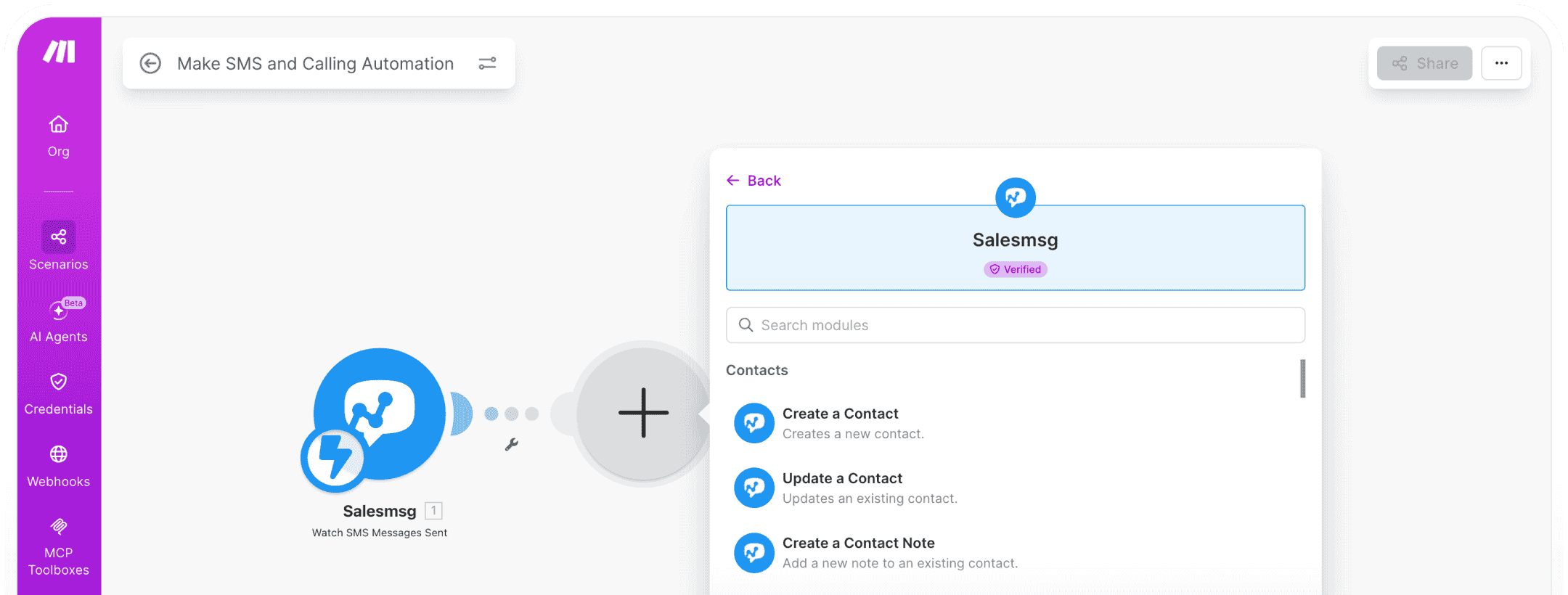
Make SMS and Calling Automation. All in One Place

Seamlessly connect Salesmsg with Make to automate two-way texting, trigger calls and messages from any app event, and build powerful SMS workflows — all without writing a single line of code.

hubspot sms software
Scalability icon
Native Make Integration

Powerful SMS, MMS, and calling actions built directly into your Make scenarios with deep workflow connectivity.

compliance icon
Trigger-Based Messaging

Launch texts and calls automatically from CRM events, form submissions, scheduled workflows, or any connected app.

compliance icon
Two-Way Conversation Sync

Send messages, receive replies, and keep conversation context flowing across your entire tech stack in real time.

How the Make Integration Works

Turn Make into your SMS and calling automation engine. Salesmsg brings texting, MMS, and voice actions into every scenario you build — so every app event can trigger the right message at the right moment.

hubspot sms integration
Make SMS Automation

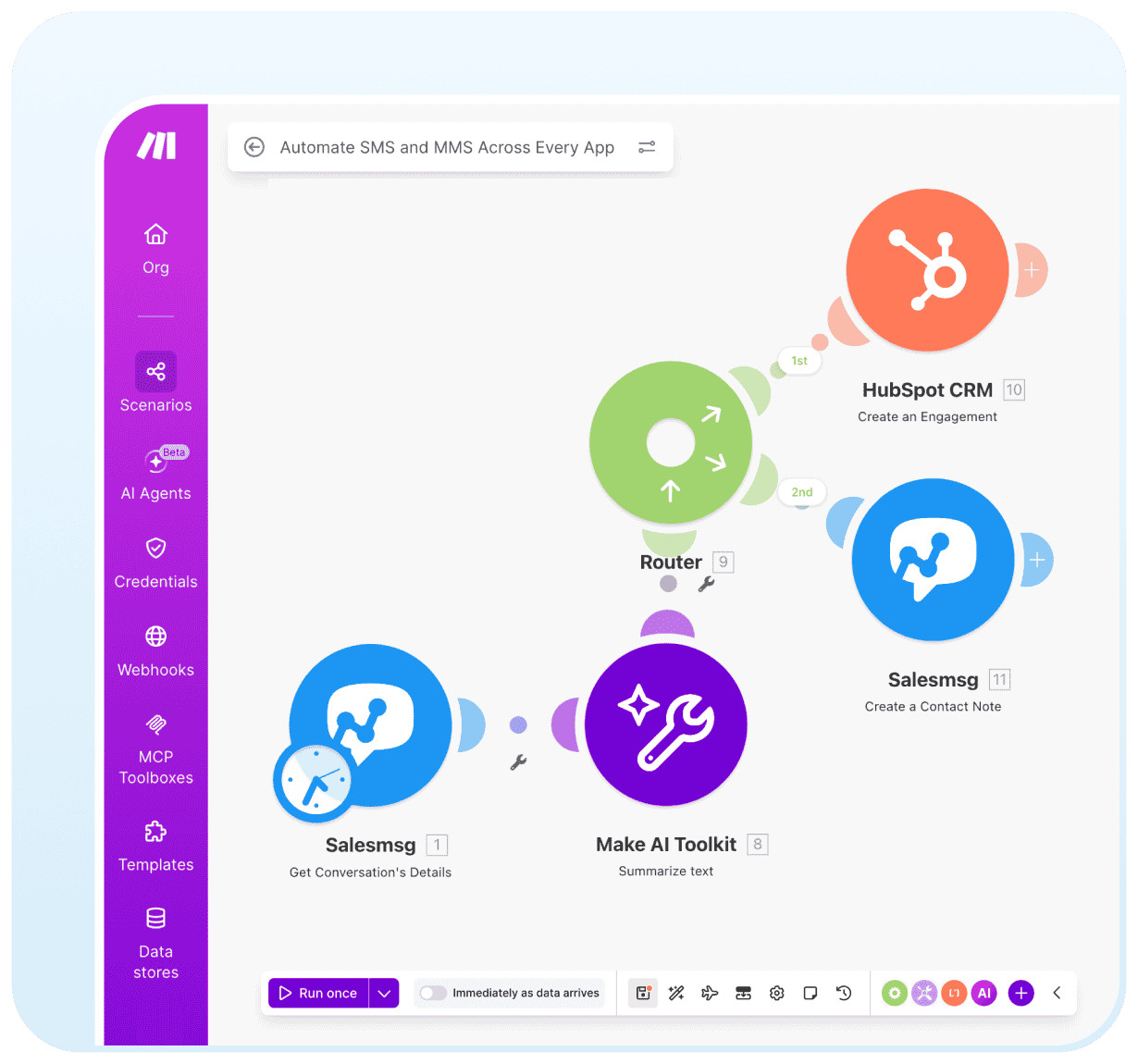
Automate SMS and MMS Across Every App

Use Salesmsg actions inside Make scenarios to send SMS and MMS messages triggered by events from any connected app.

Send SMS or MMS from any Make scenario

Personalize messages with dynamic contact data

Support for scheduled and time-based message delivery

Two-Way Messaging

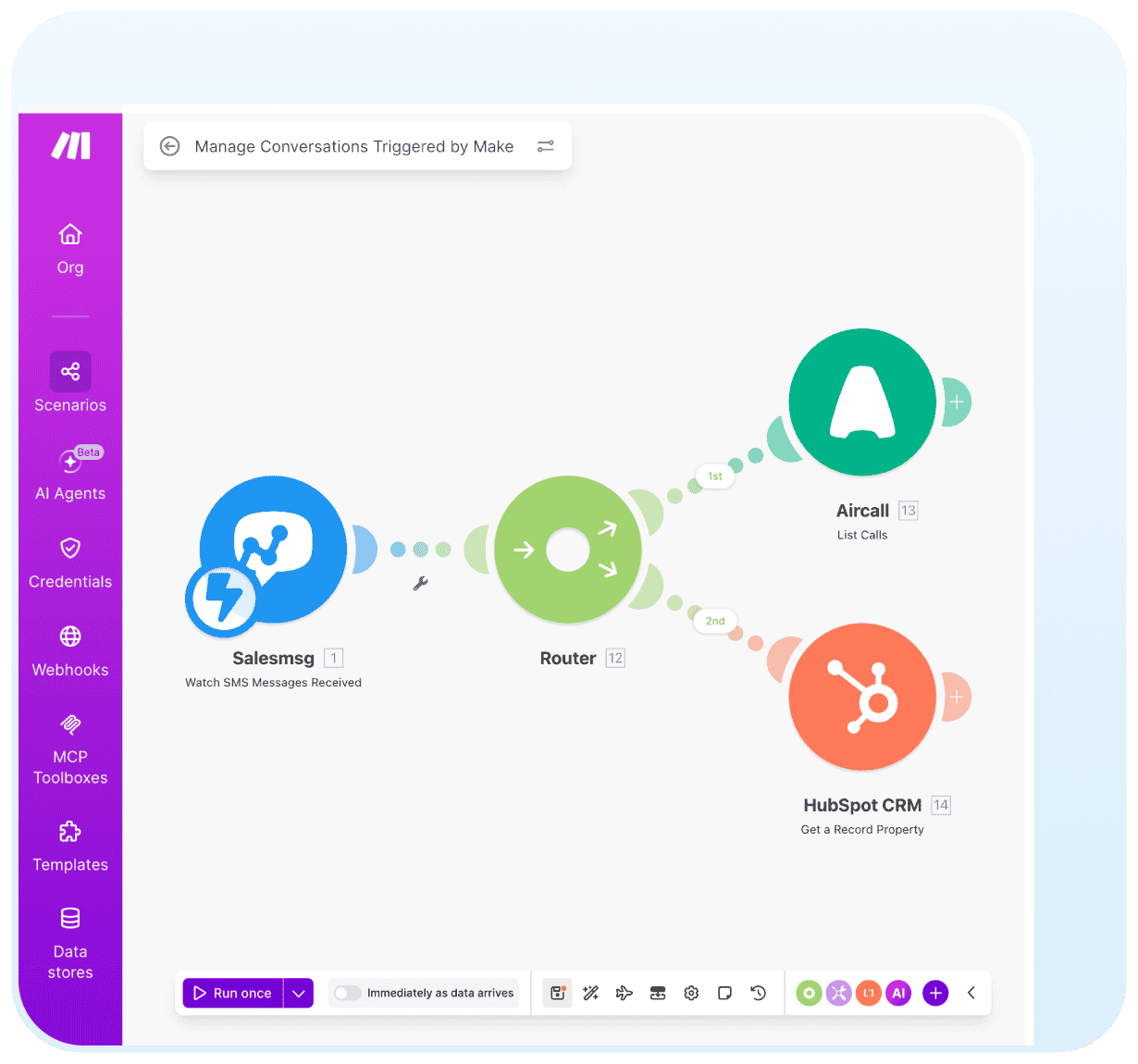
Manage Conversations Triggered by Make

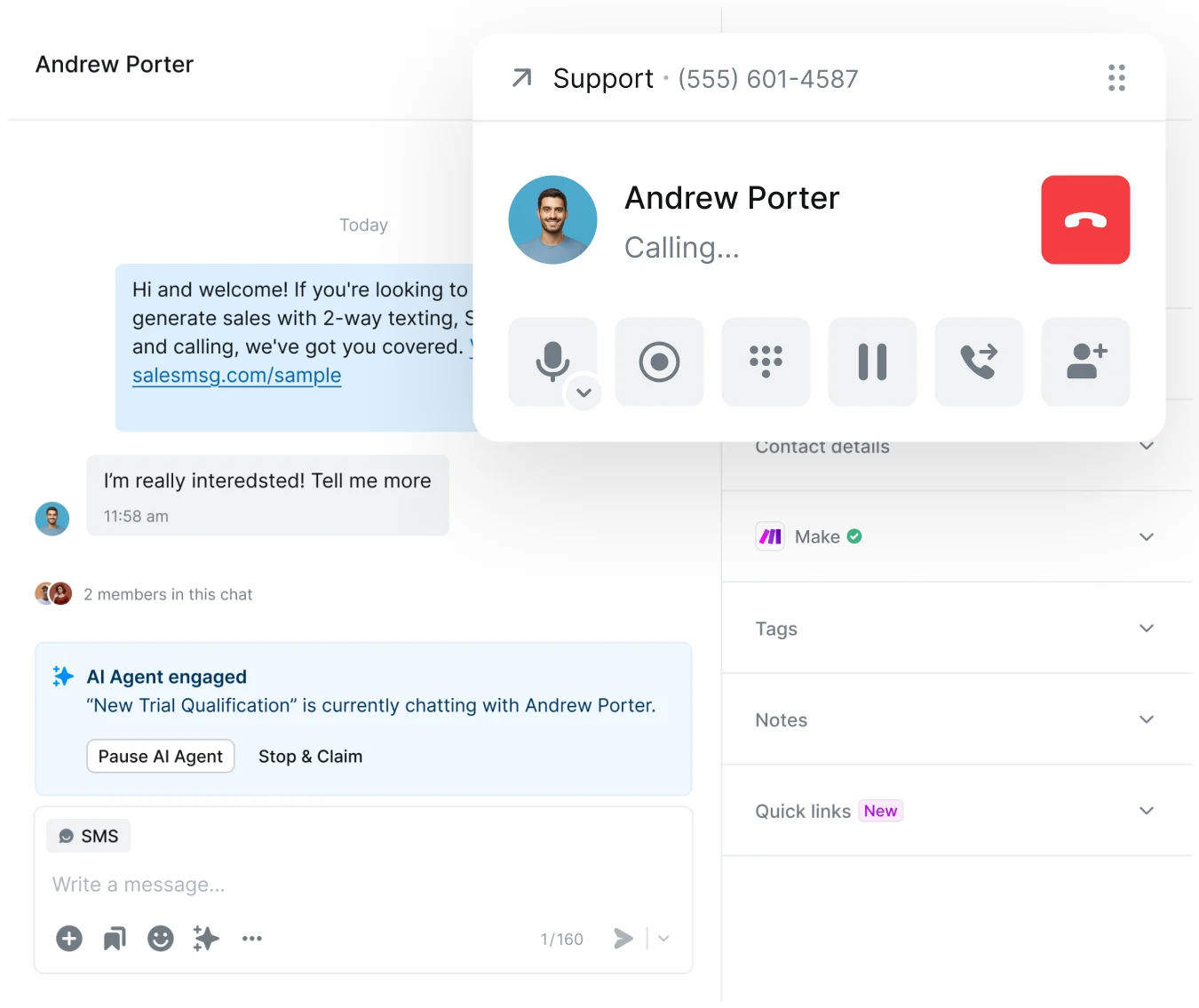
Salesmsg doesn't just send messages — it handles the full conversation. When Make triggers an outbound text, inbound replies land in your Salesmsg inbox with full context.

Assign conversations to the right team member

Get contact details and conversation history inside Make

Watch for inbound messages and trigger follow-up scenarios

hubspot sms contact sync
Workflow Triggers

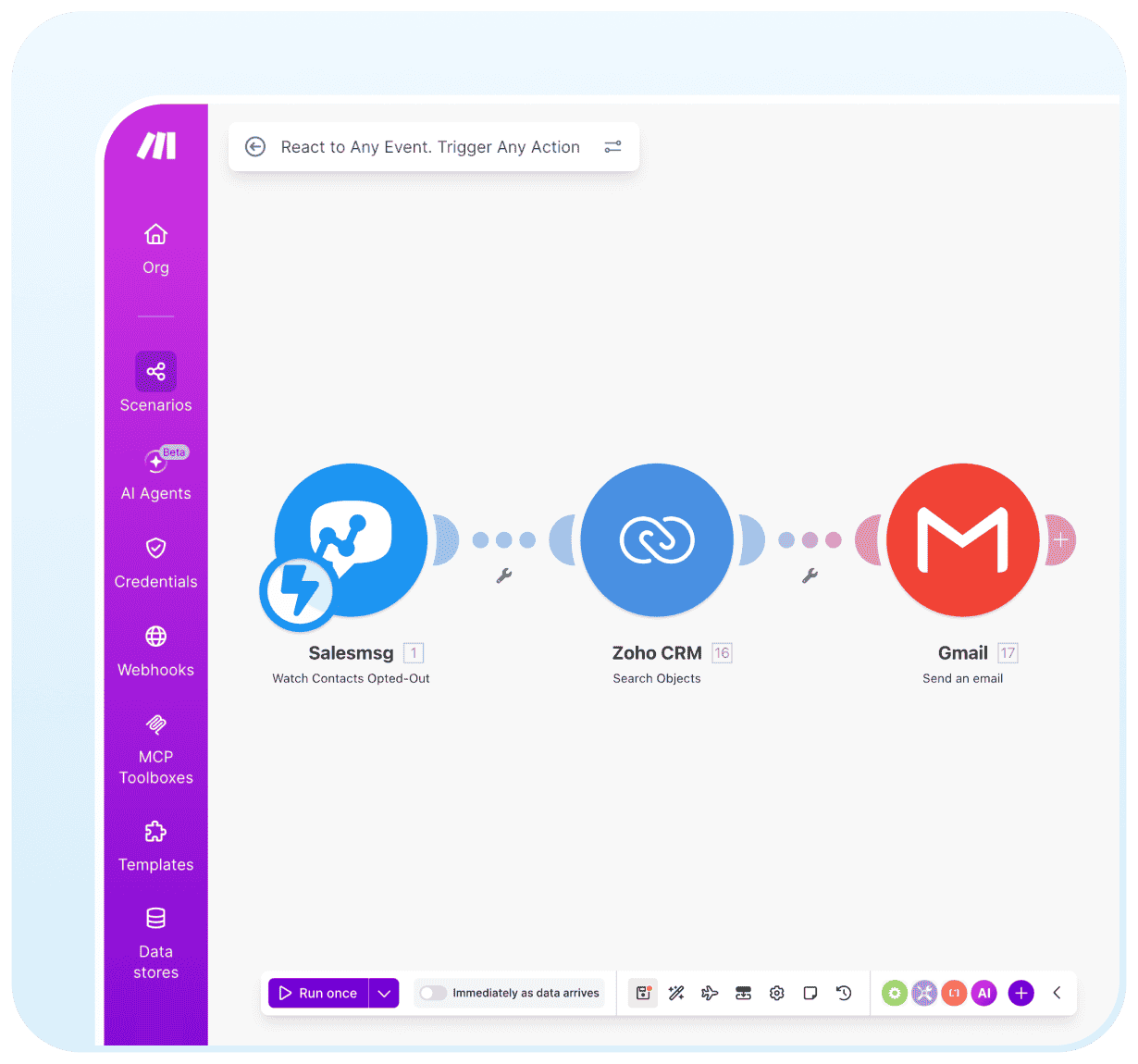
React to Any Event. Trigger Any Action

Salesmsg exposes a deep library of Make triggers so your scenarios stay reactive. Whether a contact opts out, a keyword is subscribed, a new inbox is created, or an inbound call is missed.

Trigger on contact creation, tag changes, and opt-outs

Fire scenarios on keyword subscriptions

Monitor inbox creation, updates, and deletions

Voice & Call Automation

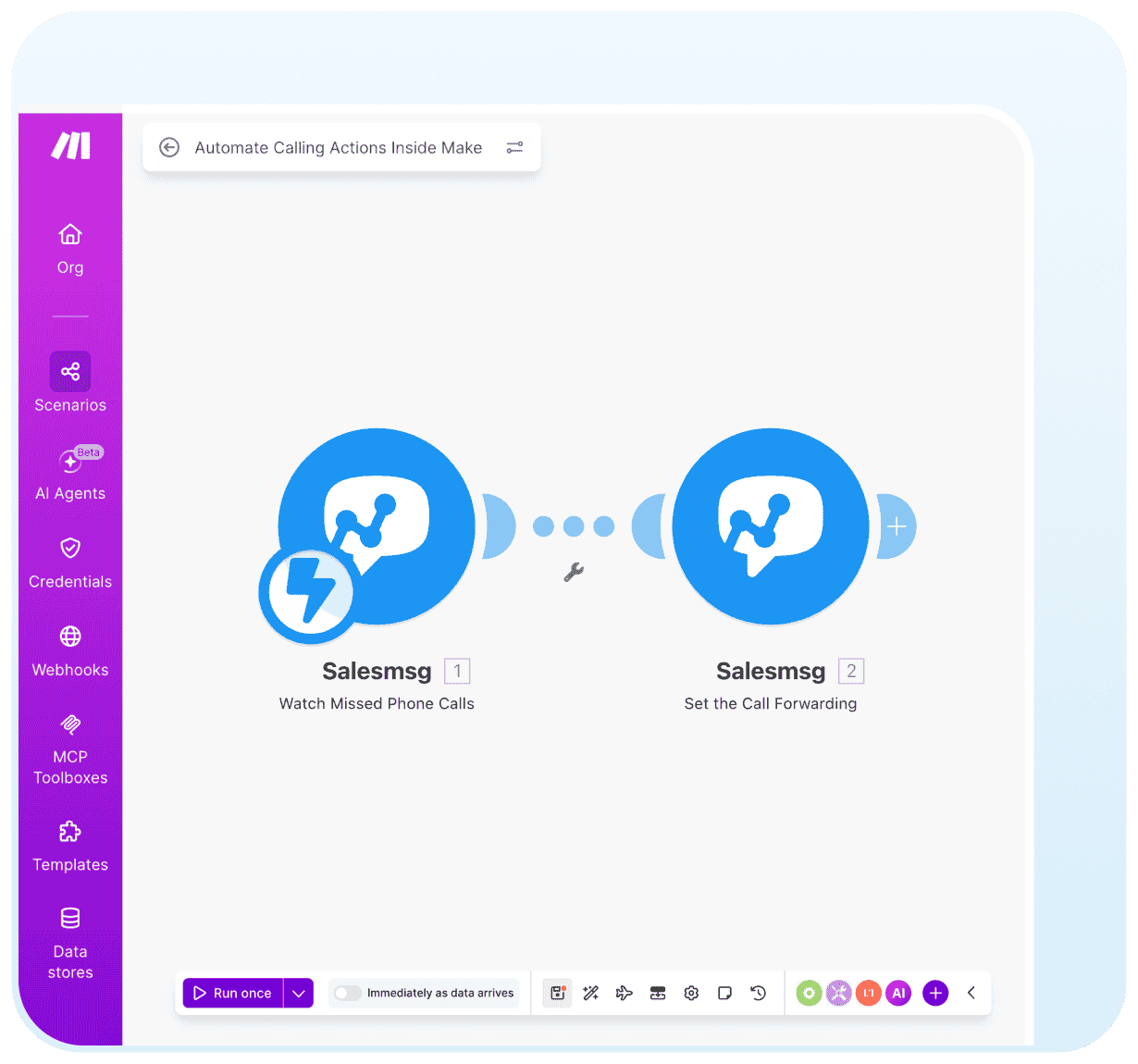
Automate Calling Actions Inside Make

Go beyond SMS. Salesmsg brings calling capabilities into your Make workflows — set call forwarding, look up numbers, and build scenarios that react to calls — keeping your voice operations as automated as your messaging.

Set call forwarding rules directly inside Make

Look up and validate phone numbers within a scenario

Combine calling triggers with SMS follow-up actions

hubspot sms and calling
Start your 14-day free trial

Trusted by some of the best companies in the world...

Brian Moran

Brian Moran

CEO, CO-FOUNDER

Salesmsg tripled our sales in 60 days!

"For my mother-in-laws dance studio, we tried everything: local ads, Instagram, Facebook ads, Yelp, even the Yellow Pages, but it wasn't until we started texting with Salesmsg that everything changed. We TRIPLED the business in less than 60 days!"

Stop playing phone tag and start turning texts into sales, faster.

“Instantly increased response rates by 52%
From task automation to workflow integration, Salesmsg has allowed us to move forward and innovate getting us an almost immediate increase in response rate by 52%. Everyone loves the service too! So glad I found Salesmsg!
Joe Ben Zvi
Joe Ben-Zvi
COO
“Immediate ROI in our first week!
This is the app we've been dreaming about after months of manually using other phone line services that didn't integrate with our CRM. Our team finds it incredibly easy to use. It's a no-brainer must-have tool for your business.
Patrick Conley
CEO
“The BEST SMS app!

This is one of the best SMS and call apps I have encountered so far. It integrates with ActiveCampaign and also lets me record calls. The call quality is great and the setup is easy. The customer support is great and new features are added all the time.
Dr. Christine Sauer
CEO & Founder
“15X ROI in less than an hour
WOW! We started using Salesmsg on Monday morning and in less than an hour received 15X ROI on our initial investment! We absolutely love how easy Salesmsg is to engage with our leads and customers with texting.
Sarah Bigby
Inside Sales
“Boosted webinar attendance to 90%
Salesmsg is just what we need to build the relationships with our clients. We had another campaign we did using SMS - an offline seminar meeting, where 90% of attendees confirmed that they showed up only because they got the SMS reminders.
Michal Koziol
CEO
“72% increase in outreach engagement
We were limited to emails and leaving voicemails when a client was unavailable to answer the phone. The advantage Salesmsg gives us is quicker response times and an all-inclusive contact strategy increasing our outreach engagement by 72%!
Kevin Jimeno
CEO
Built to meet highest compliance standards
We built robust tools and safeguards to protect, keep you safe, and
keep you compliant.
SOC2 compliance
Enterprise-grade security backed by a completed SOC 2 Type II certification, ensuring your data is protected by independently audited controls.
HIPAA compliance
Secure messaging and calling supporting HIPAA compliance for teams communicating with patients and protected health information.
TCPA compliance
Equipped with opt-out management, double opt-in, and many other robust features to keep you on the right side of the law.

Salesmsg + Make Integration FAQs

Looking for more information about the Salesmsg SMS texting integration? We’ve shared some answers below to get you on your way efficiently and effectively!
Got More Questions? Text “ASK” to  (888) 409-2298

What can I do if my make scenarios are failing?

Make provides detailed logs in the Scenario settings panel to help you track what's happening with your automations. If an issue arises, you'll receive a warning to guide you through resolving the error.

Is there a cost for using Make?

Make offers a free tier for basic automations. You'll need to upgrade to a paid plan for more advanced features.

How do I get started with Make?

To get started with Make, simply register for an account. New users automatically receive a free account. Once you're set up, you can begin creating your first automation scenarios.

What messaging channels does Salesmsg support in Make?

Salesmsg supports both SMS and MMS inside Make. You can send text messages, picture messages, and files as part of any automated workflow.

Does conversation history sync back to connected apps?

Salesmsg lets you retrieve contact details, conversation data, and message history inside Make scenarios - making it easy to pass that information into your CRM, helpdesk, or any other connected tool.

Your next Make SMS conversation starts here