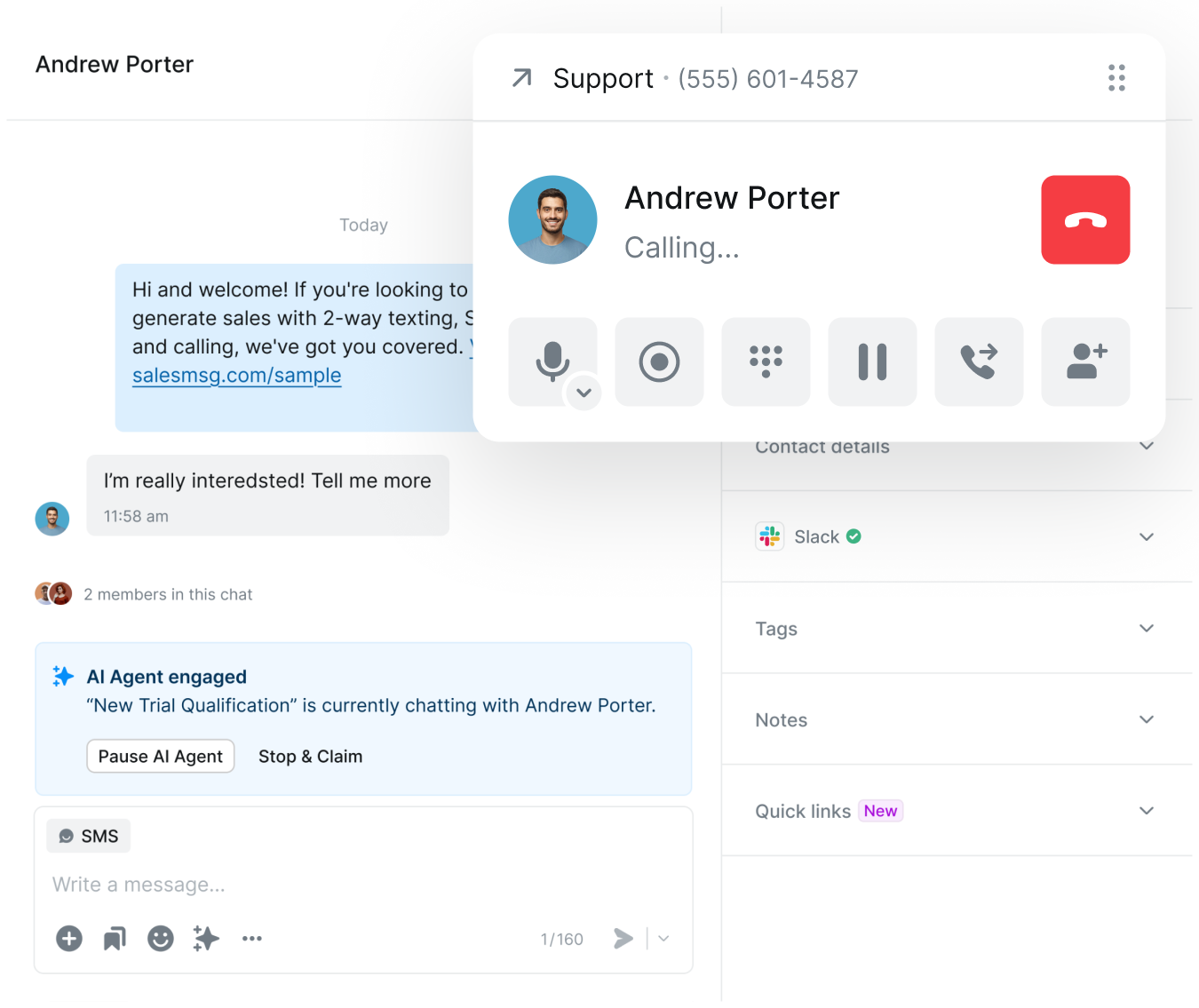
Seamlessly integrate Slack with Salesmsg to send and receive text messages, collaborate with your team, and manage customer conversations — all without ever leaving Slack.
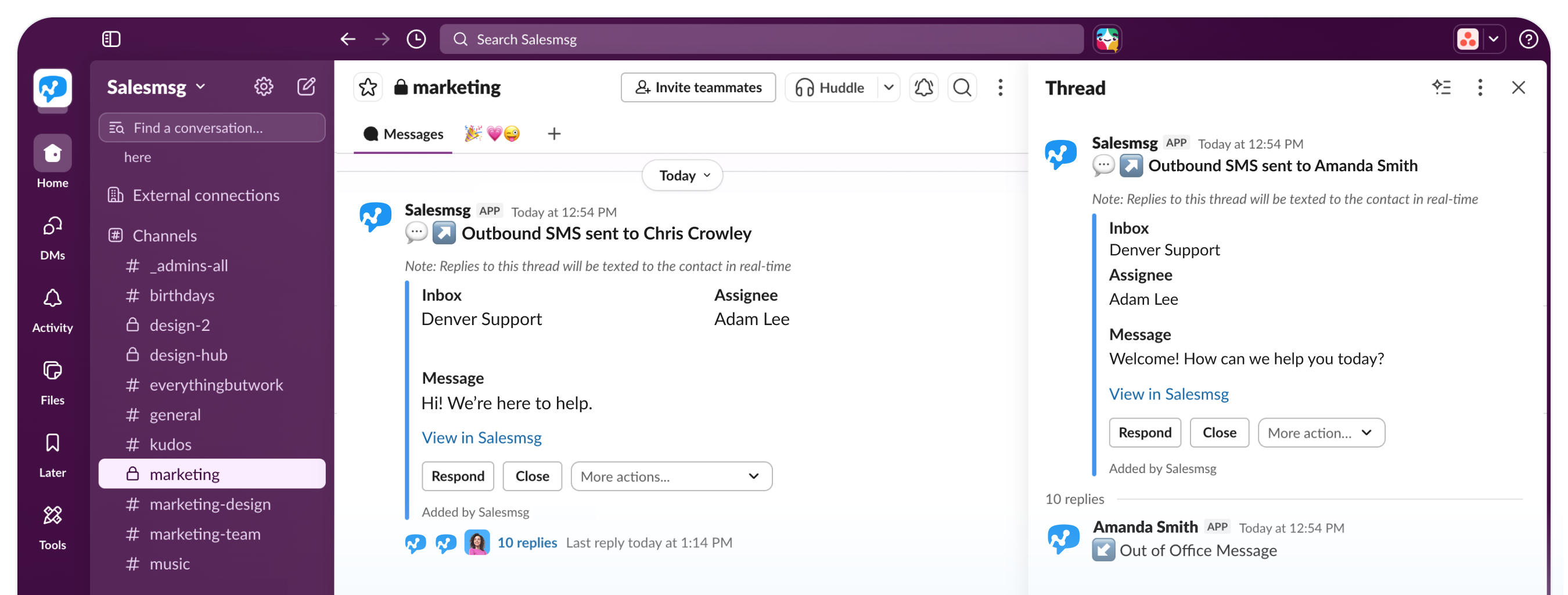

Send, receive, and manage business text message conversations right from your Slack channels — no switching apps, no missing messages.
.svg)
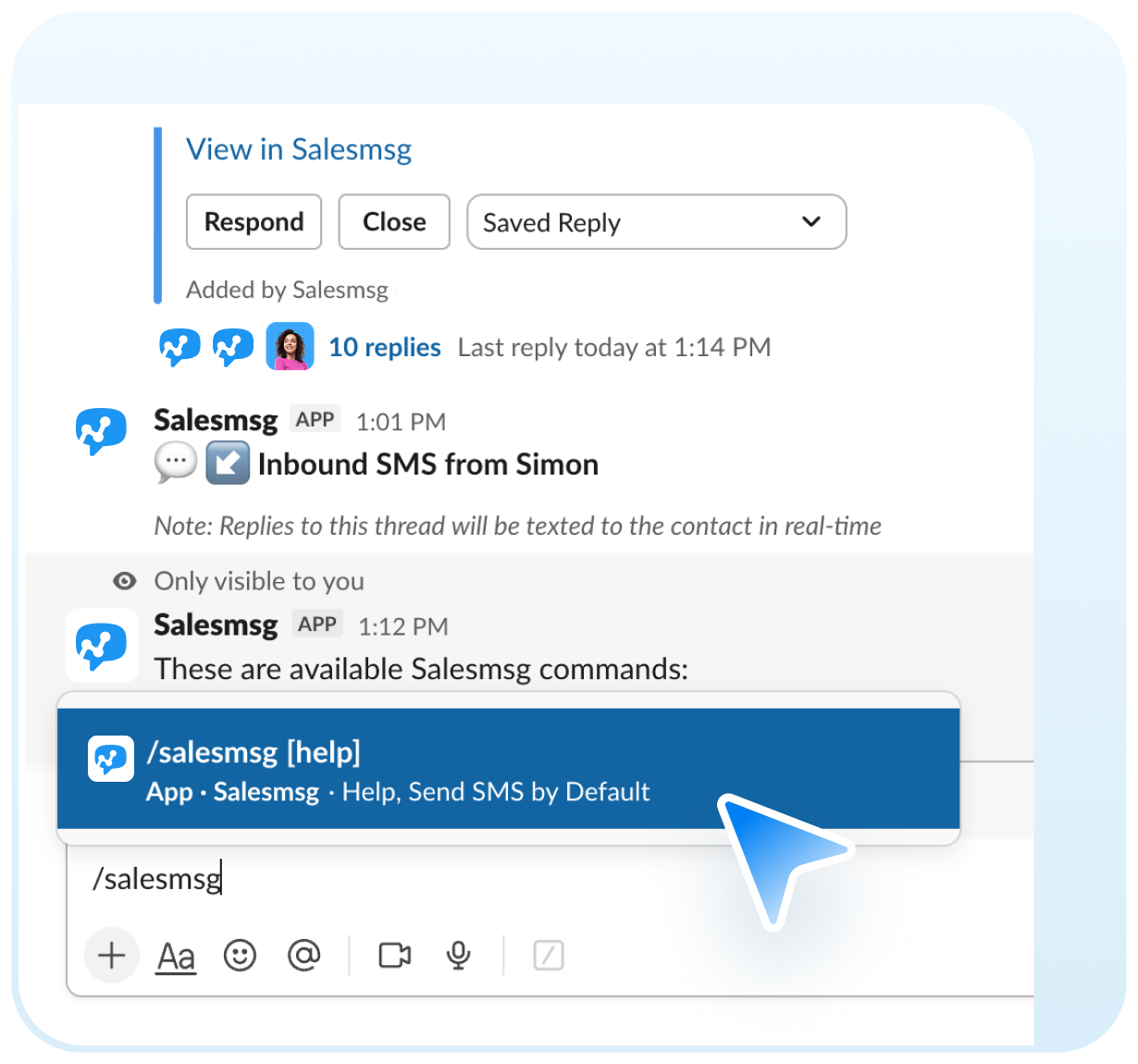
Type /salesmsg in any mapped Slack channel to instantly start a new SMS conversation. Pick a saved reply or write a custom message in seconds.
.svg)
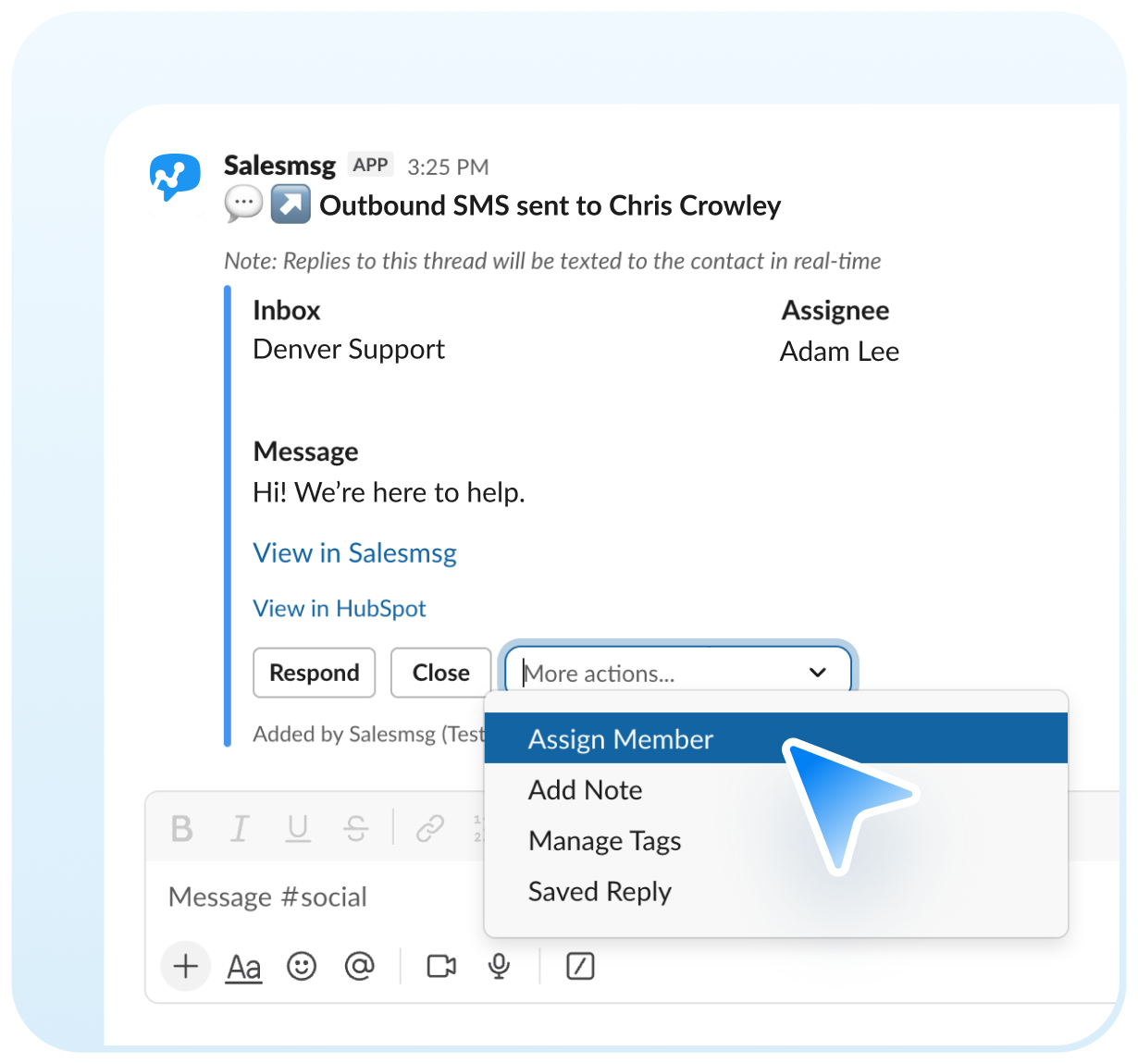
Reply to SMS conversations in Slack threads. Open, close, or reopen conversations, assign them to teammates, and leave private notes — all from Slack.



.svg)
.svg)
.svg)


Trusted by some of the best companies in the world...






CEO, CO-FOUNDER
For my mother-in-laws dance studio, we tried everything: local ads, Instagram, Facebook ads, Yelp, even the Yellow Pages, but it wasn't until we started texting with Salesmsg that everything changed. We TRIPLED the business in less than 60 days!








.svg)


Looking for more information about the Salesmsg and Slack integration? We've shared some answers below to get you on your way efficiently and effectively! Got More Questions? Text “ASK” to (888) 409-2298
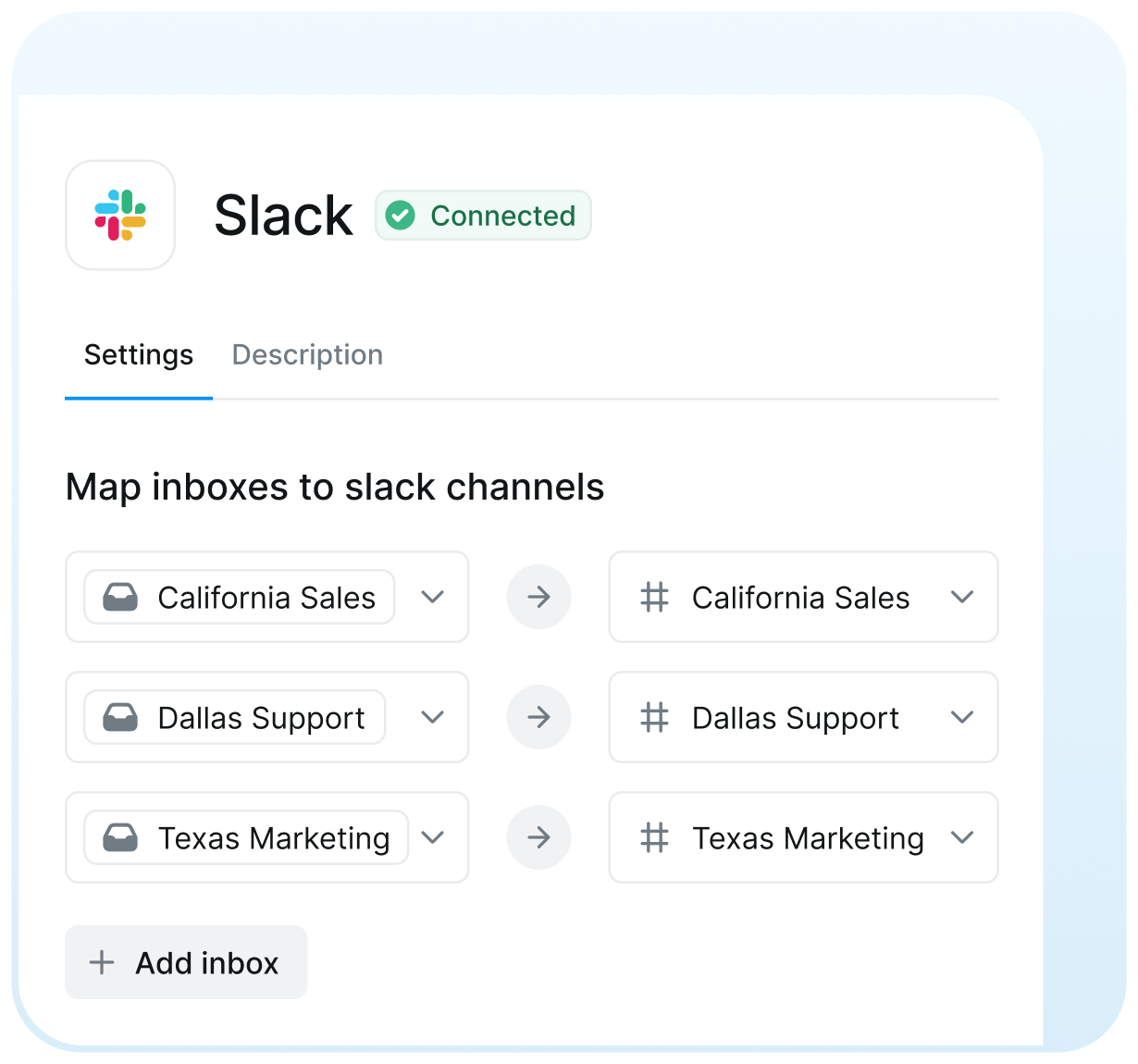
Go to the App Marketplace in your Salesmsg account settings and select the Slack integration. Follow the prompts to connect your Slack workspace, then map your Salesmsg inboxes to the relevant public Slack channels.
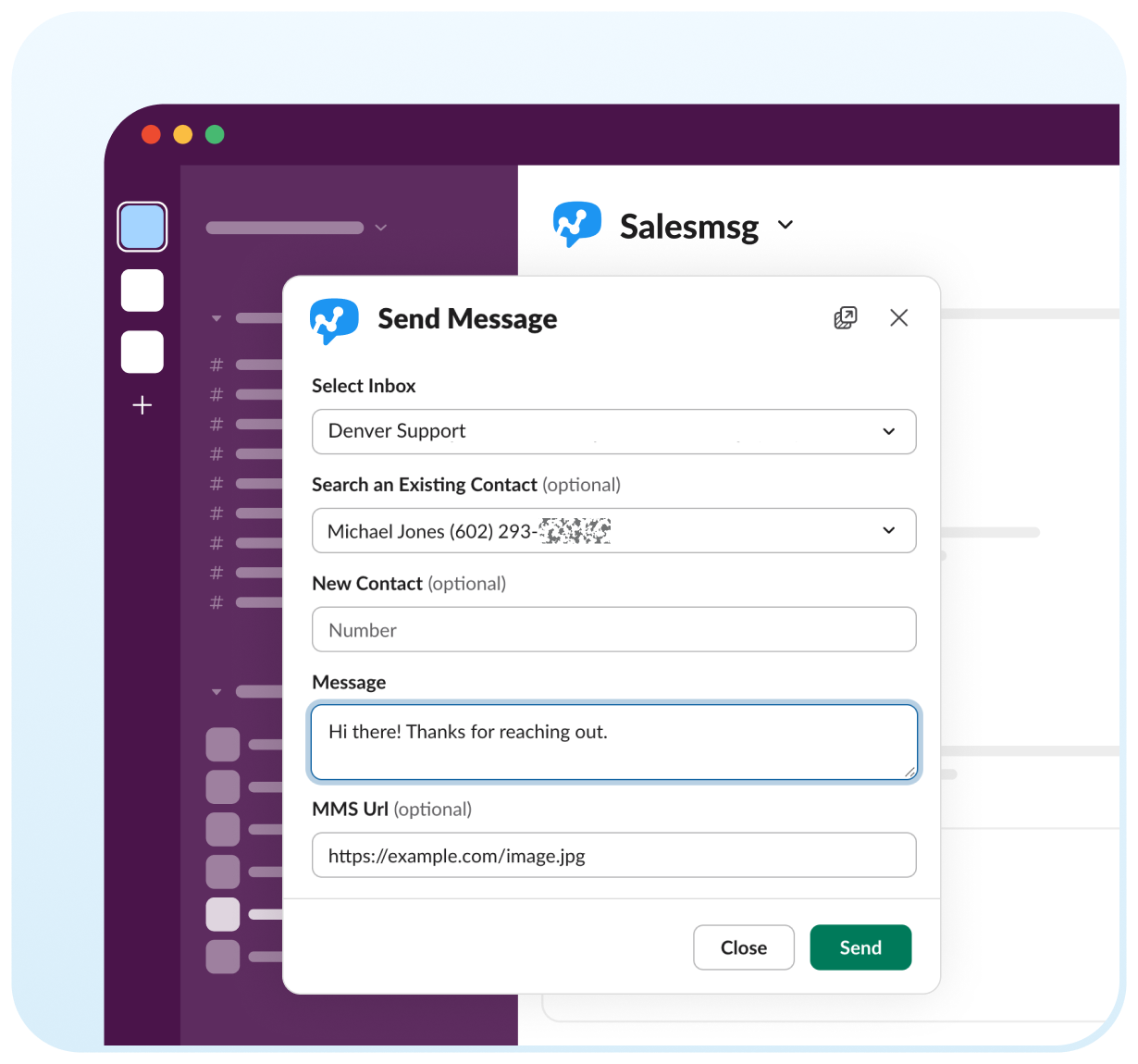
Yes. Go to the mapped Slack channel and type /salesmsg to open the send message popup. You can choose a saved reply or type a custom message — the conversation thread will then appear in Slack for your whole team.
Every inbound text to a mapped Salesmsg inbox automatically appears as a message in the corresponding Slack channel in real time, so your team can respond without switching tools.
Yes. You can assign incoming SMS conversations to the right team member directly from Slack, keeping your team organized and ensuring every customer gets a timely response.
You can only map to public Slack channels. If a channel doesn't appear in the dropdown, click the refresh icon to reload the channel list.