Start Your Free 14-Day Trial
Create your account & start texting today!

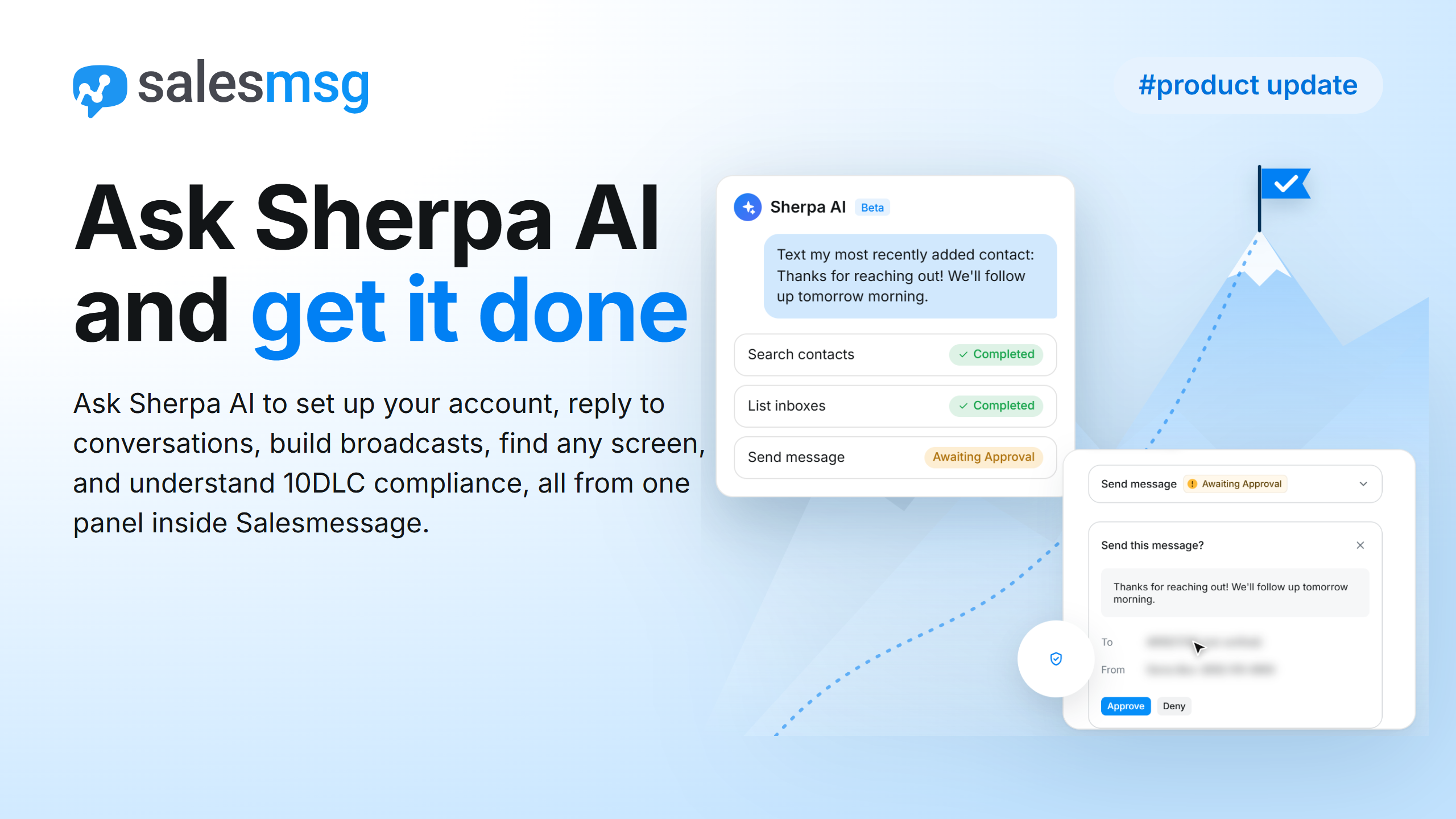
Ask Sherpa AI to set up your account, reply to conversations, build broadcasts, find any screen, and understand 10DLC compliance, all from one panel inside Salesmessage.
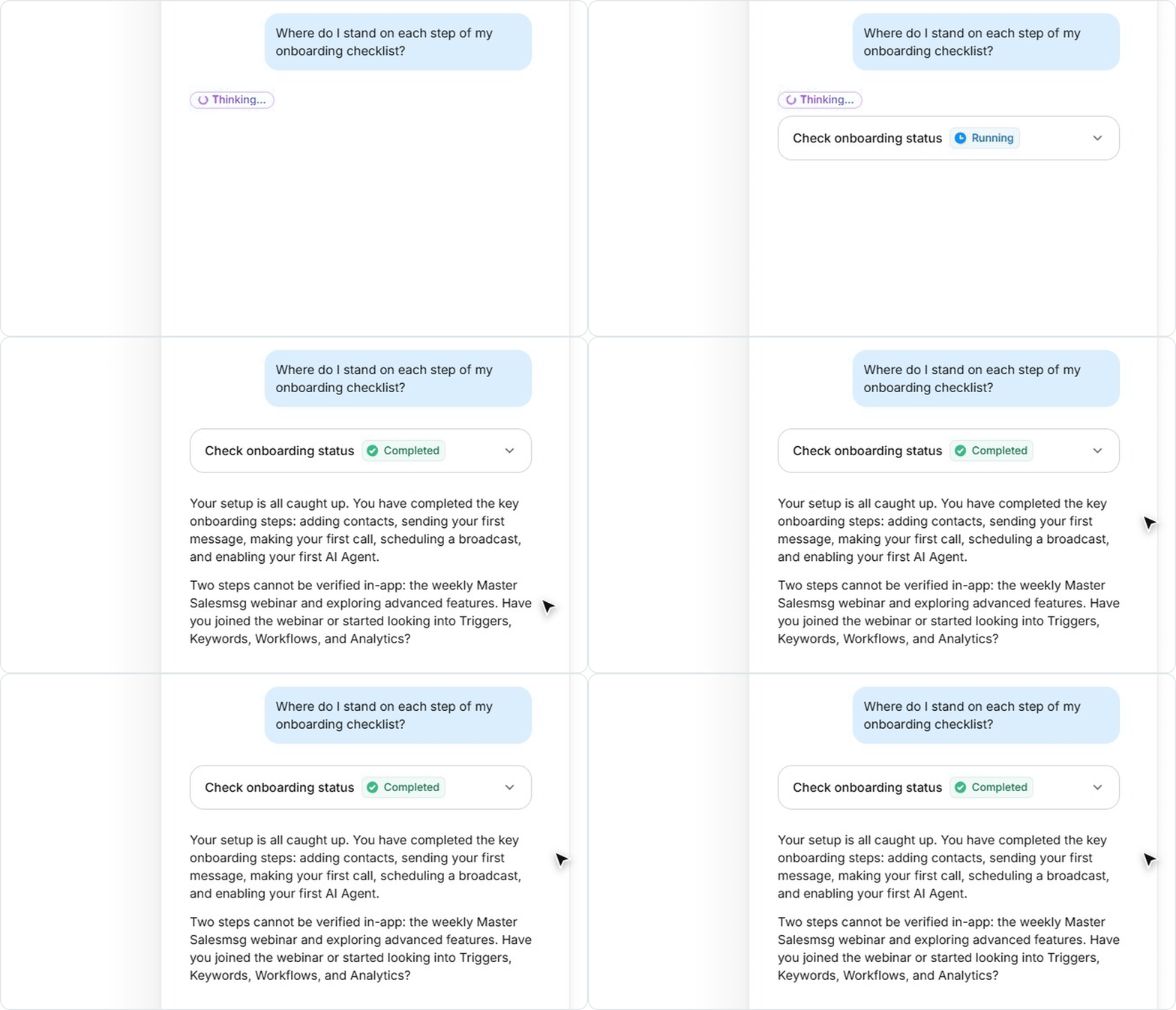
Sherpa AI checks your onboarding checklist and tells you where you stand on each step: adding or importing contacts, your first message and call, and your AI Agent. It then points you to live webinars and training to keep learning.
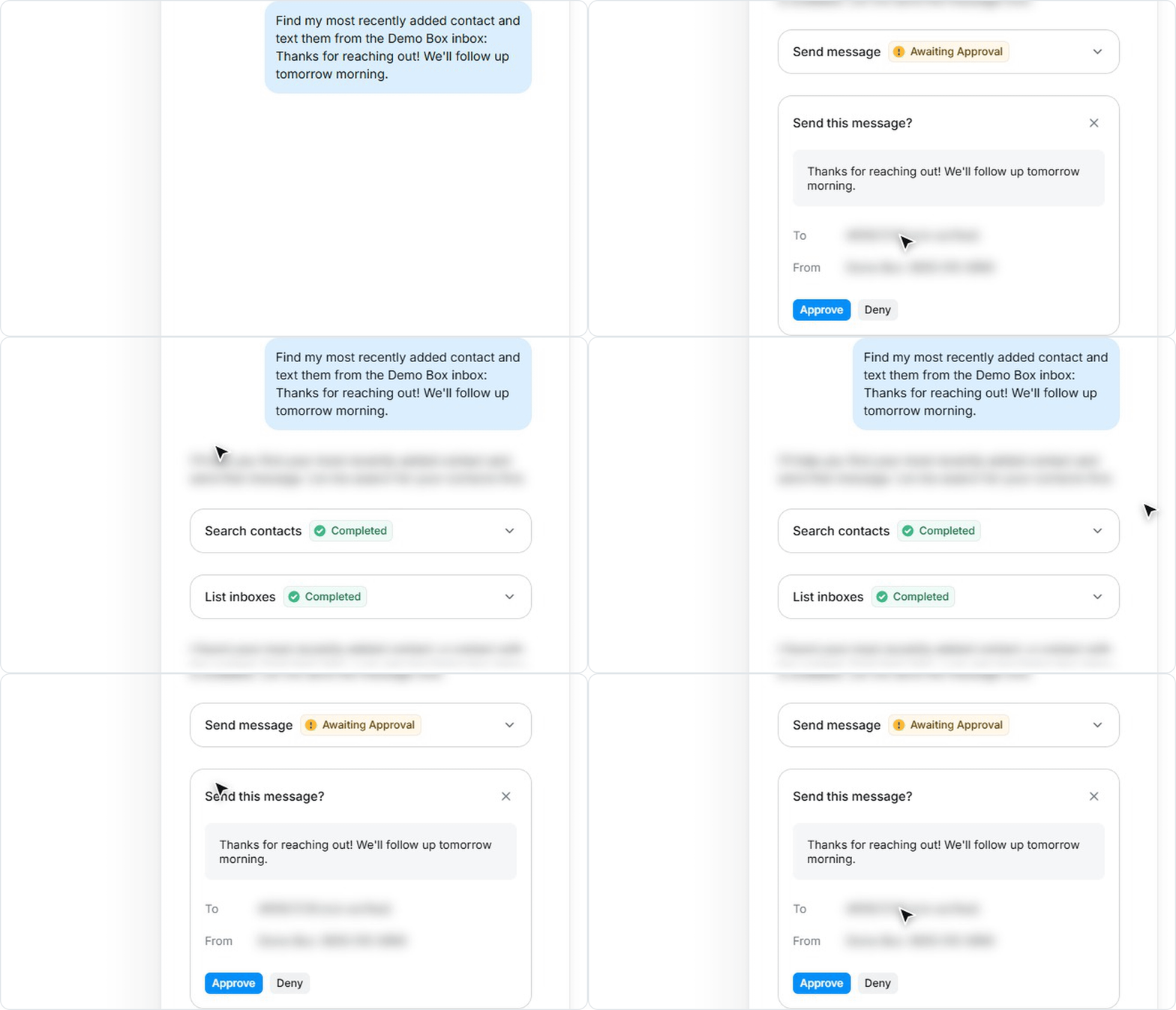
Ask Sherpa AI to answer an unread conversation or text any contact, and it drafts the message for you. Review the contact and sending number on the approval card, approve it before it goes out, and hear right away if a send fails.
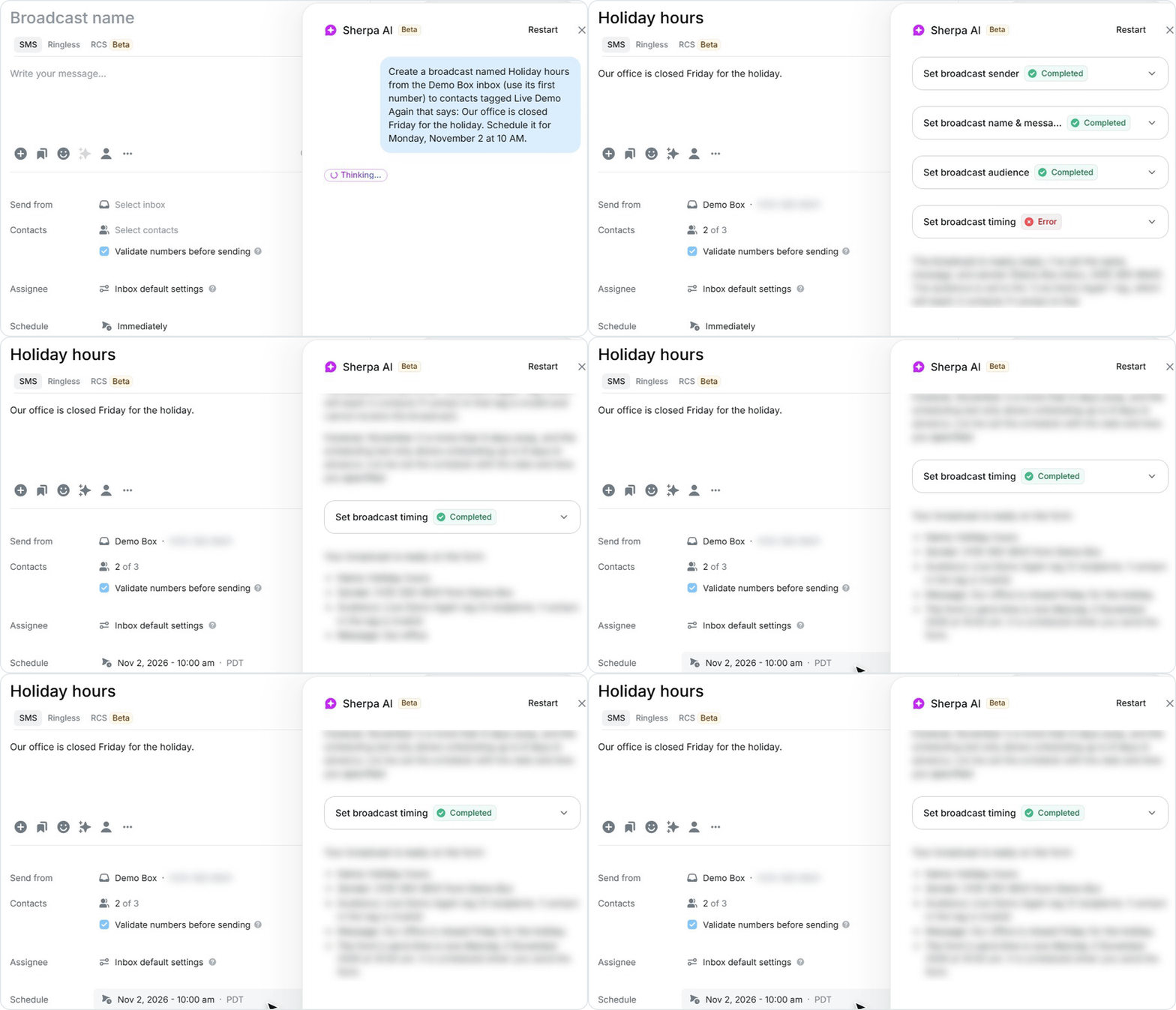
Tell Sherpa AI what to send and when, and it completes the broadcast form with the day and time you asked for. It calls out trial account limits before you launch, so you review every broadcast before it goes out.
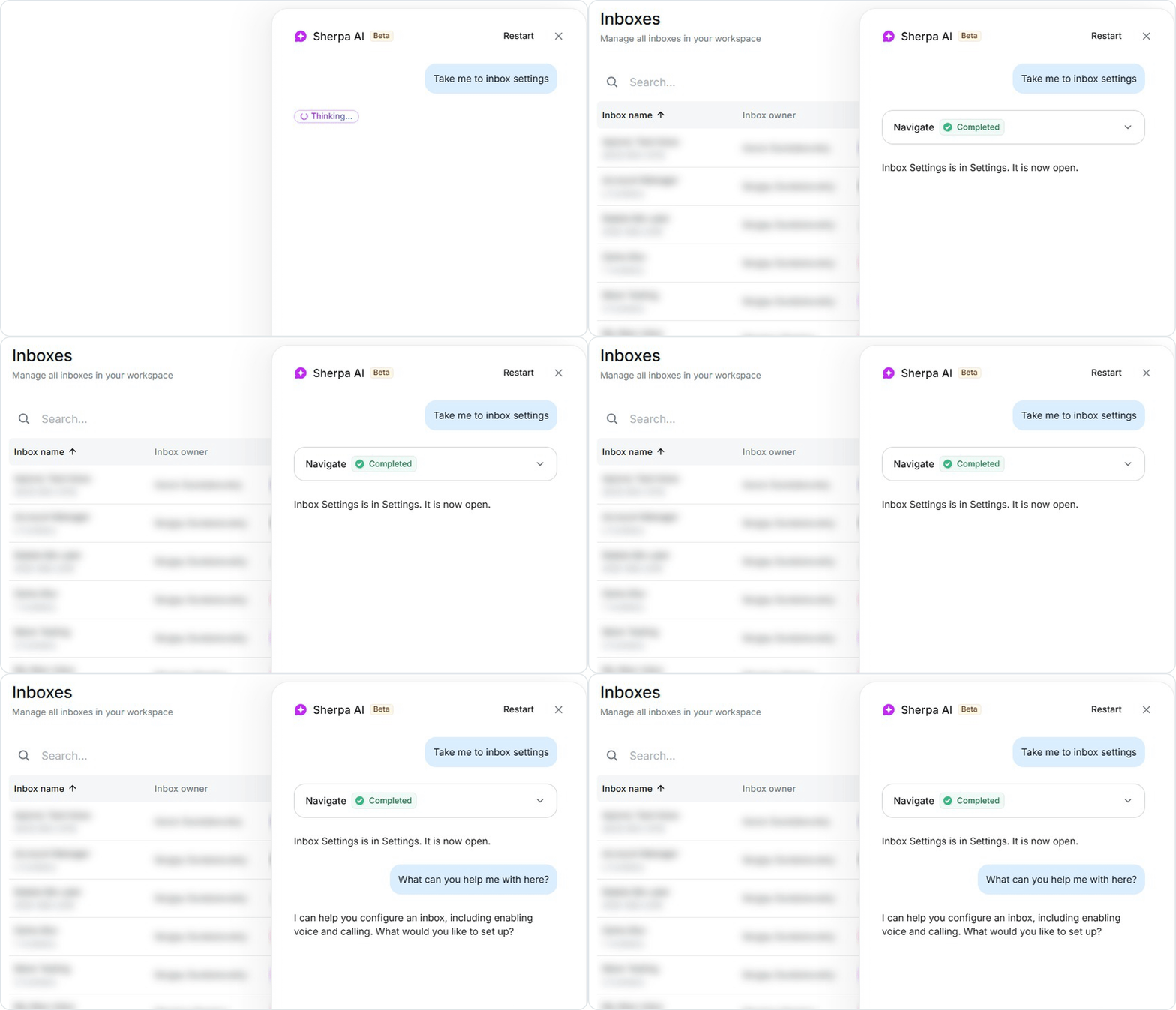
Skip the menus: ask Sherpa AI to take you to inbox settings, compliance or any other area, and it opens the screen and tells you what it can help with there. It respects each user's role, so teammates only reach the areas their permissions allow.
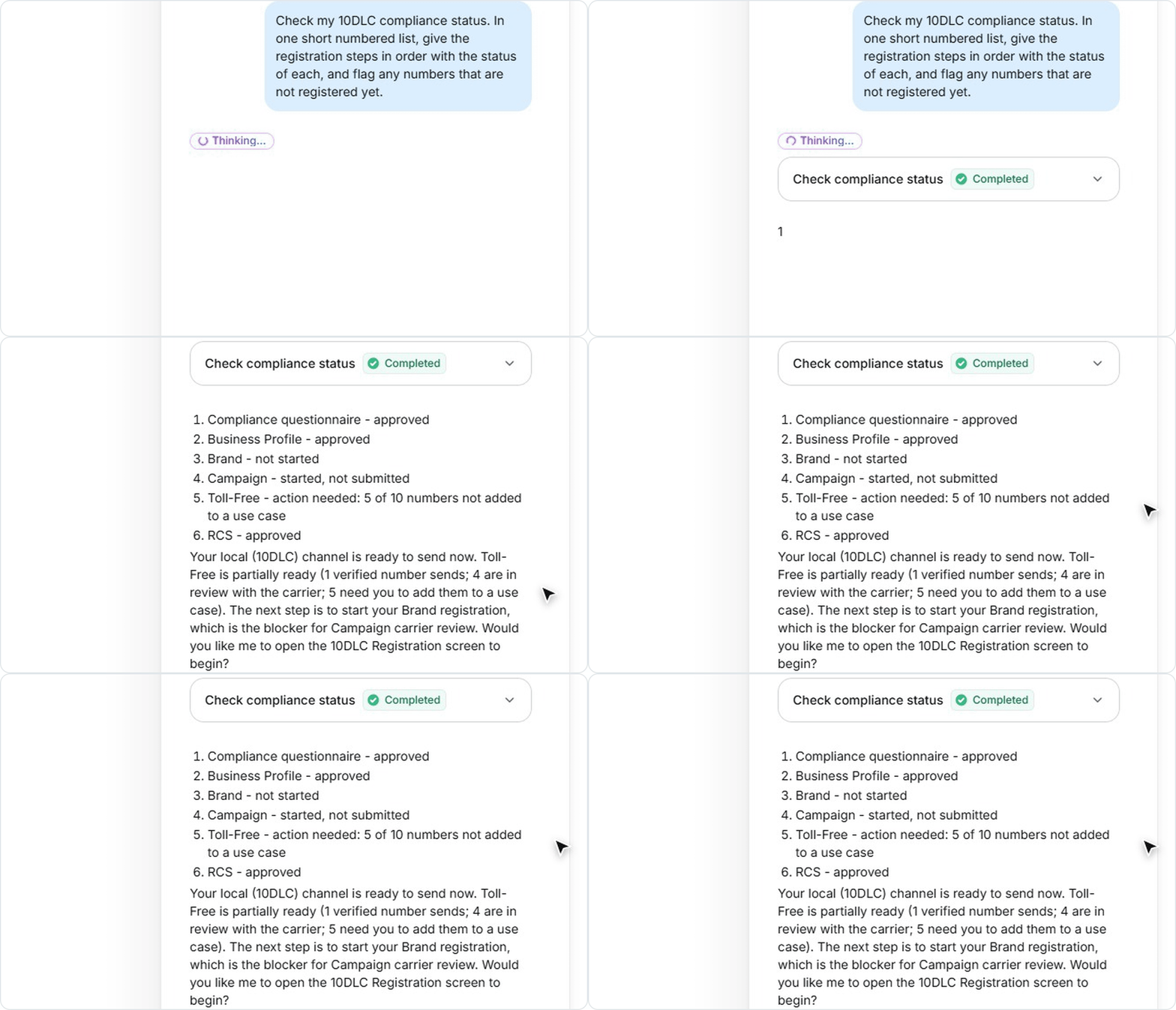
Sherpa AI reads your account compliance status, explains each step of the 10DLC registration in order, and flags numbers that still need action, such as toll-free numbers not yet added to a use case. Answers come from the Salesmessage Help Center.
Simplify, scale, and streamline your business by connecting your tech stack with our apps




%20(3).webp)


Sign up here for a 14-day trial and be on your way to engaging with your customers faster than ever before.

