Analytics
SMS analytics, call analytics, and team performance reporting in one dashboard. Track message delivery, call outcomes, response times, click rates, and conversion revenue across your whole team.

4.7 on G2

4.6 ease of use on Capterra
Trusted by
3,500+
businesses


SMS analytics
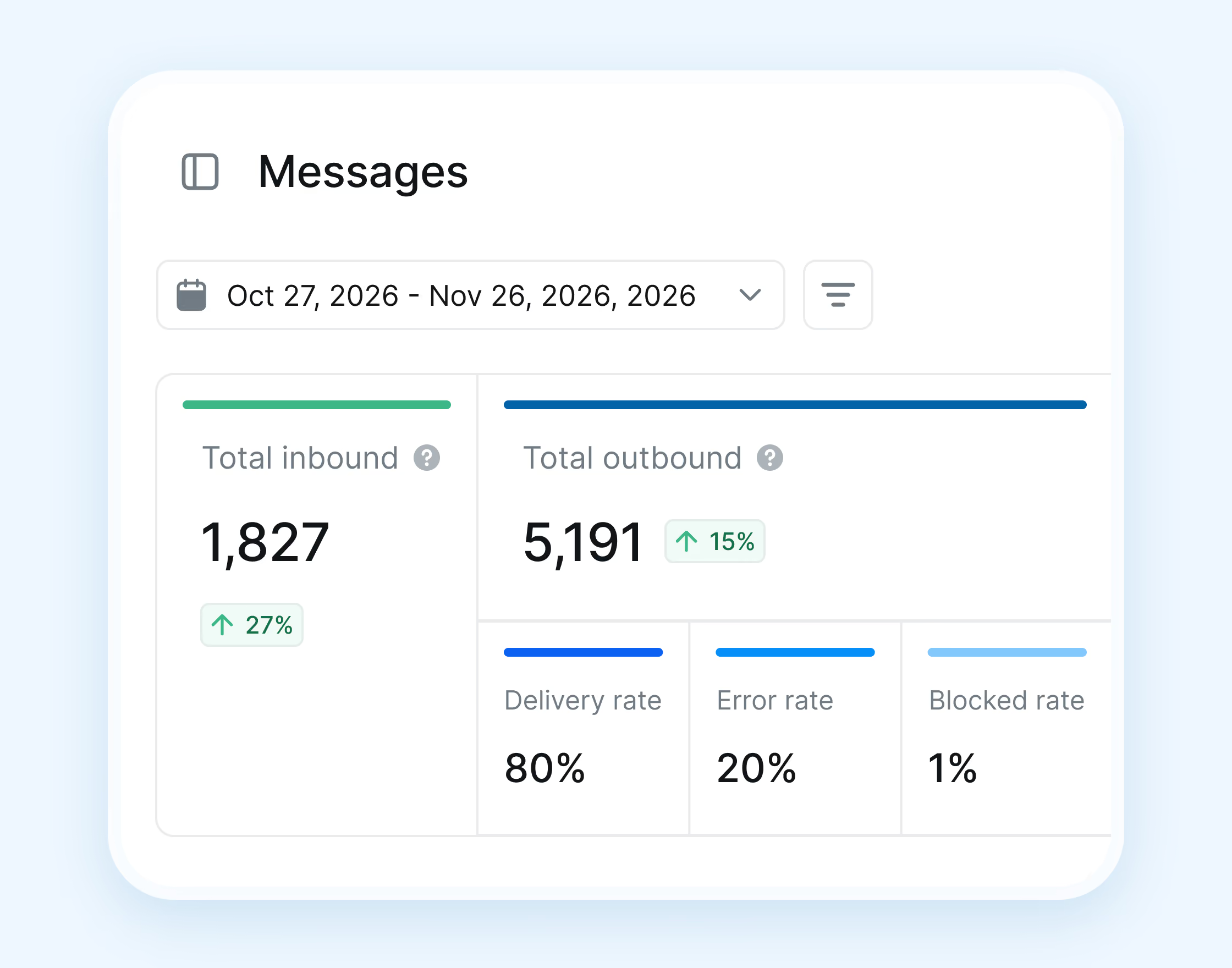
You send thousands of texts and have no idea how many actually get through. The Messages dashboard shows delivery, errors, blocks, and opt-outs so you can fix problems before they cost you leads.

Track inbound and outbound volume with delivery and error rates

Spot carrier blocks and opt-out trends before they spike

Break down ringless voicemail delivery across your campaigns
Call analytics
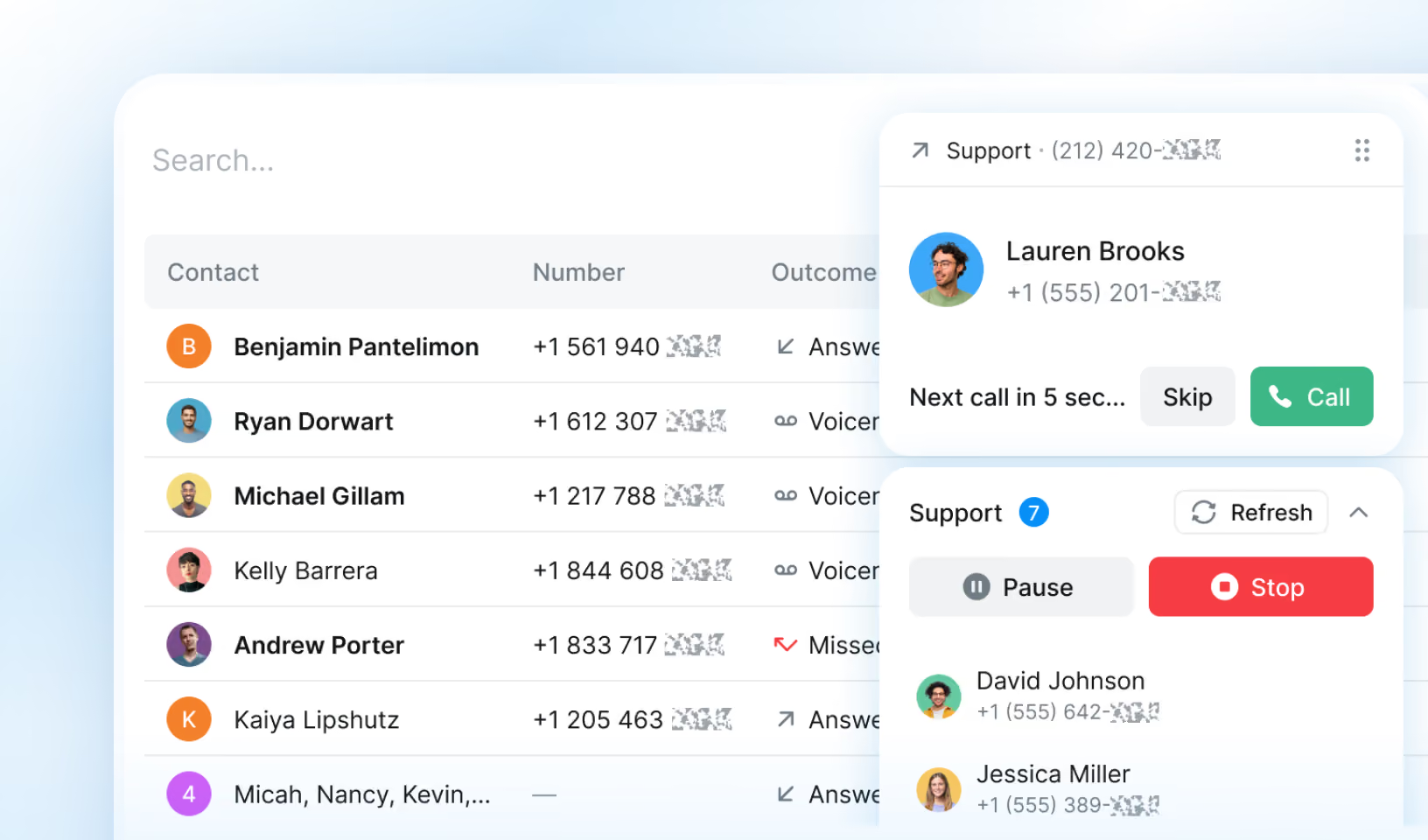
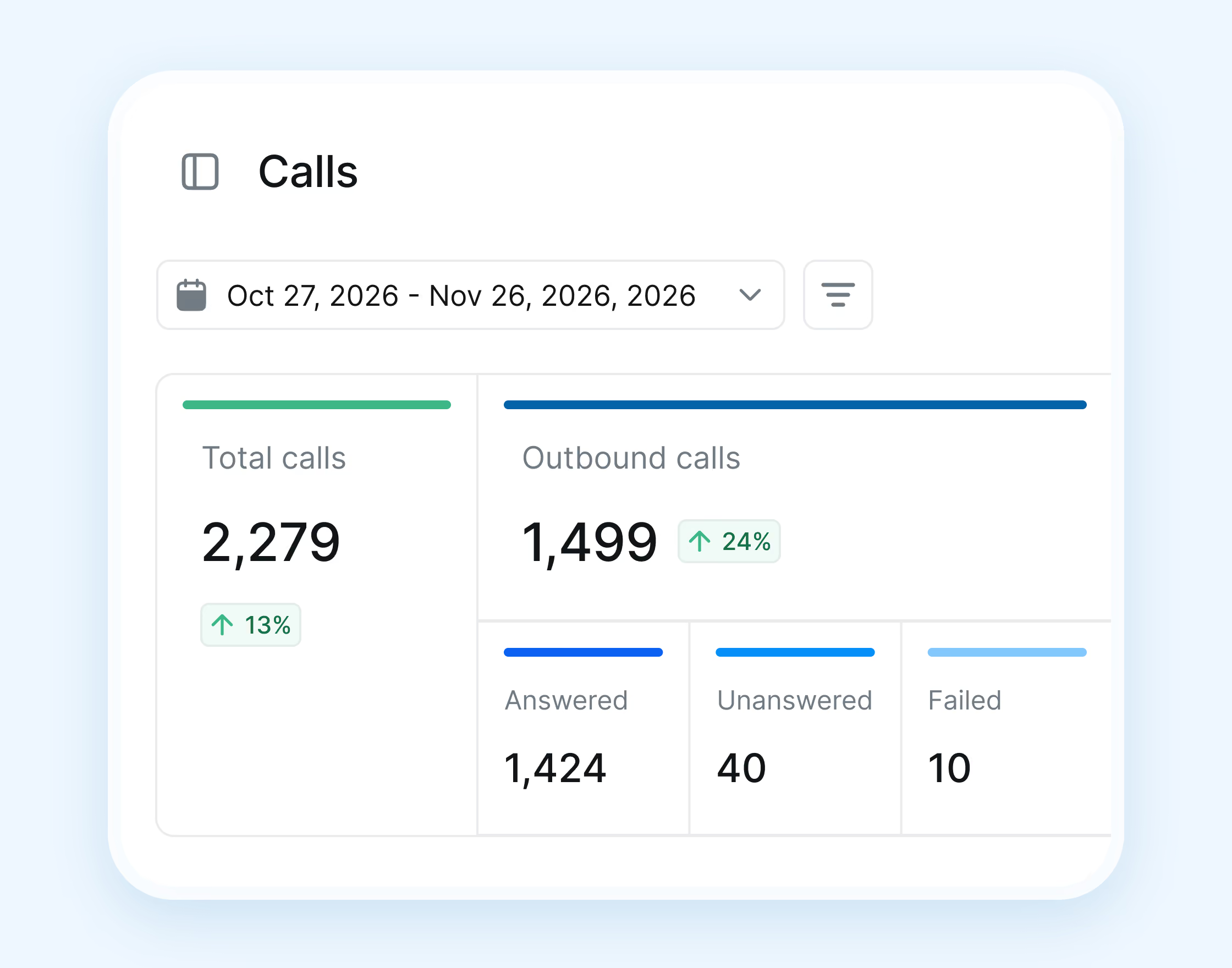
Reps say they're calling, but you have no visibility into outcomes. The Calls dashboard shows answered, missed, forwarded, and AI-handled calls across your team.

Track inbound and outbound calls with outcome breakdowns

See which calls AI answered vs. your team vs. missed entirely

Measure average call duration for inbound and outbound separately
Team performance
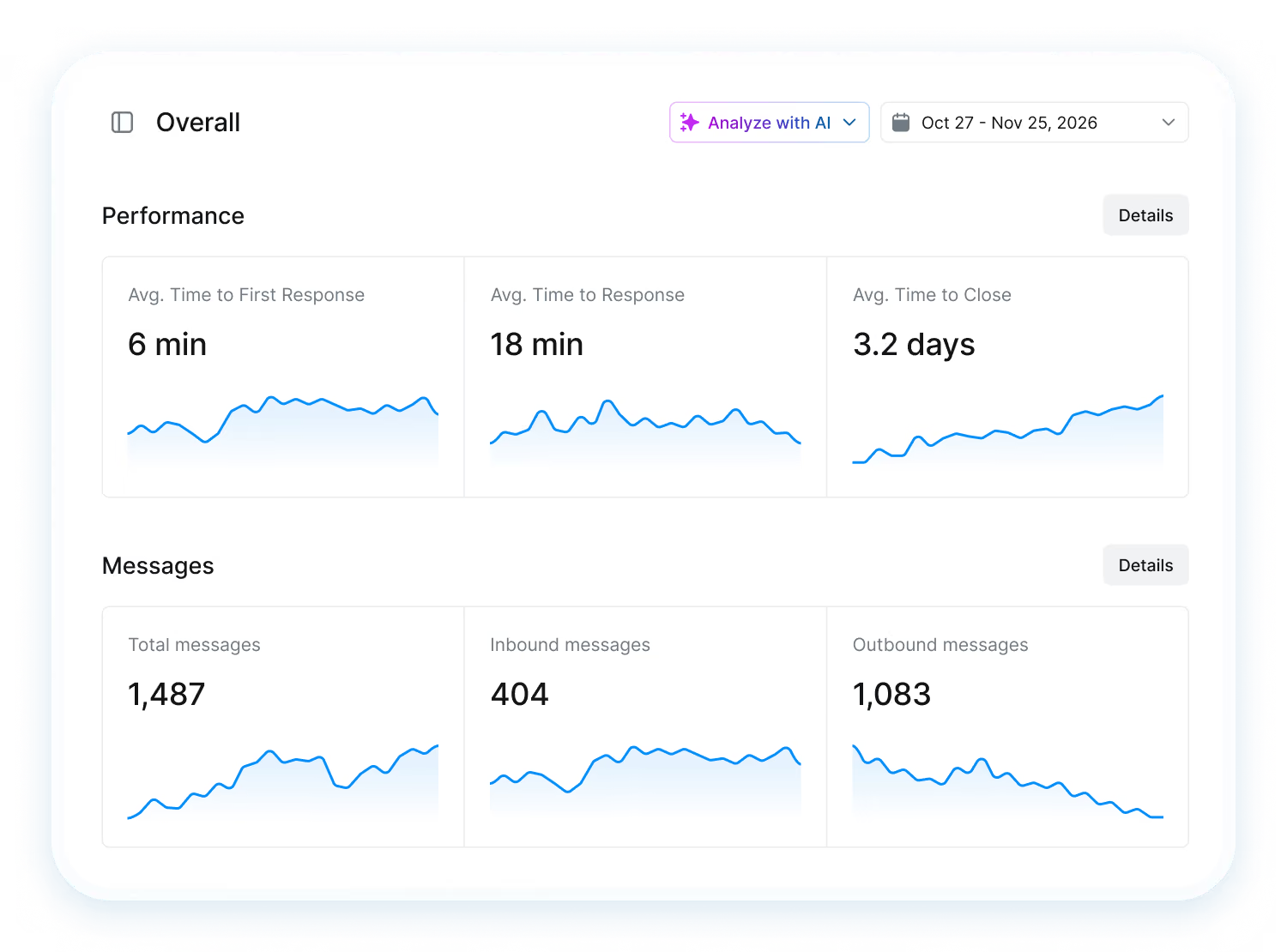
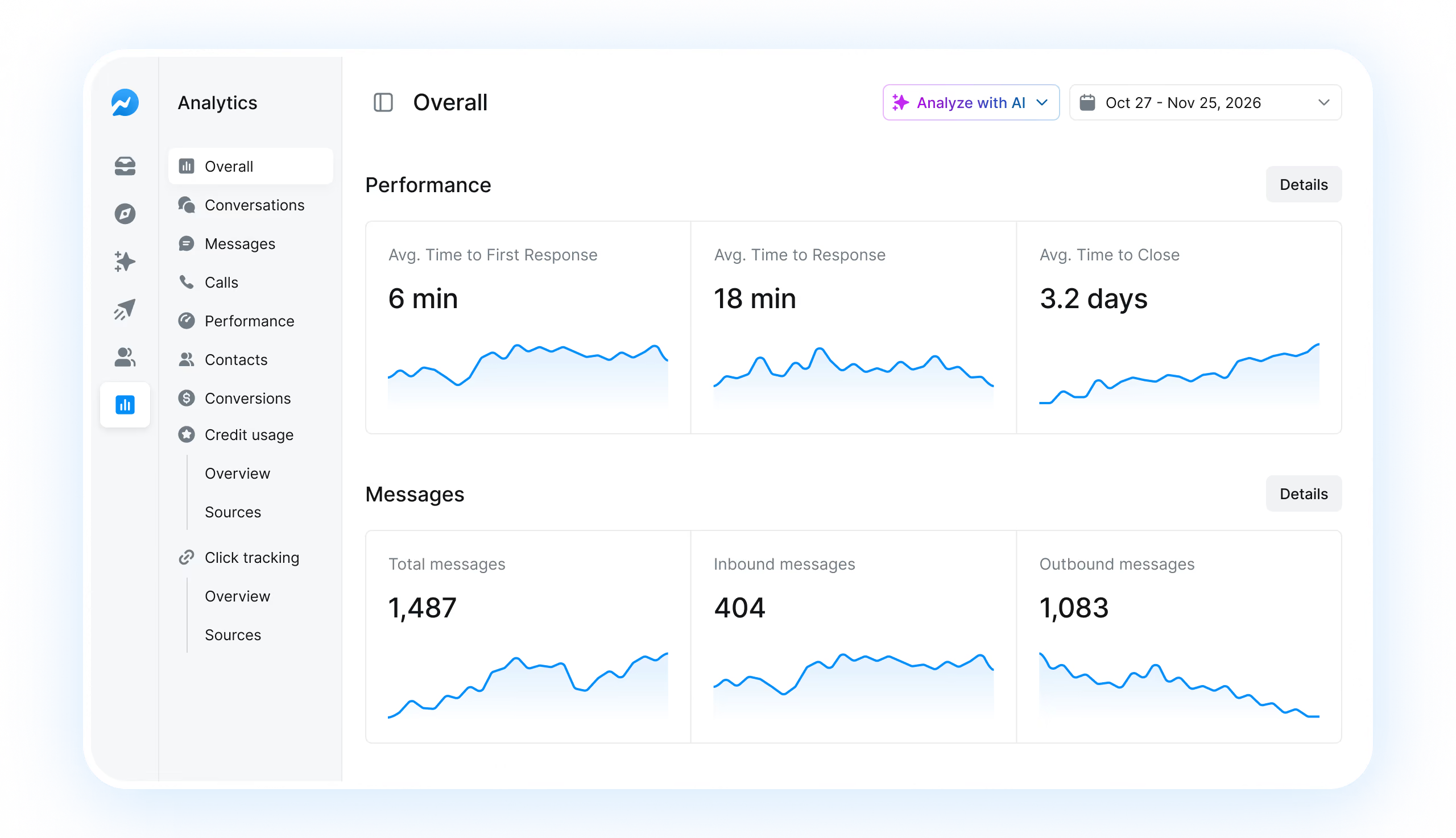
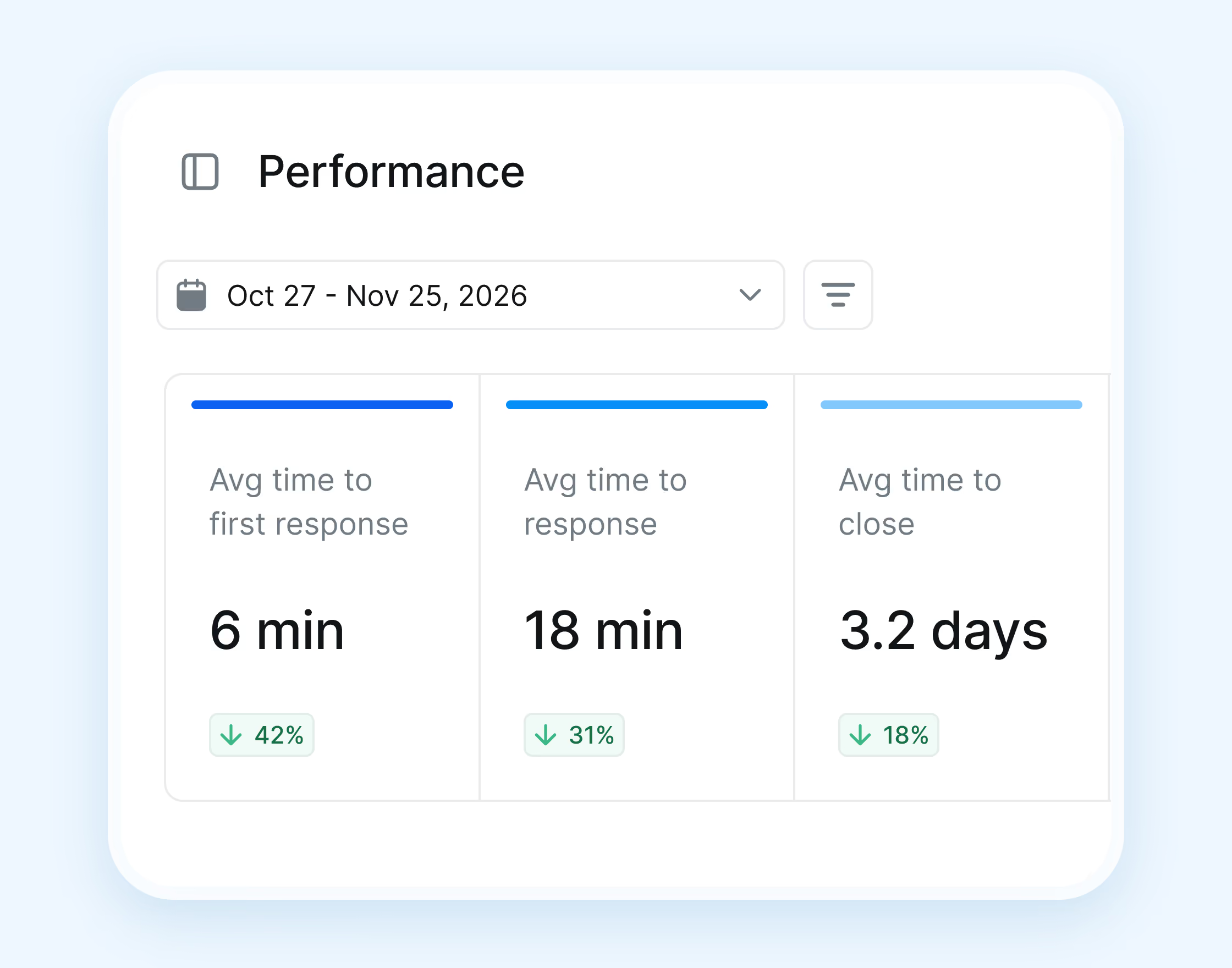
Leads go cold when response time slips. The Performance dashboard tracks average time to first response, time to reply, and time to close for your whole team and each rep.

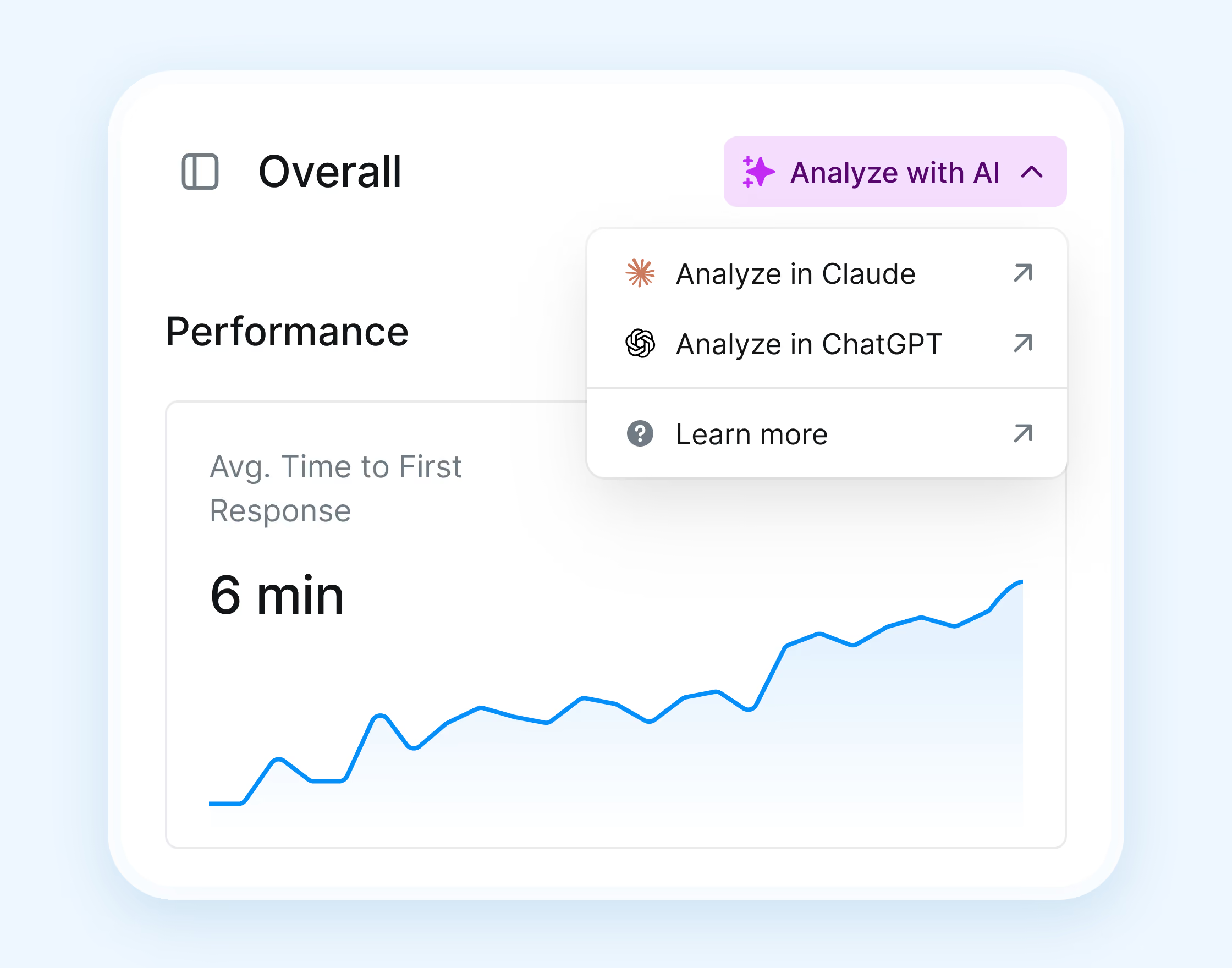
Track average first-response time across all conversations

Compare individual rep performance side by side

Identify who closes fast and who needs coaching
Click tracking
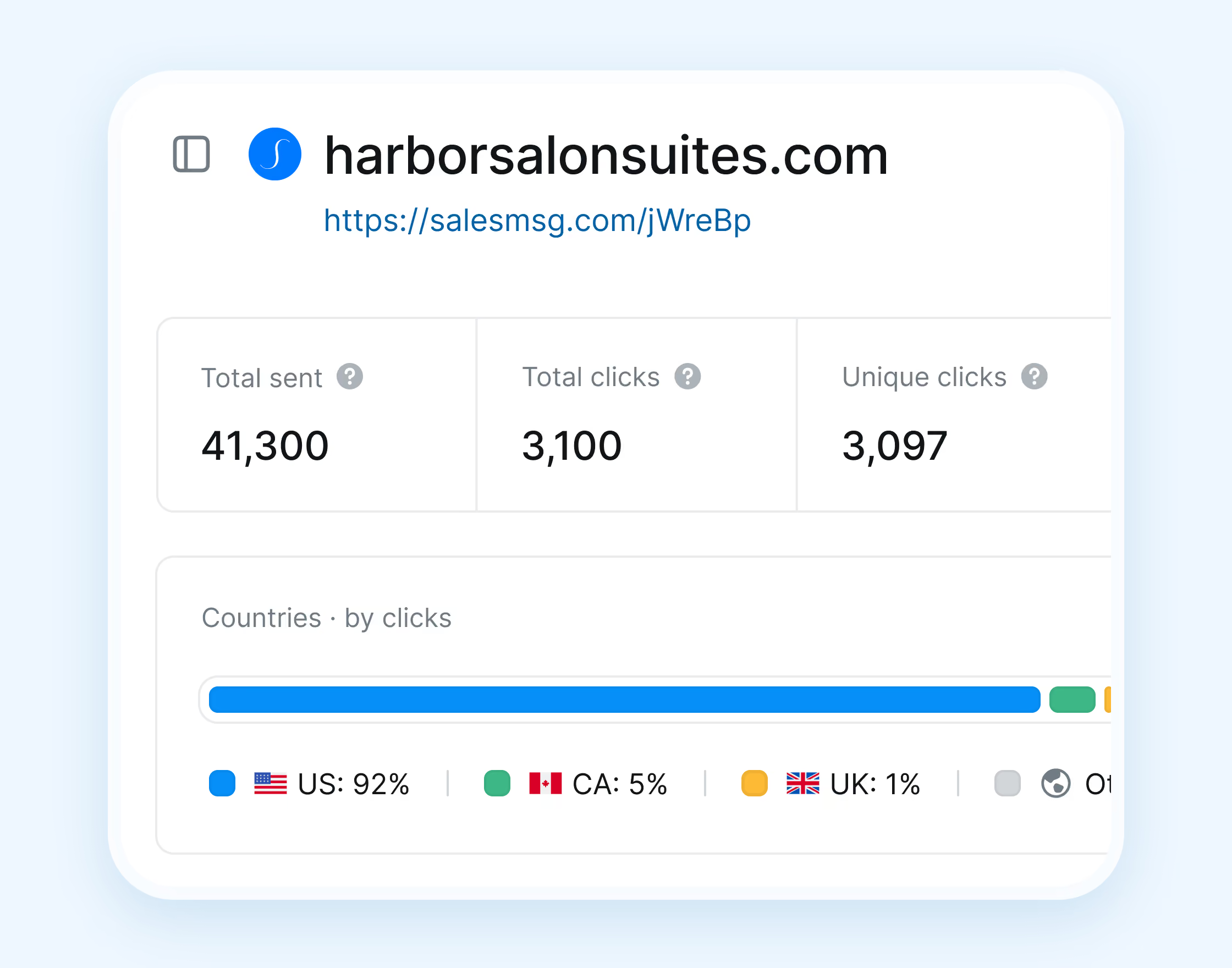
You include links in every broadcast and have no idea which ones drive action. Click tracking shows clicks, unique clicks, devices, countries, and credits per click for every link.

Track clicks across broadcasts, campaigns, workflows, and AI agents

See which countries and devices generate the most engagement

Activate audiences from reports: enroll clickers in campaigns or agents
Conversion tracking
Your team sends broadcasts but can't tell you which ones generate revenue. Conversion tracking connects each broadcast to the revenue it creates.

Add a code snippet to track conversion events on your site

Assign monetary values to each conversion type

See total conversions and revenue per broadcast, form, and trigger
AI agent analytics
Your AI agents run conversations around the clock, but you can't see what's working. AI agent analytics tracks every session, booking, and handoff so you know which agents perform and which need tuning.

Track conversations, bookings, and completion rates per agent

See resolved, handed off, and abandoned calls for voice agents

Review AI transcriptions, summaries, and call scores in one view
Every metric, in one platform.
Message delivery
Delivery rate, error rate, carrier blocks, and opt-outs.
Call outcomes
Answered, missed, forwarded, busy, and AI-handled calls.
AI Agents
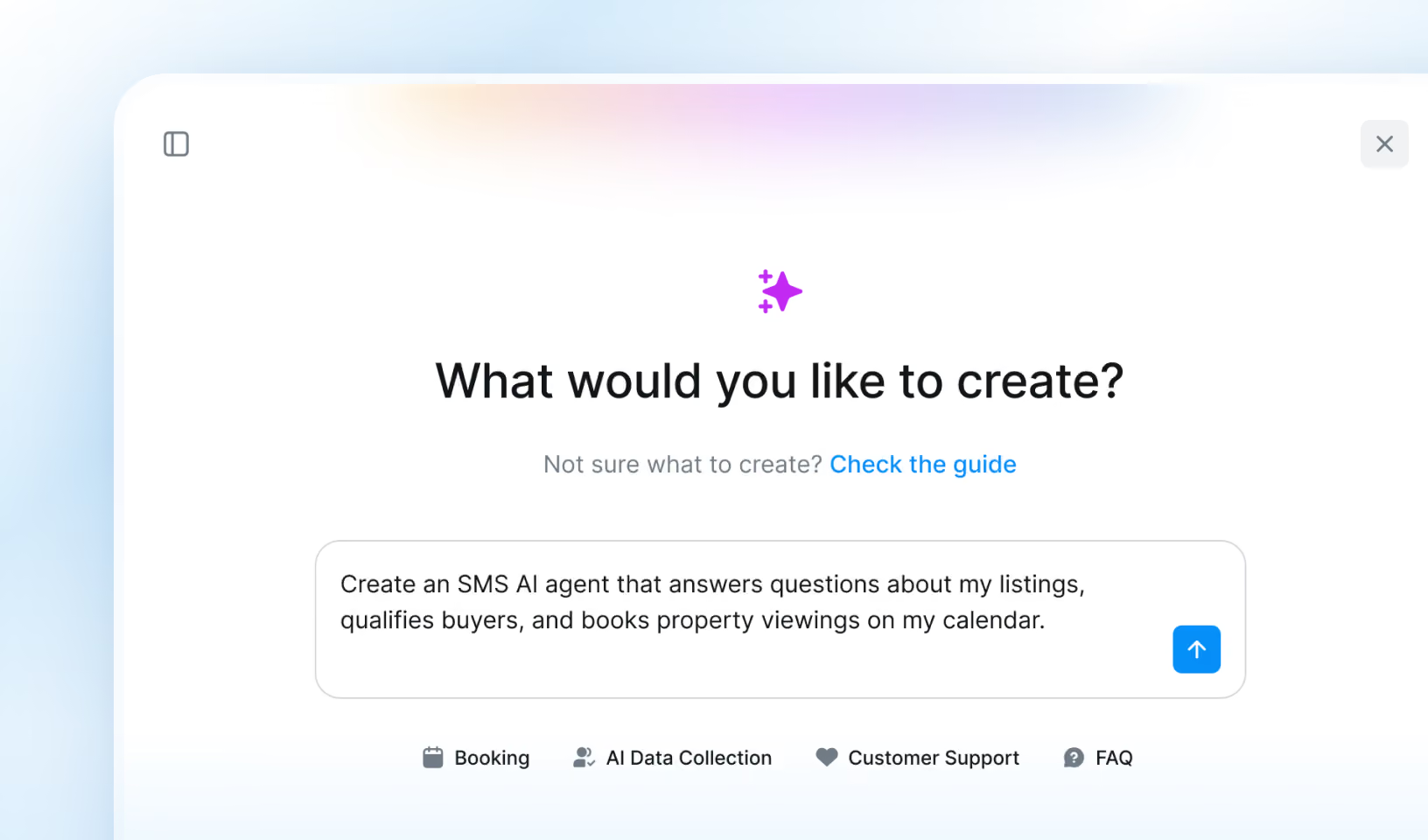
Your AI agent handles texts and calls, qualifies leads, and books showings 24/7.
Click tracking
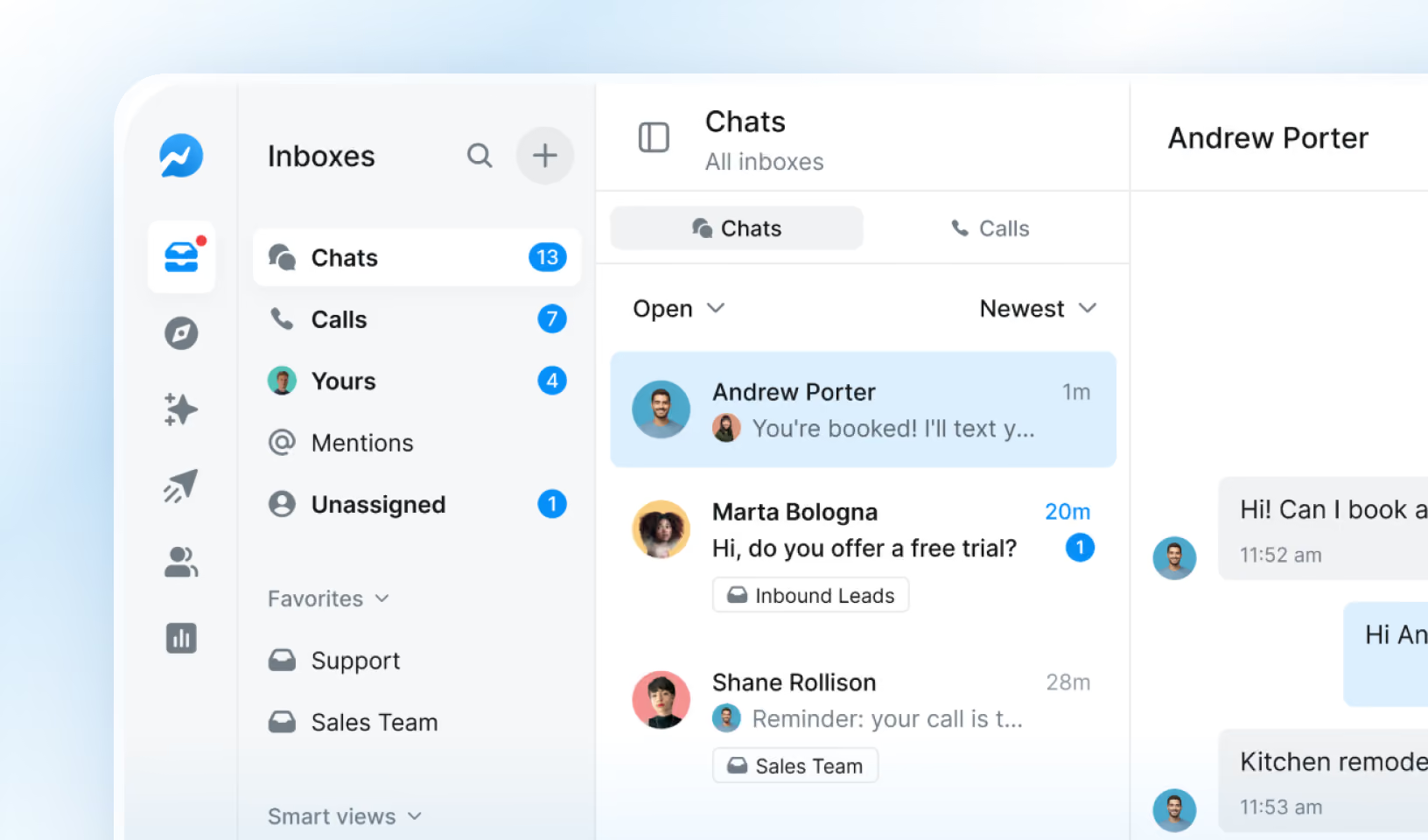
Every text and call visible to the whole team. No conversations lost on personal phones.
Conversion tracking
Revenue and conversion events tied to broadcasts and triggers.
AI agent analytics
Conversations, bookings, handoffs, and outcomes per agent.

Credit usage
Credits by type, source, and automation. Export included.

Voice intelligence
AI transcription, call summaries, scoring, and outcomes.

Broadcast analytics
Sent, replies, opt-outs, and per-contact drill-down.
Contact reporting
New contacts and opt-out tracking over time.
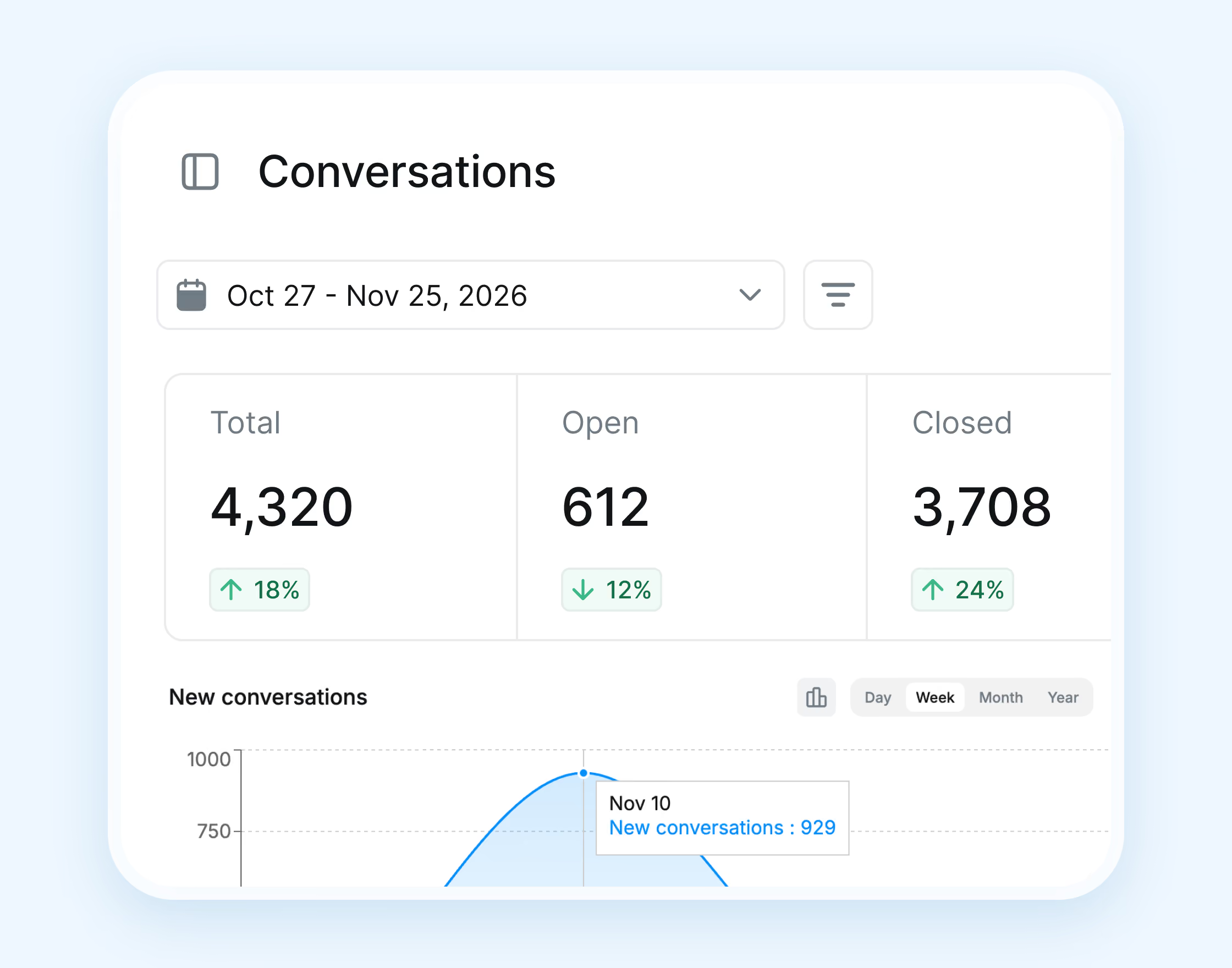
Conversation metrics
New, open, and closed conversations with trend charts.

Email reports
Scheduled KPI reports delivered daily, weekly, or monthly.
Start your 14-day free trial
SMS and conversation analytics tracks how your team's texts, calls, and conversations perform over time. It measures delivery rates, response speed, call outcomes, link clicks, and conversion events so you can see what's working, where leads drop off, and which reps need help.
Integrations
Every message, call, and conversion logs to your CRM automatically. Run reports from one place, not three.


Explore all integrations
Sales Leaders
Marketing Directors
CS Managers
Revenue Operations
Franchise Operators
Multi-Location Teams
Agency Owners
Compliance Officers
Law Firms
Insurance
Dental and Medical Practices

$20K
added revenue from two texts
Read case study

Read case study

4X
increase in daily response rates
Read case study
Read case study
"I send a text that says, 'I'm not a bot. I'm not AI. I'm a real human.' Same area code, real person, and they actually pick up their phone. Instead of calling first and following up, we start with the text. We start with Salesmsg."



Read case study
The tools and safeguards that protect you, your customers, and your business.
Enterprise-grade security backed by a completed SOC 2 Type II certification. Your data is protected by independently audited controls, tested annually.
Secure messaging that supports HIPAA compliance for teams communicating with patients and protected health information. Sign a BAA with Salesmsg.
Opt-out tracking built into every report. See opt-out rates, carrier blocks, and compliance metrics across all your campaigns and automations.

Try for 14 days at no cost. See your analytics dashboard in action with real data from your first conversations.
Start your 14-day free trial

Get a personalized walkthrough with a product expert. See how analytics helps your team make faster decisions.
Book a demo

Simple plans that scale with your team. No hidden fees, no long-term contracts.
View pricing
What does Salesmsg analytics track?


Salesmsg analytics covers messaging, calling, conversations, team performance, contacts, conversions, credit usage, and click tracking. Each area has its own dashboard. You can track message delivery and error rates, call outcomes, response times, link clicks, conversion revenue, and how credits are spent across your automations and AI agents.
Can I compare performance across team members and inboxes?
Yes. The Breakdown filter lets you compare up to 25 members, inboxes, phone numbers, tags, or outbound sources side by side. You can see which reps respond fastest, which inboxes generate the most conversations, and which numbers have the highest delivery rates.
What is click tracking and how does it work?
Click tracking shows you who clicks the links you send from Salesmsg. Every short link is tracked automatically with no setup. You see total clicks, unique clicks, unique click rate, credits per click, country, and device for every link. Links are tracked across broadcasts, campaigns, workflows, triggers, surveys, AI texting agents, and manual messages.
Can I track revenue from my SMS campaigns?
Yes. Conversion tracking lets you create conversion events by adding a code snippet to your website or landing page. You assign a monetary value to each conversion type and track conversions across your broadcasts. The Conversions dashboard shows total revenue and a per-broadcast breakdown.
What team performance metrics are available?
The Performance dashboard tracks three key metrics: average time to first response, average time to response, and average time to close. Each metric is broken down by team member so you can identify who responds quickly, who takes longer, and where coaching would help.
How does credit usage reporting work?
The Credit Usage dashboard breaks down every credit spent by type: messages, calls, AI texting agent, AI calling agent, transcripts, and ringless voicemail. You can drill into usage by source (broadcast, workflow, campaign, trigger, or AI agent) and see a full transaction log. Credit data is exportable for budgeting and forecasting.
Can I schedule reports to be delivered by email?
Yes. Under Settings > Notifications, you can enable email analytics reports delivered daily, weekly, or monthly. The report includes your key performance metrics so your team stays updated without logging in.
What call analytics does Salesmsg provide?
The Calls dashboard tracks total, outbound, and inbound calls. Outbound calls are broken down by answered, unanswered, failed, and busy. Inbound calls show answered by a person, answered by AI, missed, failed, busy, and forwarded. Average call duration is shown separately for inbound and outbound.
Can I act on data from inside the reports?
Yes. From Click Tracking, you can select contacts who received a link and enroll them in a campaign, workflow, or broadcast, add them to the Power Dialer, or assign them to an AI agent. From Broadcast analytics, you can drill into individual metrics, identify the contacts behind them, and export those contacts for further analysis.
What AI agent analytics are available?
Texting agents track total conversations, in progress, completed, stopped by user, skipped, and booked meetings. Calling agents show calls handled by AI, resolved, handed off, and abandoned. Voice intelligence adds AI transcription, call summaries, scoring, and call outcome tagging.
Does Salesmsg analytics sync with my CRM?
Every message, call, and conversation logs to your CRM automatically through Salesmsg's native integrations with HubSpot, Salesforce, ActiveCampaign, Pipedrive, and 1,000+ tools through Zapier. Analytics in Salesmsg shows your platform-side data. CRM-side reporting shows how that data ties to deals, pipeline, and revenue.
What date ranges and filters are available?
Default is the last 30 days. Presets include this month, last month, last 3 months, last 6 months, last year, and all time. Custom date ranges are available. You can also filter by time of day (defaults to your business hours if set) and group data by day, week, month, or year. Charts toggle between line and bar views.
How is Salesmsg analytics different from CRM reporting?
CRM reporting shows deals, pipeline, and revenue. Salesmsg analytics shows what happens inside the conversations that drive those deals: how fast your team responds, which messages get delivered, which links get clicked, and which automations spend the most credits. The two work together because every Salesmsg conversation syncs back to your CRM.

Conversation analytics that show delivery, response time, and outcomes
SMS analytics and call analytics in one dashboard
Track team performance, click rates, and conversion revenue