Human on the Loop AI Agents: Delegate the Job, Not Each Text




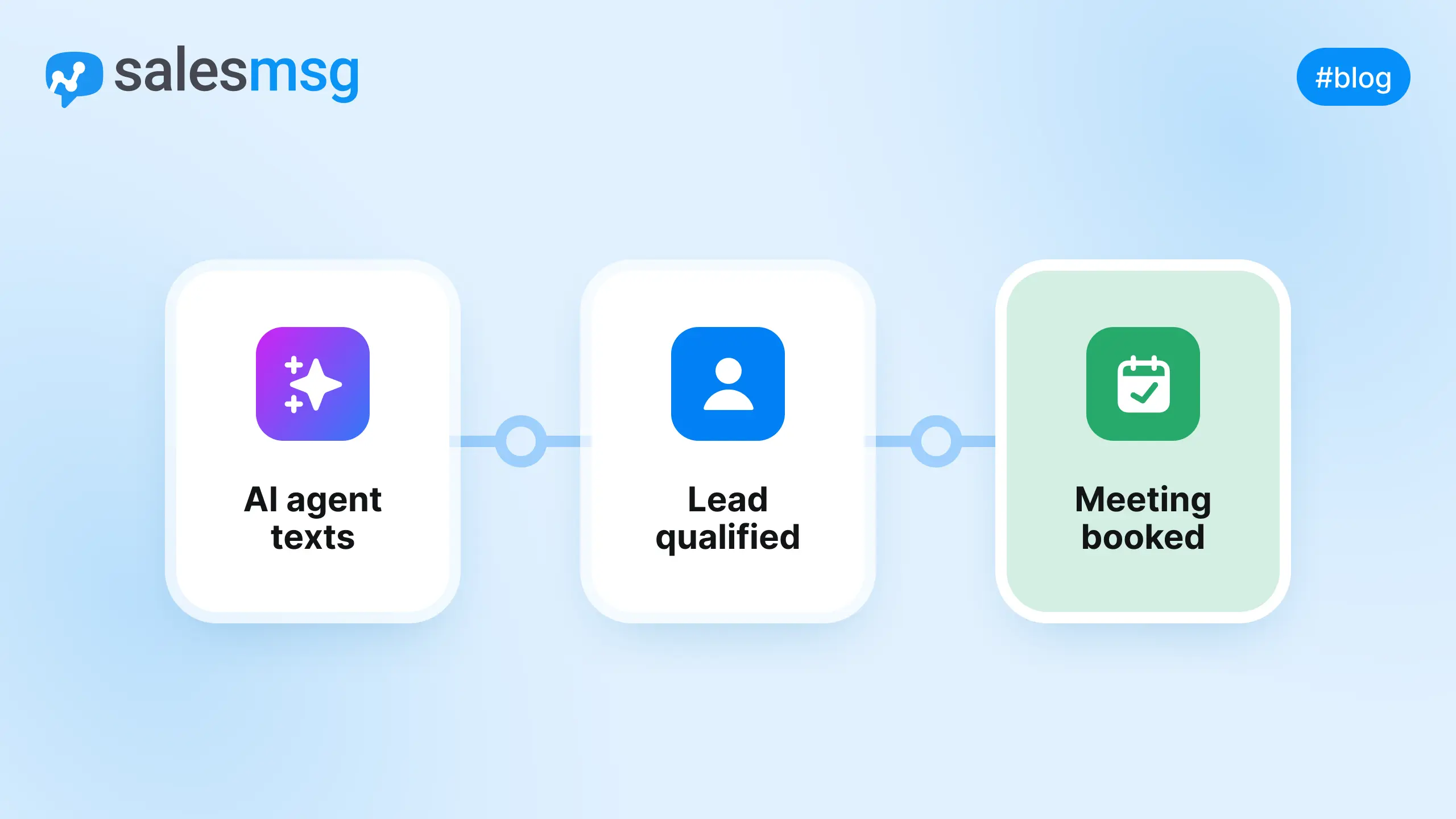
With human on the loop, AI agents run the conversation on their own: they read each reply and answer without waiting for anyone to approve the message. A person still watches the results, takes the conversations the agent hands back, and can step in at any moment.
Human on the loop AI agents: what changes for you?
Human in the loop is the other model: a person approves each step before it happens. For an agent that answers leads and customers by text, that turns the person into a bottleneck and, after the fiftieth approval, a rubber stamp.
On the loop puts your judgment where it counts: in the job you give the agent, and at the edges of that job.
At Salesmessage, we call the human part of AI "Magic Touch." For agents, it means you author the delegation: the goal, the knowledge, the limits and when to hand back. The agent works within it.
Magic Touch isn't a button or a setting. It's a principle about who owns the work. The agent never authors the job; you do.
Human in the loop vs human on the loop: what's the difference?
Here's how the two compare for an agent that texts your leads and customers.
Neither one means AI replaces people. The difference is where your attention goes: into every single message, or into the job and its edges.
How does the delegated loop work?
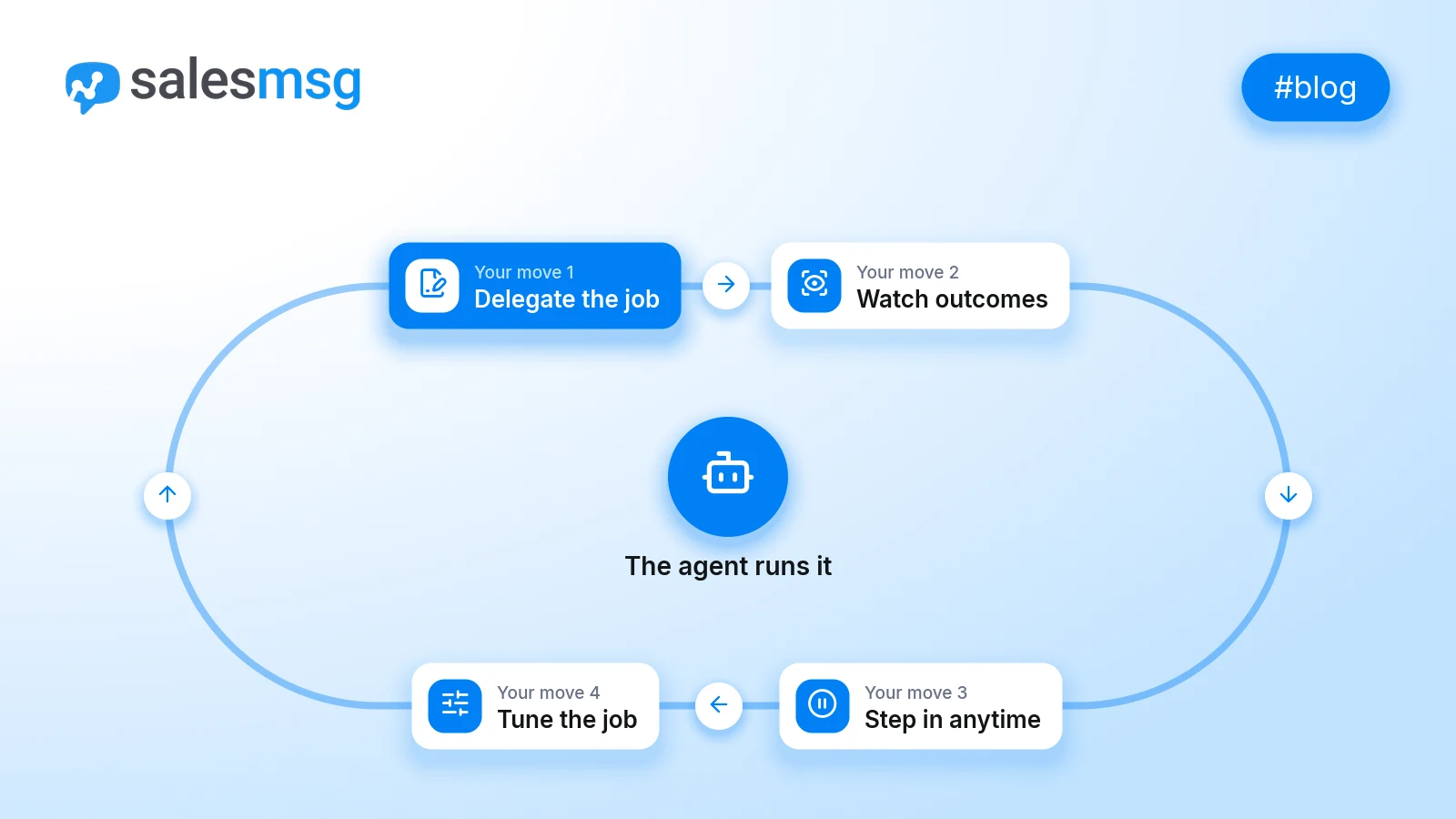
The pattern behind human on the loop is the delegated loop. It runs in five steps:
- You delegate a bounded job. You write down the goal, the knowledge the agent may use, its limits and when it should hand back.
- The agent runs the loop. It reads each reply and answers on its own, with no one signing off on each message.
- You watch outcomes, not keystrokes. You look at how conversations ended: booked, answered, stalled or handed back.
- The agent hands back at a limit. When a conversation reaches the edge of the job, a person takes it from there.
- You step in and tune. You pause, take over or resume, then adjust the delegation based on what you saw.
Say a home-services office manager delegates one job: booking estimate visits by text. The agent answers questions about service areas and open times, and books the visits.
Then a customer pushes back on a price he was quoted last year. That's outside the job, so the agent hands it back. She sorts out the price herself, then adds a line about old quotes to the knowledge base.
That's Magic Touch for agents: the delegation is the part you author, and the agent works within it.
What goes into a good delegation?
A good delegation fits on one page. It has four parts:
- The goal. What a finished conversation looks like: a booked meeting, an answered question, a confirmed appointment.
- The knowledge. What the agent may answer from, and nothing else.
- The limits. What it must not do or promise, and who it should stop talking to.
- The hand-back. The moments a person takes over, such as a complaint, a price exception or a question the knowledge doesn't cover.
Write the hand-back list yourself. It's a decision about your business, not something to leave to chance.
With Salesmessage AI agents, you set the goal, the tone and the Knowledge Base, and you configure how the agent handles edge cases.
An agent can also stop conversations with contacts who don't qualify, ending with a final message you configure. And you can test the agent before it goes live.
For the knowledge part, the AI knowledge base lets you add website URLs and custom text as sources. You can assign document access to individual agents, so each one pulls only from the right content.
Test with the awkward questions first: the angry customer, the discount request, the question nobody wrote an answer for. That's where a delegation shows its gaps.

How do you stay on the loop once the agent is live?
Staying on the loop comes down to four habits: watching, taking escalations, stepping in and tuning.
Watch the outcomes. Every agent conversation is logged in your CRM and the Salesmessage inbox, and you can track conversations with built-in performance metrics.
Make it a weekly habit: read a handful of finished conversations and look at what escalated. Ten minutes of reading tells you more than a chart does.
Take the escalations. Turn on Handoff to Human and the AI stops when a conversation needs a real person.
The agent then posts an AI-generated summary as an internal note and can notify teammates, so whoever picks it up doesn't start cold.
Step in whenever you want. You can pause the agent at any point and take over manually. When you resume it, the agent continues with full context.
You don't have to wait for a hand-back, either. You can stop a conversation and edit a live agent the moment you need to step in, and your team picks up where the agent left off.
Tune the delegation. Edits to a live agent publish in real time, and your automations stay active while you refine them. Let the escalations tell you what to change:
- A question that keeps coming back goes into the knowledge base.
- A limit that keeps firing for no reason gets loosened.
- A reply you didn't like becomes a new limit.
That's the loop doing its job. The agent gets better through the delegation you keep refining, and you learn where its edges should be.
When should a person stay in the loop instead?
On the loop fits ongoing conversations inside a job you've delegated. Some sends are different.
An SMS campaign goes to many people at once, and you can't take it back once it lands on their personal phones. So a person writes and approves every campaign before it's scheduled.
Before you schedule, run these checks. They're good habits, not legal rules or product settings:
- Everyone on the list agreed to get texts from you.
- The offer, dates and prices match where they came from.
- The link opens.
- Personalization fields fill in correctly.
- The business name and opt-out wording are there.
- A test lands on your own phone and reads right.
The two models work together. You send the campaign in the loop, and an agent can handle the replies on the loop: Salesmessage AI agents can manage Broadcast replies in real time.
Reps who write their own one-to-one replies stay in the loop too, with the AI texting assistant polishing what they wrote before they send it.
That's Magic Touch in one line: you author the job, the agent works within it, and you never leave the loop.
Start small this week. Pick one agent, write down its three or four hand-back moments, and test it against each one before it goes live.
FAQs
Is it safe to let an AI agent text customers without approving every message?
It can be, as long as the agent works inside a clear job. Give it a defined goal, a knowledge base to answer from, firm boundaries and a list of moments when a person takes over. Then review results every week. Safety comes from the boundaries you write and from watching, not from clicking approve on each reply.
Does human on the loop mean nobody reads what the agent sends?
No. Nobody signs off on a reply before it goes out, but people still read the conversations. Someone reviews finished chats regularly, handles whatever the agent passes back, and can jump into a thread at any moment. The reading moves from before the send to after it, and it shapes how the agent gets adjusted.
How do I decide when an AI agent should hand a conversation to a person?
Begin with situations where a wrong answer costs you most: complaints, refunds, special pricing and questions your sources can't answer. List those before launch. After that, let real traffic guide you. If the agent keeps fumbling one kind of question, either add it to the list or give the agent the answer it was missing.
Can I start with human in the loop and move to human on the loop later?
Start on the loop, but start small. Begin with a narrow goal and tight boundaries, test the agent hard, and read its early conversations closely. Once you trust how it handles your common questions, widen the job step by step. The escalations show you what the agent handles well, so you loosen limits based on evidence rather than hope.
What happens to the conversation when I take over from the agent?
In Salesmessage, you pause the agent and reply yourself. The thread's history stays in place, so you see everything the customer already said. When you're finished, you can switch the agent back on and it carries on knowing what happened. If the agent passed the chat over itself, you also get a short summary as an internal note.
Who is responsible for what an AI agent texts a customer?
Your business is. The agent acts on the job you gave it, so the goal, the sources and the boundaries are yours, and so are the results. That's why owning the delegation matters. When an agent gets something wrong, fix the conversation, apologize plainly, then change its instructions or knowledge so the slip doesn't repeat.