How to Run an SMS Campaign That Actually Gets Replies


_How%20to%20Run%20an%20SMS%20Campaign%20That%20Actually%20Gets%20Replies.webp)

An SMS campaign is a series of texts sent to a set contact list to achieve a business goal.
Revenue teams use SMS to quickly follow up with new leads, revive stalled deals, confirm demos, and re-engage quiet contacts.
The teams doing SMS well are seeing reply rates north of 40%, while email sits at 5%.
Right now, 36% of Salesmsg customers trigger SMS campaigns from CRM workflows, according to our 2026 SMS Benchmark Report. They're catching leads while competitors are still drafting follow-up emails.
This guide covers what an SMS campaign is, the six steps to run one, and five examples built for sales, marketing, and support teams.
What Is an SMS Campaign?
An SMS campaign is a series of texts you send out to specific contacts in order to hit some goals in your business. Like moving a deal forward, reducing churn, improving show-up rate, and more.
The difference from regular texting comes down to structure. A one-off text is a single rep sending one message to one person. A campaign has a target audience, pre-written content, a send window, and a way to measure what happened.
- Sales teams use campaigns to follow up with new leads and revive stalled deals.
- Marketing teams use them for event invites and re-engagement.
- Support teams use them for renewal check-ins and onboarding sequences.
The format doesn't change much across those teams. What changes is the trigger and the goal.
Types of SMS Campaigns Revenue Teams Actually Run
Most campaigns fall into one of four buckets. The right one depends on whether you're sending the same message to everyone or letting CRM activity decide who gets what.
Broadcasts are the simplest place to start. You pick a list, write one message, and hit send. Useful for a webinar invite or a product update.
Triggered campaigns run on CRM events. A new lead fills out a form, and a text is sent within 60 seconds. A deal moves to closed-won, and a thank-you text follows.
These deliver the most leverage for sales teams.
Conversational campaigns are designed to get a reply, not just deliver a message. They work best with AI Agents handling inbound responses, so the rep only steps in when the lead is qualified.
Drip campaigns look like email drips but get read at a much higher rate. In a six-text onboarding sequence over two weeks, every message gets seen, unlike the 20% open rate you get with email.
For more ideas on what to actually send, see our list of SMS campaign ideas.
How to Run an SMS Campaign in 6 Steps
These steps work whether you're sending your first broadcast or building a triggered workflow inside HubSpot, or another CRM
1. Define the goal
Before anything else, pick one outcome you can measure. Engagement isn't a goal. Booking 30 demos from your Q1 leads list is.
The goal shapes everything else. A demo-booking campaign needs a calendar link in the message. A list-cleanup campaign needs a re-opt-in ask. A renewal campaign needs an account manager handoff.
Write the goal at the top of your planning doc and refer back to it when you're tempted to add a second CTA. One campaign, one goal.
2. Build the list
Your list is contacts who have opted in to receive texts. This matters because you can't legally text anyone in the US without their express written marketing consent.
The fastest place to build a list is your existing CRM. Pull a segment of contacts who opted in through your web forms, your checkout flow, or a text-to-join keyword.
For B2B teams, segment the list by a useful field such as deal stage, last activity date, lifecycle stage, or persona. A campaign sent to 5,000 random contacts performs worse than one sent to 50 hand-picked leads at the right stage.
3. Handle consent and compliance
Three things to get right before you send, and none of them are optional.
Consent and compliance isn’t optional. Here are three parts you need to get squared away before you hit send:
- TCPA opt-in consent from every contact on the list
- 10DLC registration on the number you're sending from
- A clear opt-out path in every message, usually Reply STOP to unsubscribe
Below we cover each of these in more detail and show you what each one actually requires.
Don’t skip this part. Numbers that are unregistered get heavily filtered, and your delivery rate falls off a cliff before the campaign even gets read.
4. Write the message
Keep it under 160 characters whenever possible. Messages under 100 characters get the highest response rates. Reply rates drop with every additional 100 characters, according to our 2026 Benchmark Report data.
A few rules hold up across campaign types:
- Lead with who you are, as the contact may not recognize the number
- Use one CTA per message, not two
- Use merge fields for the contact's name and any context
- Write like you'd text someone you actually know
- Use lowercase, contractions, and avoid formal sign-offs
If you need a starting point, browse our library of SMS templates.
5. Send
Now the timing question.
For B2B campaigns, Tuesday to Thursday, 10 AM to 12 PM local time yields the quickest replies, per benchmark data.
Quiet hours are 8 PM to 8 AM. Some states (Florida, Texas, Oklahoma, Washington) have stricter rules.
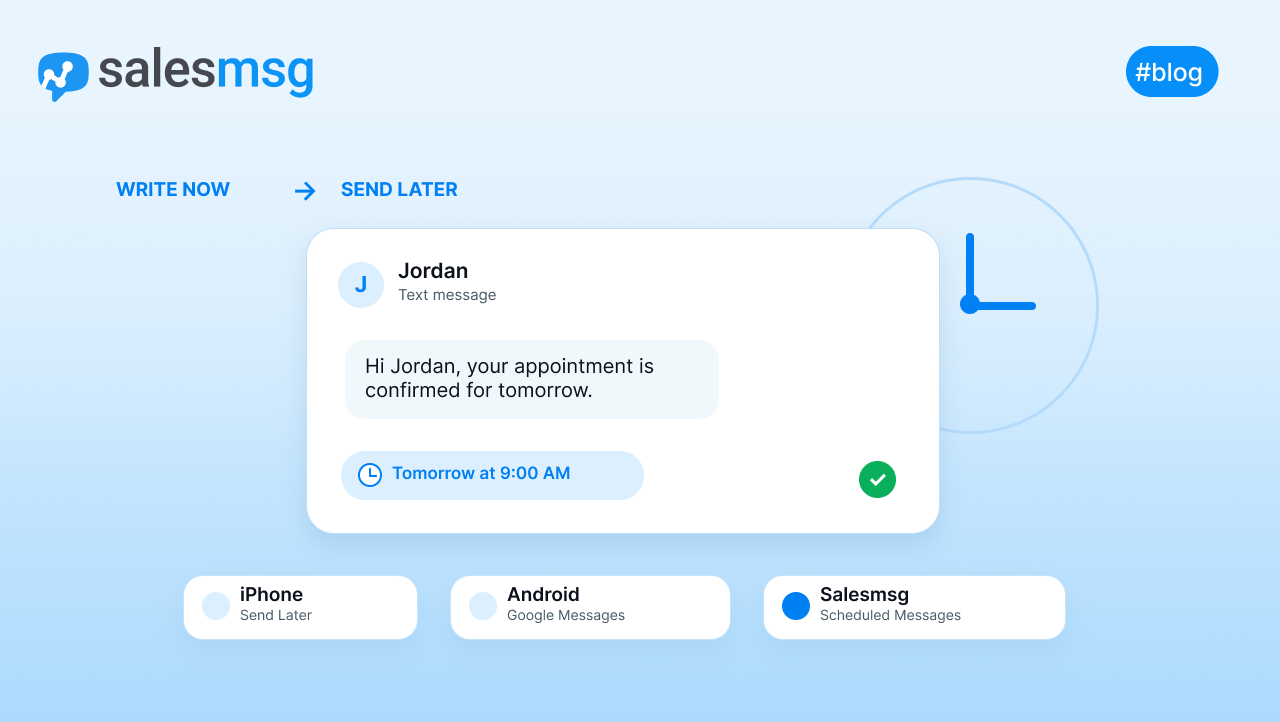
For a broadcast, make sure you schedule the send.
For a triggered campaign, the send is automatically sent when the CRM event occurs.
If you're running campaigns directly from your CRM, the HubSpot SMS integration and Salesforce SMS integration both let you send texts from workflows.
6. Track and follow up
The send isn't the end. The follow-up is where most of the revenue is.
Track delivery, response, click-through, and opt-out rates. Salesmsg analytics shows all four and imports them into HubSpot reports.
Reply rate matters most. Our benchmark data shows 42% of replies come from follow-ups, not the first message. So, teams that send once leave nearly half their conversations unfinished.
For follow-up wording that actually gets responses, see our follow-up text examples. For automating the follow-up itself, SMS marketing automation walks through how to build sequences inside a CRM workflow.
SMS Campaign Examples for Sales Teams
Here are five campaigns that you can run in real B2B pipelines. Each one shows the scenario, the message, and what changes when it works.
1. New inbound lead follow-up
A prospect fills out a demo request form at 9 PM. An email goes to their inbox, where it sits until morning, while your competitor texts them in 60 seconds.
Here’s a text you could automatically send instead:
Hi [Name], thanks for requesting a demo of [Product]. I'm [Rep Name] from [Company]. Want to grab a time this week? [Calendar Link]
The text is automatically sent from a HubSpot or Salesforce workflow the moment the form is submitted. Reply rates for this kind of message are 3-4x those for the same content in email.
2. Stalled deal revival
A deal has been sitting in the proposal stage for 14 days. The rep has emailed twice with no reply, and the deal is about to slip to next quarter.
Send this text instead:
Hey [Name], checking in on the proposal we sent. Any questions I can answer, or has timing shifted? Happy to jump on a quick call.
A triggered text from a CRM workflow is sent when a deal sits in a stage past a threshold.
This will catch deals before they go cold. The text feels personal enough that it doesn't feel automated and is direct enough to get an answer.
3. Pre-demo confirmation
You've booked 30 demos this week, and the industry average no-show rate is around 30%. A reminder text the day before significantly brings that down.
Hi [Name], reminder we're meeting tomorrow at [Time] for your demo. Here's the link: [Zoom Link]. Reply if you need to reschedule.
Send a reminder 24 hours before, and another two hours before high-value meetings. Remember, rescheduled replies aren't no-shows, they’re future conversations.
4. Post-event re-engagement
A webinar wraps with 200 attendees and 600 registrants who didn't show. Sending a follow-up marketing email will only get you 12% open rate.
You can still send that email, but also add a simple text:
Hi [Name], sorry we missed you at [Webinar Title] yesterday. Here's the replay: [Link]. Worth 15 minutes if you're thinking about [Topic].
Sent the morning after, this catches those who wanted to attend but were pulled away. You can route replies to an AI Agent to book a follow-up call when contacts engage.
5. Renewal check-in
A customer's renewal is 60 days out, and the CSM wants to surface any issues before they become churn signals.
Hey [Name], your renewal is coming up in [Days]. Anything we should be talking about before then? Happy to set up a quick call.
Sent from the CSM's number, this opens a conversation while there’s still time to fix anything that might come up. Most replies are some version of we're good, which is still useful data.
SMS Campaign Best Practices
Here are a few rules that hold up across all campaign types and teams.
- Keep messages under 160 characters when possible. Reply rates drop after that.
- Use merge fields for the contact's name and any CRM context you have.
- Send during the recipient's working hours, not yours. Time zones matter.
- One CTA per message, because splitting attention kills response rates.
- Always include opt-out language like Reply STOP to unsubscribe.
- Segment the list before every send. A targeted message to 20 contacts beats a generic blast to 2,000.
- Follow up, because most replies come from message two or three, not message one.
- Match the channel to the message. Quick confirmations and reminders work for texts, while long explanations belong in an email or a call.
- Test send times. Our benchmark data points to mid-morning, but your audience may behave differently.
- Log everything in your CRM. Conversations that don't sync to the contact record are conversations your team can't act on.
SMS Campaign Compliance Basics
Three rules carry most of the weight for US business texting. Get them right once and they run in the background of every campaign you send.
TCPA consent
TCPA consent means every contact has explicitly opted in to receive marketing texts from you.
A pre-checked box doesn't count. The opt-in language must state what they're signing up for and how often you'll text.
Take a look at our SMS opt-in examples to see what compliant language looks like in practice.
10DLC registration
All business SMS to US numbers must come from a 10DLC-registered number.
Unregistered numbers get filtered by the carriers, and your delivery rate tanks. Salesmsg handles 10DLC registration as part of onboarding, not as something you figure out on your own.
Opt-out handling
Every campaign needs a clear opt-out path, and Reply STOP to unsubscribe is the standard. Once a contact texts STOP, you cannot text them again, full stop. Most platforms process this automatically.
A note on quiet hours. The TCPA defines quiet hours as 8 PM to 8 AM in the recipient's local time zone. Florida, Texas, Oklahoma, and Washington have stricter state rules, and scheduling tools handle the time zone math so you don't have to.
For a fuller walkthrough, our SMS compliance guide covers the rules that vary by state.
None of this is meant to scare anyone. The rules exist, they're clear, and a good platform handles most of them for you.
How Salesmsg Runs SMS Campaigns Inside Your CRM
A lead fills out your demo form at 11 PM. The form submission updates the contact in HubSpot.
A Salesmsg workflow sees the change and sends a text within 60 seconds, while the lead is still on your pricing page.
The lead replies with a question about onboarding. An AI Agent answers from your knowledge base, asks two qualifying questions, and books the demo for Thursday at 10 AM.
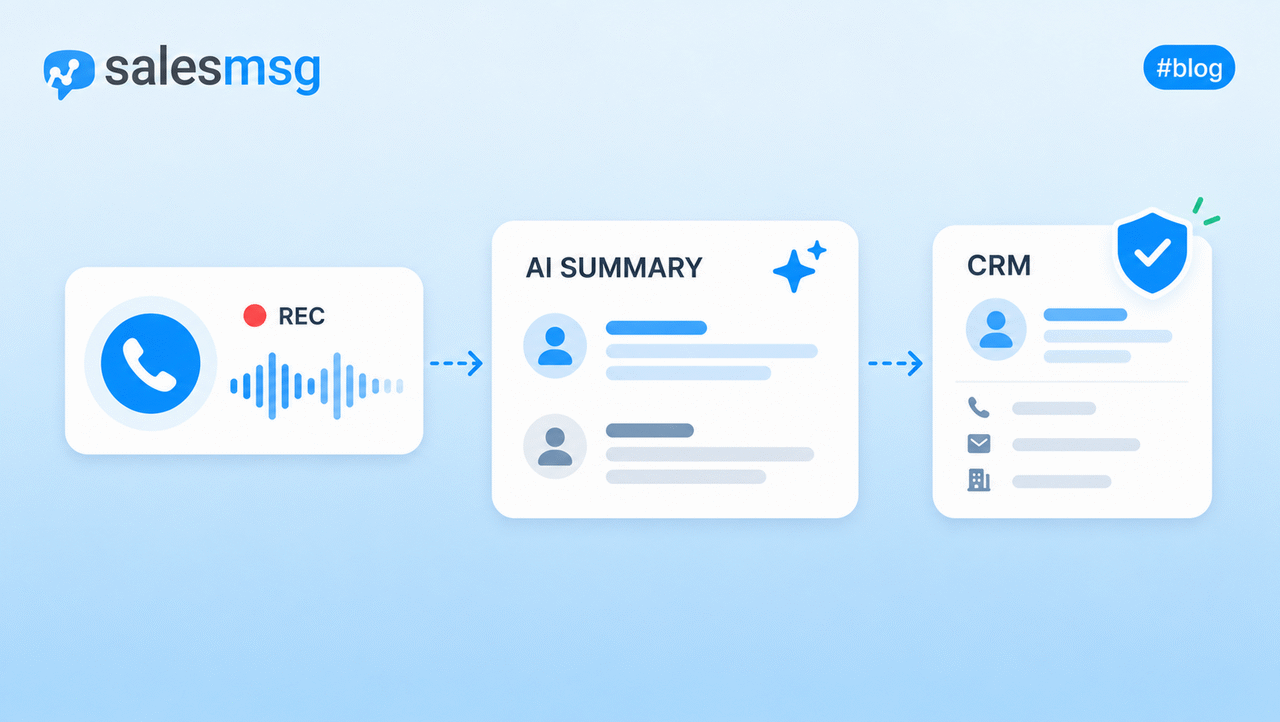
The whole conversation logs to the contact record automatically.
Your rep walks in Monday morning, opens HubSpot, and sees a qualified demo on the calendar with the full text thread already attached. Nobody logged the conversation by hand, nobody had to guess who texted the lead last, and no competitor got there first.
That's what running SMS campaigns inside your CRM actually looks like.
The same workflows your team already uses, just with texting built in.
SMS Campaigns Are Just the Start
Running a single campaign is easy. Running campaigns that compound is what separates the teams hitting quota from the teams chasing it.
The six steps in this guide get the first campaign out the door. The real change comes when those campaigns stop being one-off sends and start running from CRM activity, qualifying leads while your team sleeps, and feeding pipeline week after week without anyone manually sending a thing.
That's what the teams already doing this are getting. New leads texted in under a minute, deals revived before they slip, and renewal issues caught before they turn into churn.
If you're ready to run SMS campaigns that actually move pipeline, start your 14-day free trial of Salesmsg and see what campaigns look like inside the CRM your team already uses.
Frequently Asked Questions
What is an SMS campaign?
An SMS campaign is structured texting toward a specific business outcome. The structure is what makes it a campaign instead of a text.
You define who gets the message, what it says, when it sends, and how you'll know it worked. Without those four pieces, it's just a text someone sent.
How is an SMS campaign different from regular texting?
Regular texting is reactive. A rep sees a notification, types a reply, and moves on. A campaign is the opposite, where the work happens before anything is sent.
You're segmenting a list, writing copy in advance, picking a window, and deciding how you'll measure success.
The send itself takes 30 seconds. The thinking takes a few hours, which is what separates a campaign from a hundred reps texting whatever they feel like.
What do you need to run an SMS campaign legally?
The short version is documented consent, a registered number, and an opt-out path.
The longer version matters when something goes wrong. Save records of how each contact opted in, complete 10DLC registration before sending at volume, and make sure your platform processes STOP replies automatically.
If you ever get a TCPA complaint, the question won't be whether you followed the rules. It will be whether you can prove it.
How long should an SMS campaign message be?
Short, but not at the cost of clarity. The 160-character limit is technical, since anything over that gets billed as two messages.
The bigger reason to keep messages tight is attention.
A contact scanning their lock screen has roughly two seconds to decide whether to open your message. Long messages get the lock screen preview read and then ignored.
When is the best time to send an SMS campaign?
Mid-morning local time on a weekday is the default answer for B2B, but the real answer depends on who's on your list.
A campaign to operations leaders does well early. A campaign to founders does well after hours when their day quiets down. Test two send windows on the same audience, compare reply rates, and let the data decide. Most platforms will let you A/B this in a few clicks.
Can you automate SMS campaigns through a CRM?
Yes, and this is where most of the leverage comes from. Salesmsg connects natively to HubSpot, Salesforce, and other CRMs, so campaigns can trigger off any CRM event. A new lead created, a deal stage change, a contact going 90 days without activity.
36% of Salesmsg customers have SMS triggered directly from CRM workflows.