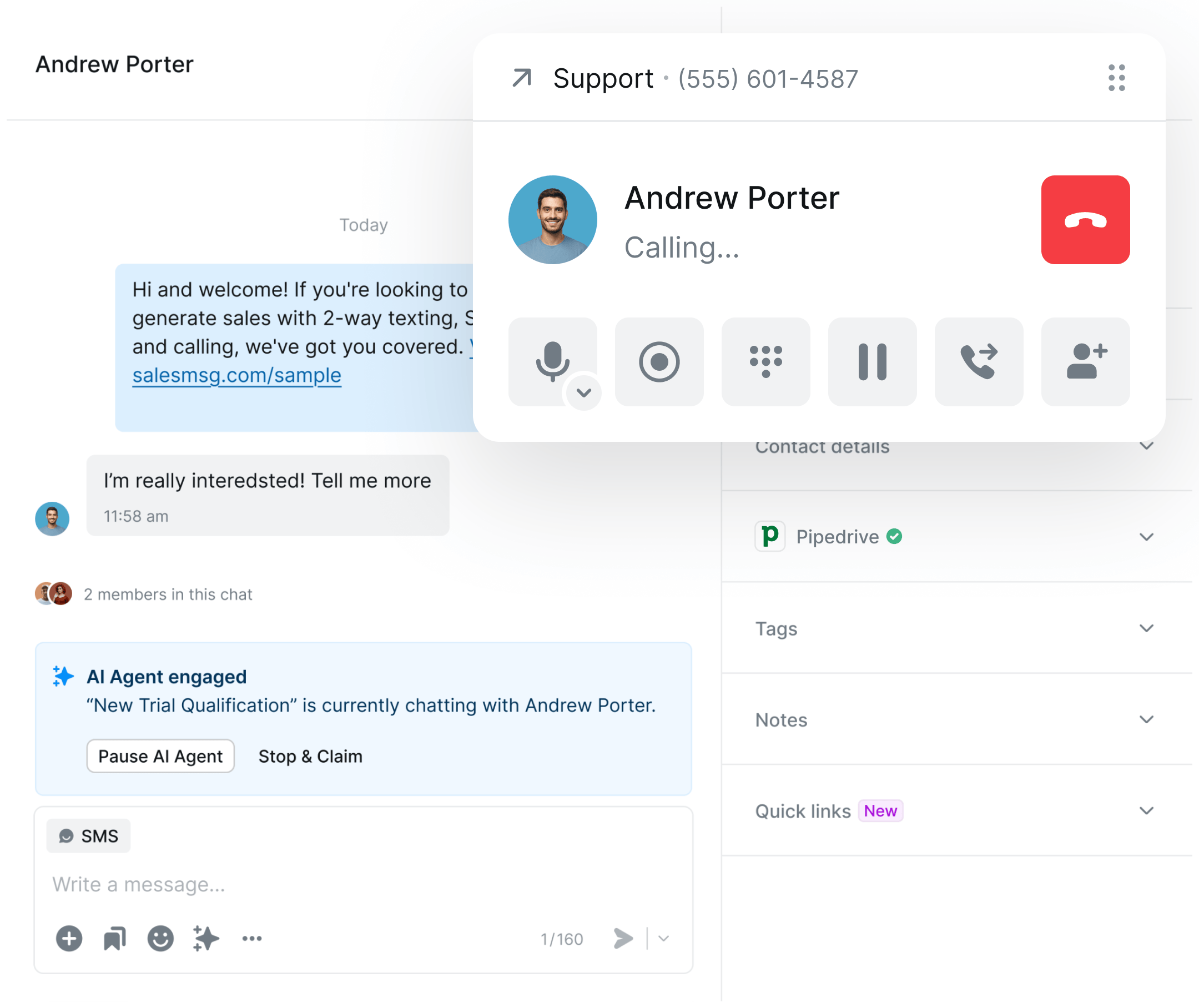
Pipedrive texting and calling, built right in.
Send SMS, make calls, and trigger automations directly from any Pipedrive deal or contact — every conversation logged automatically, no tab switching.

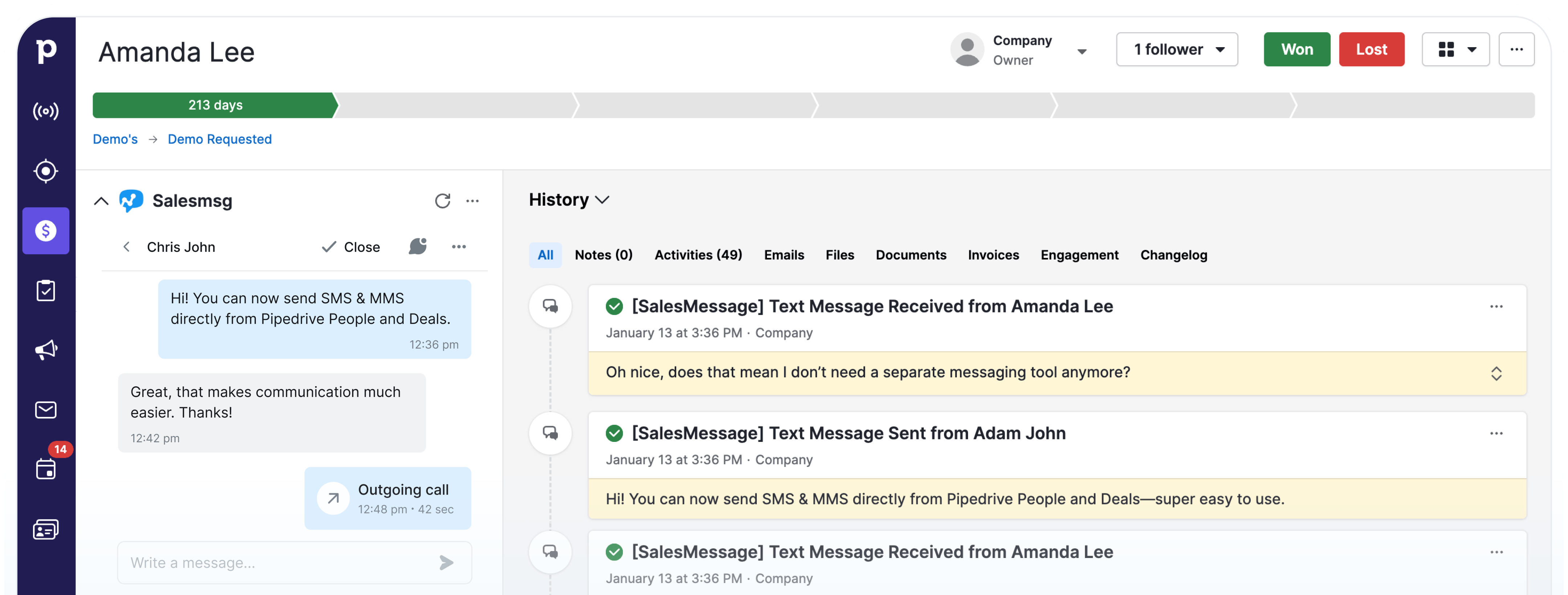

Text and call directly from Pipedrive People and Deal records. Every message logs to the timeline automatically.

Make and receive calls with full deal context. No switching between platforms or losing conversation history.

Trigger SMS messages when deals move stages, activities complete, or new leads enter your pipeline.

How Pipedrive Texting and Calling Integration Works
Text prospects within minutes of lead creation, follow up instantly when deals move stages, and keep every conversation logged to your pipeline without leaving Pipedrive.

Text Pipedrive Contacts Without Leaving the Deal
Send and receive SMS and MMS directly from the Pipedrive widget — no switching tabs, no copy-pasting numbers. Every conversation happens right where you're already working.

Send SMS and MMS from any Pipedrive People or Deal record

Receive replies instantly in the same widget thread

Attach images, files, and links without leaving Pipedrive
Keep Your Pipedrive Pipeline and Contacts in Sync
Sync contacts automatically between Pipedrive and Salesmsg in real time. Map custom fields, align user ownership, and make sure every conversation has full CRM context.

Real-time contact sync so Pipedrive data is always current
.svg)
Custom field mapping for personalized Pipedrive messages

User mapping to align rep ownership across both platforms

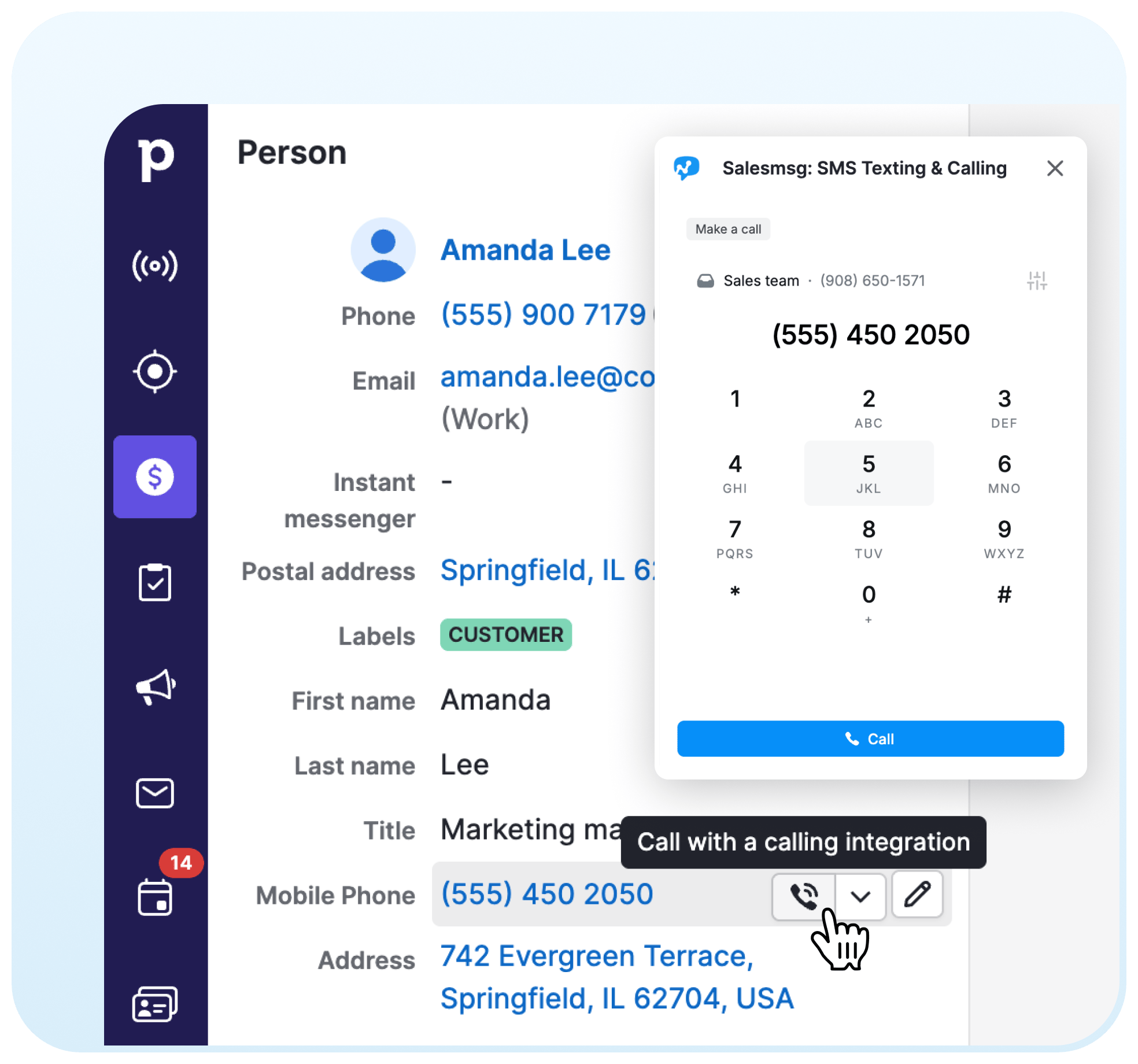
Call Pipedrive Contacts With Full Deal Context
Make and receive calls inside Pipedrive with full deal history and contact details at hand. Every call logs automatically to the Pipedrive timeline.

One-click calling from any Pipedrive contact or deal record

Inbound call routing to the right rep without leaving Pipedrive
.svg)
Call recordings and notes synced to Pipedrive CRM
Every Text and Call, Visible to the Whole Team
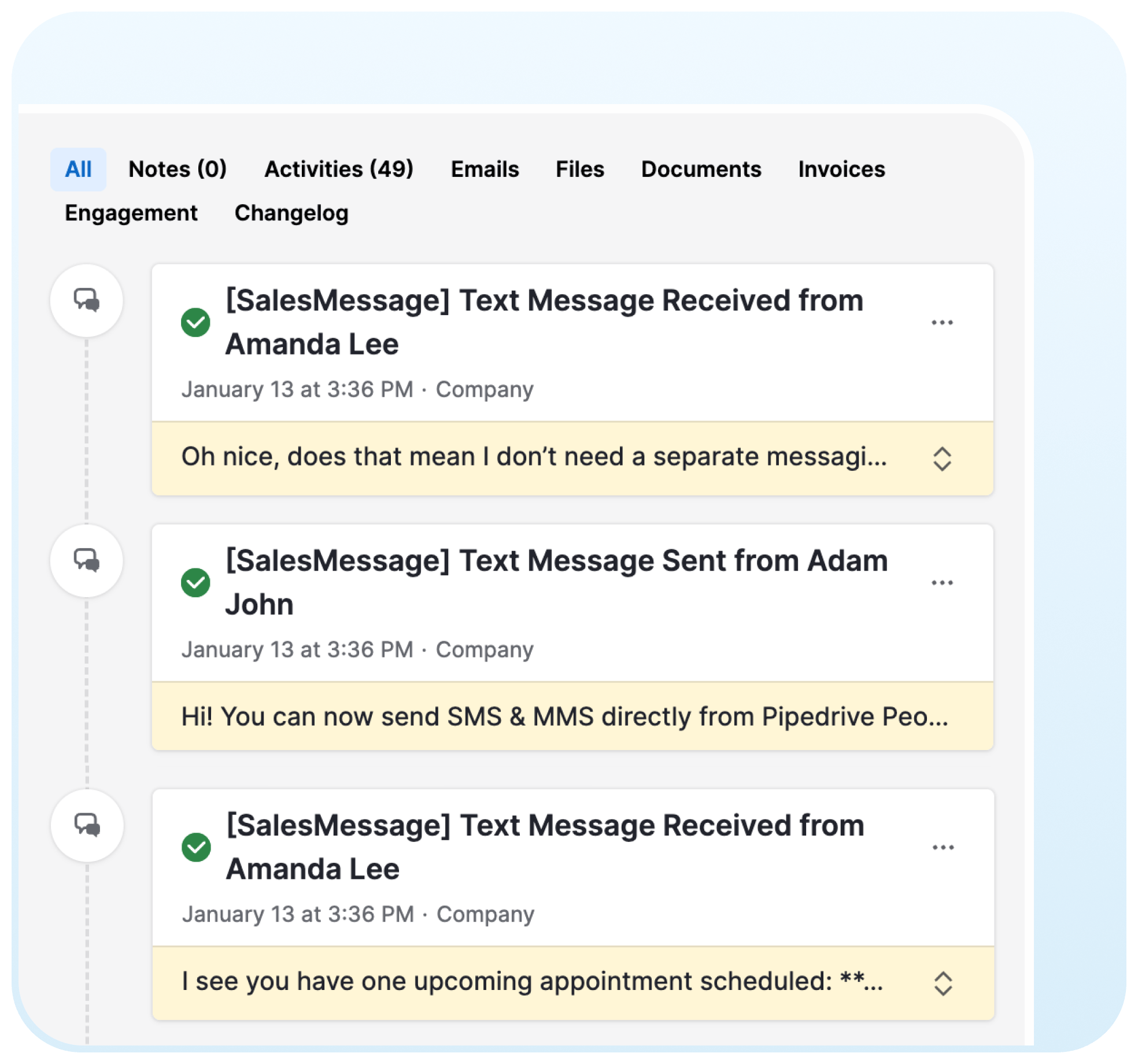
Every message and call syncs to the Pipedrive deal timeline automatically. This way anyone on your team can see the full conversation history and pick up where you left off.
Inbound and outbound messages logged to Pipedrive deal timelines

Full conversation context visible to every team member

No manual updates — activity logs to Pipedrive automatically
Trusted by some of the best companies in the world...







Brian Moran
CEO, CO-FOUNDER
Salesmsg tripled our sales in 60 days!
For my mother-in-laws dance studio, we tried everything: local ads, Instagram, Facebook ads, Yelp, even the Yellow Pages, but it wasn't until we started texting with Salesmsg that everything changed. We TRIPLED the business in less than 60 days!

What Pipedrive users say about Salesmsg






keep you compliant.
.svg)


Looking for more information about the Salesmsg SMS texting integration? We’ve shared some answers below to get you on your way efficiently and effectively!Got More Questions? Text “ASK” to (888) 409-2298
Pipedrive doesn't include native two-way SMS or calling without an external app. Salesmsg adds texting, calling, deal stage automations, and AI-powered messaging directly to Pipedrive — with every conversation logged to the deal timeline automatically.
Yes. The Salesmsg widget appears inside both Pipedrive People and Deal records. Send and receive SMS and MMS without leaving Pipedrive, and every message logs to the timeline automatically.
Yes, automatically. Every text, call, and voicemail is logged to the Pipedrive contact and deal timeline with full content, timestamp, and rep details. Nothing requires manual entry.
Yes, via Zapier. You can set up automations that fire SMS messages when deals move stages, when activities complete, or when new leads enter your pipeline.
No. The Organization Owner connects the integration once and it works for all team members automatically, with user mapping to keep rep ownership aligned.
TextUs is SMS-only — no calling, no voicemail drop, no AI messaging tools. Salesmsg covers the full stack: two-way SMS, calling, deal stage automations, and AI-powered messaging, all logged to the same Pipedrive deal record.
Yes. Salesmsg includes full TCPA, HIPAA, and 10DLC compliance tools — opt-out management, consent tracking, and a complete audit trail for every conversation.
Search for Salesmsg in the Pipedrive Marketplace or install directly at pipedrive.com/en/marketplace/app/salesmsg-sms-texting-calling/ab32a49af8e68c49.