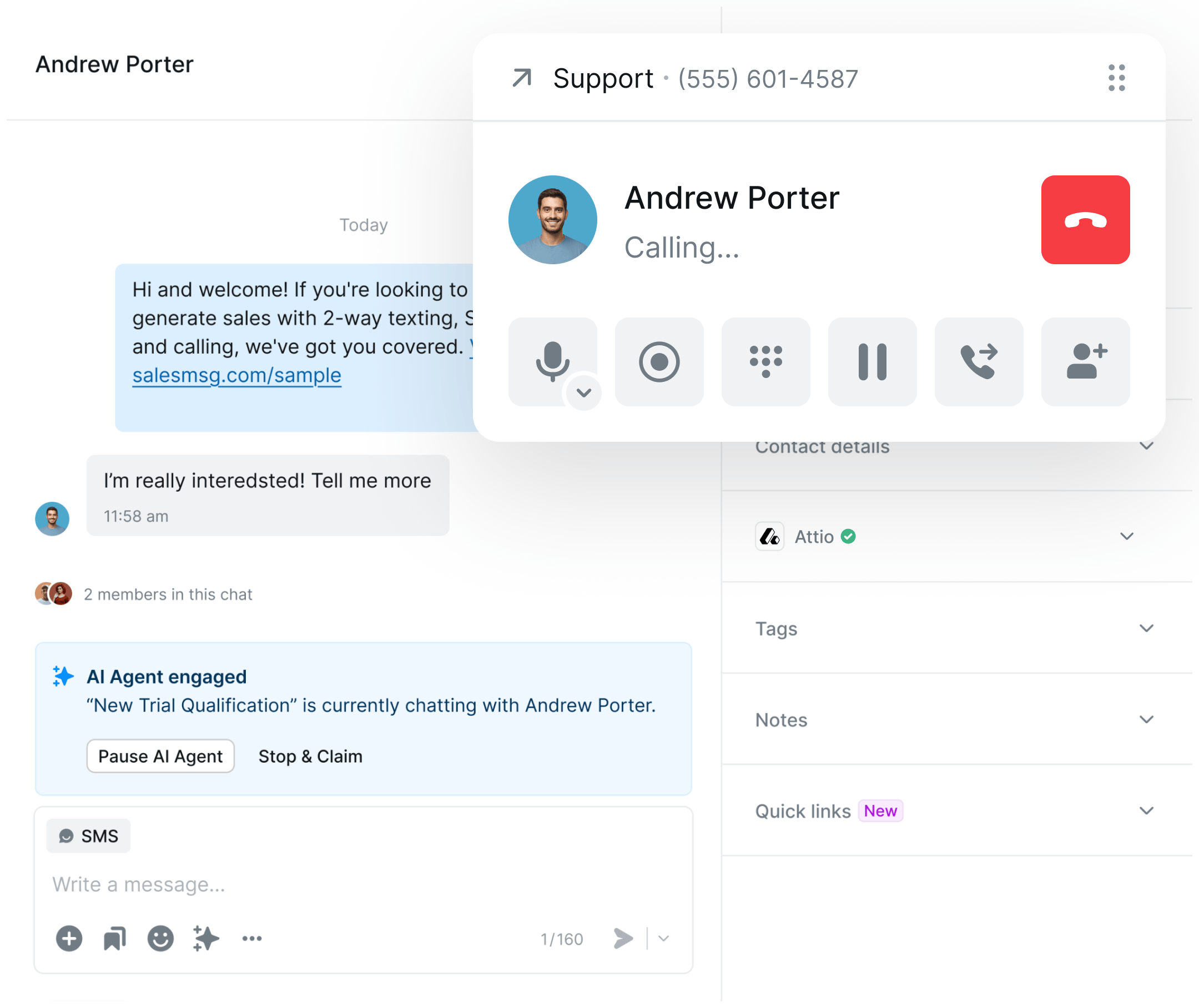
Connect Salesmsg with Attio in seconds to sync contacts automatically and enable SMS conversations for your CRM. Empower your sales team with two-way texting capabilities while maintaining complete visibility of customer communications.

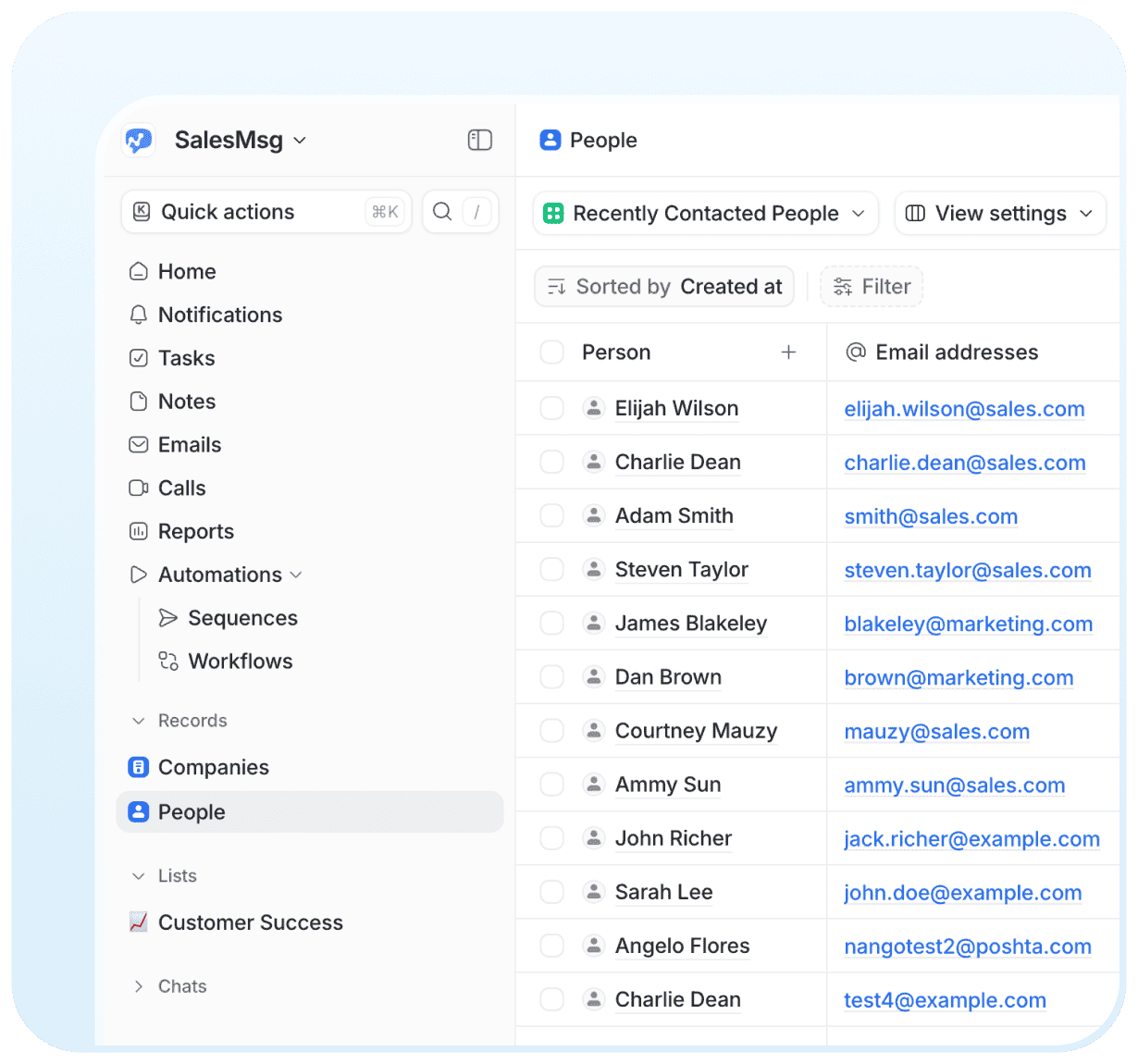
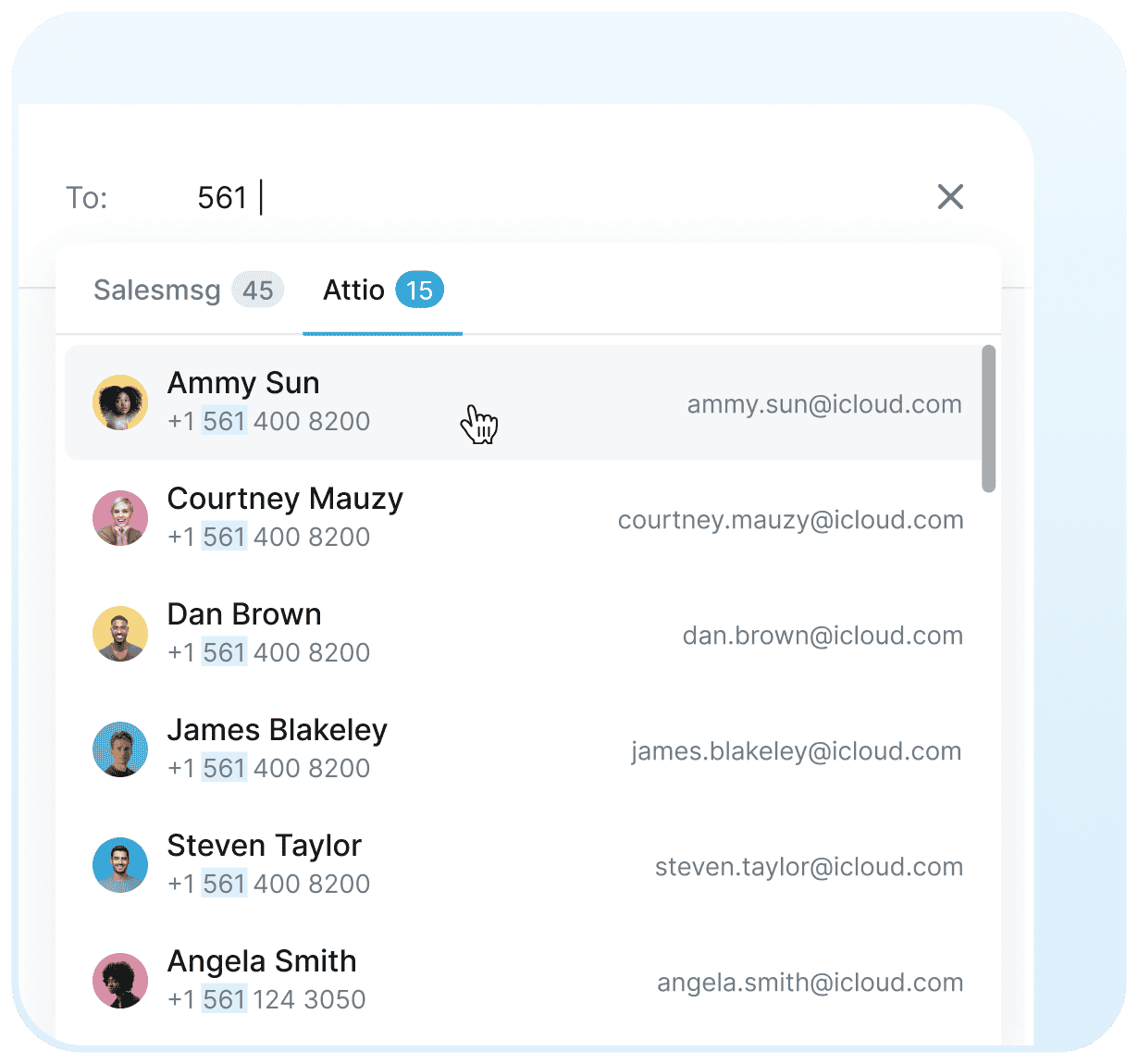
Bidirectional contact sync keeps customer data updated across Attio and Salesmsg in real-time.

Connect your Attio account from the Salesmsg App Marketplace in seconds – no technical expertise required.

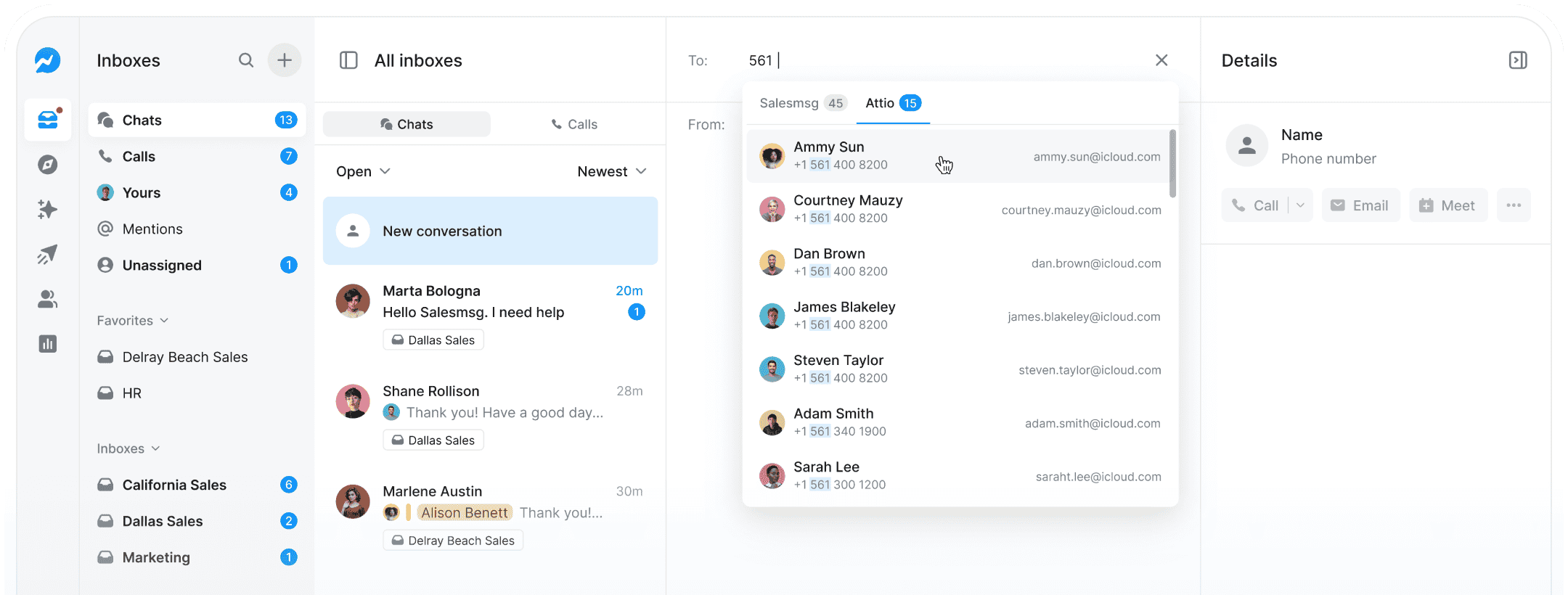
Send and receive SMS messages from Salesmsg while keeping all conversations synced to your Attio contacts.

Streamline sales communication by managing all your SMS conversations in Salesmsg while automatically syncing contact details with Attio. Respond to customers faster and give your sales team complete visibility into every customer interaction.




Trusted by some of the best companies in the world...






CEO, CO-FOUNDER
For my mother-in-laws dance studio, we tried everything: local ads, Instagram, Facebook ads, Yelp, even the Yellow Pages, but it wasn't until we started texting with Salesmsg that everything changed. We TRIPLED the business in less than 60 days!








.svg)


Looking for more information about the Salesmsg and Attio integration? We've shared some answers below to get you on your way efficiently and effectively! Got More Questions? Text “ASK” to (888) 409-2298
Navigate to the Salesmsg App Marketplace, find the Attio integration, and click to connect. You'll be prompted to log into your Attio account and grant permissions. Once connected, contact syncing begins automatically.
The integration syncs first name, last name, phone number, and email address bidirectionally. When you update a contact in either platform, the changes automatically reflect in the other system.
Yes! Once integrated, you can message your Attio contacts directly from Salesmsg. All conversations are logged in the contact's record in Attio, giving you complete visibility of customer communications.
No. The integration intelligently matches contacts based on phone number and email to prevent duplicates. If a contact exists in both systems, it will sync updates rather than create new records.