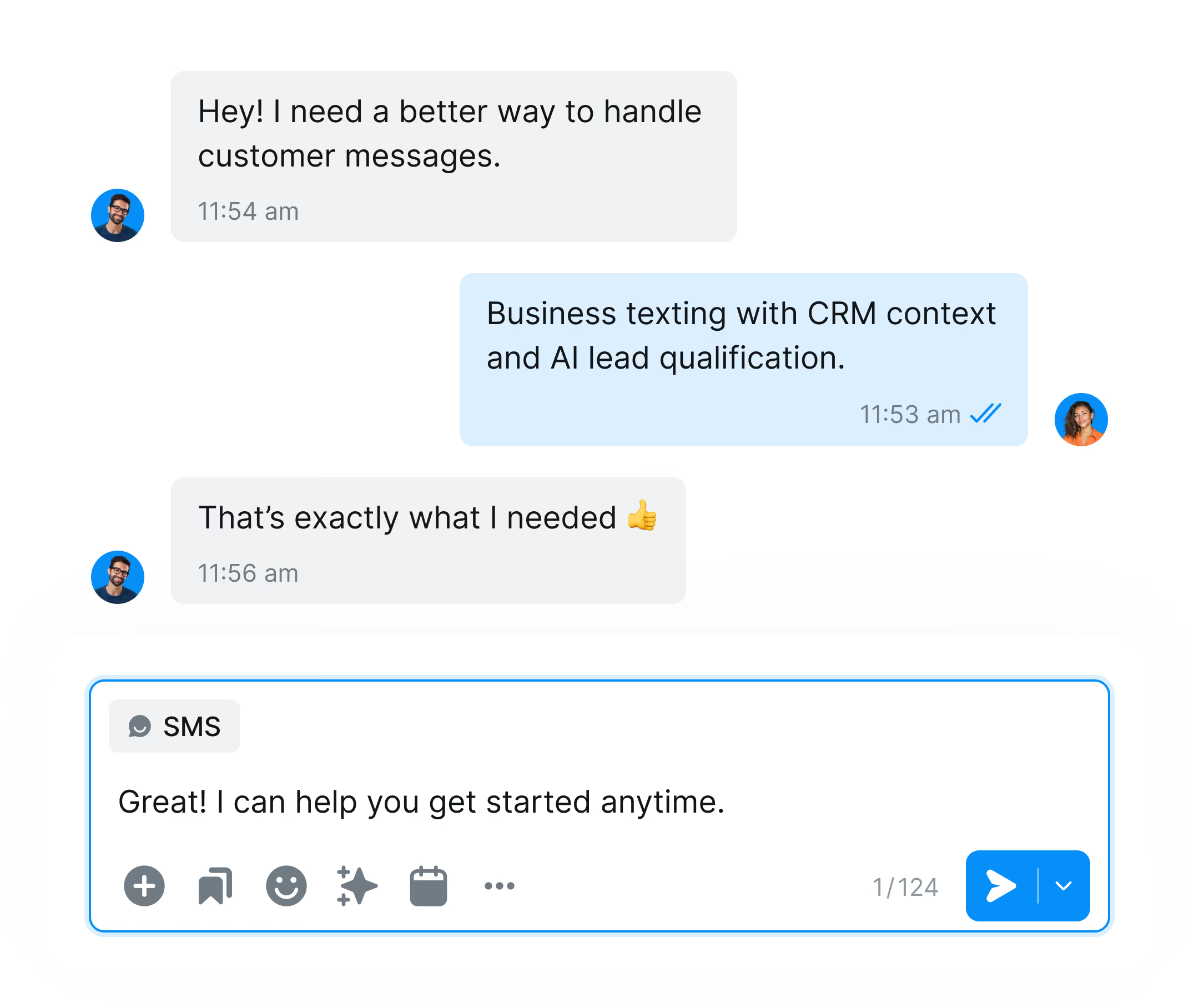

A Monday.com automation fires, Salesmsg sends the text. If the contact replies, it lands in your shared inbox so your team can respond in real time, not just fire and forget.

When a column value changes on a board, like a status moving to "Ready for follow-up," trigger an SMS to the contact automatically.

When an item sits without movement, text the contact from your Salesmsg number, or call them directly, without leaving your board.








Looking for more information about the Salesmsg and Monday.com integration? We've shared some answers below to get you on your way efficiently and effectively! Got More Questions?
Text "ASK" to (888) 409-2298
Salesmsg provides a native webhook URL that you add as an action inside a Monday.com automation recipe. When the item event fires, Monday.com sends the update to Salesmsg, and Salesmsg sends an SMS to the phone number on the item. No middleware required.
No. This is a direct webhook integration. You add the Salesmsg webhook URL inside a Monday.com automation and you're live.
A few minutes. Copy the Salesmsg webhook URL, add it as the final step in a Monday.com automation recipe, and SMS starts sending automatically from that recipe.
Any event Monday.com can send through an automation webhook. New item created, column value changed (like a status update), and item moved to a group, verified against Monday.com's own webhook trigger list.
Yes. Any column value on the item, like name, phone number, or status, can go into the SMS.
Yes. Every SMS this integration sends, triggered messages and replies, goes out from the Salesmsg number you already use.
Salesmsg handles TCPA compliance, opt-outs, and 10DLC registration on our side. You still need SMS consent for the contacts on your boards.
No. The webhook integration is included with every Salesmsg plan. Standard SMS sending rates apply based on your plan.